Key takeaways
- A skill is a SKILL.md file of instructions Claude loads when a task matches, while a plugin is a package that can hold skills, connectors, commands, subagents and hooks.
- Connectors use MCP to give Claude access to other apps and work on every plan, with one custom connector on the Free plan.
- Chat loads only a plugin's skills, commands and remote connectors; Cowork adds agents and hooks, and Claude Code loads every component.
The short answer to Claude plugins vs skills: a skill is one set of instructions Claude follows for a task, and a plugin is a package that can hold several skills plus connectors, commands, subagents and hooks, installed as one unit. A connector is the piece that reaches an outside service, such as Slack or Notion, through the Model Context Protocol (MCP). Subagents are helpers Claude hands part of a job to, and they only run in Cowork and Claude Code.
Anthropic's help center says plugins, skills and connectors now share one Plugins page in Claude on the web and in the desktop app, so a skill and a connector both show up as cards in the same list. Underneath, they are still different things that do different jobs. This comparison is based on Anthropic's own docs and help center articles, read on November 26, 2026.
Claude plugins vs skills vs connectors at a glance
| Skill | Connector (MCP) | Plugin | Subagent | |
|---|---|---|---|---|
| What it is | A folder with a SKILL.md file of instructions, plus optional scripts and reference files |
A link to an outside app or data source over MCP | A bundle of skills, connectors, commands, subagents and hooks | A separate Claude with its own context window, prompt and tools |
| What it adds | Know-how: how to do a task your way | Access: data and actions in another service | Several of the others at once, installed and updated together | Delegation: a side task done out of the main chat |
| Chat (web, desktop, mobile) | Yes | Yes | Yes, skills, commands and remote connectors only | No |
| Cowork | Yes | Yes | Yes, including agents and hooks | Yes, through plugins |
| Claude Code | Yes | Yes | Yes, every component | Yes |
| API | Yes, with the code execution tool | Yes, through the MCP connector (beta) | Through the Agent SDK, from a local folder | Through the Agent SDK |
| Plans (consumer apps) | Free, Pro, Max, Ultra, Team, Enterprise; needs code execution on | All plans; Free gets one custom connector | Plugins page on all plans; directory plugins from Pro up | Comes with Cowork or Claude Code |
The plan rows come from Anthropic's help center as of November 26, 2026. Team plans get the new combined Plugins page in a rollout that starts November 30, and Enterprise "in the coming weeks."
What a skill is
A skill is a folder with a SKILL.md file in it. The file starts with a short header, a name and a description, and then has the instructions Claude follows. It can also carry scripts, templates and reference files.
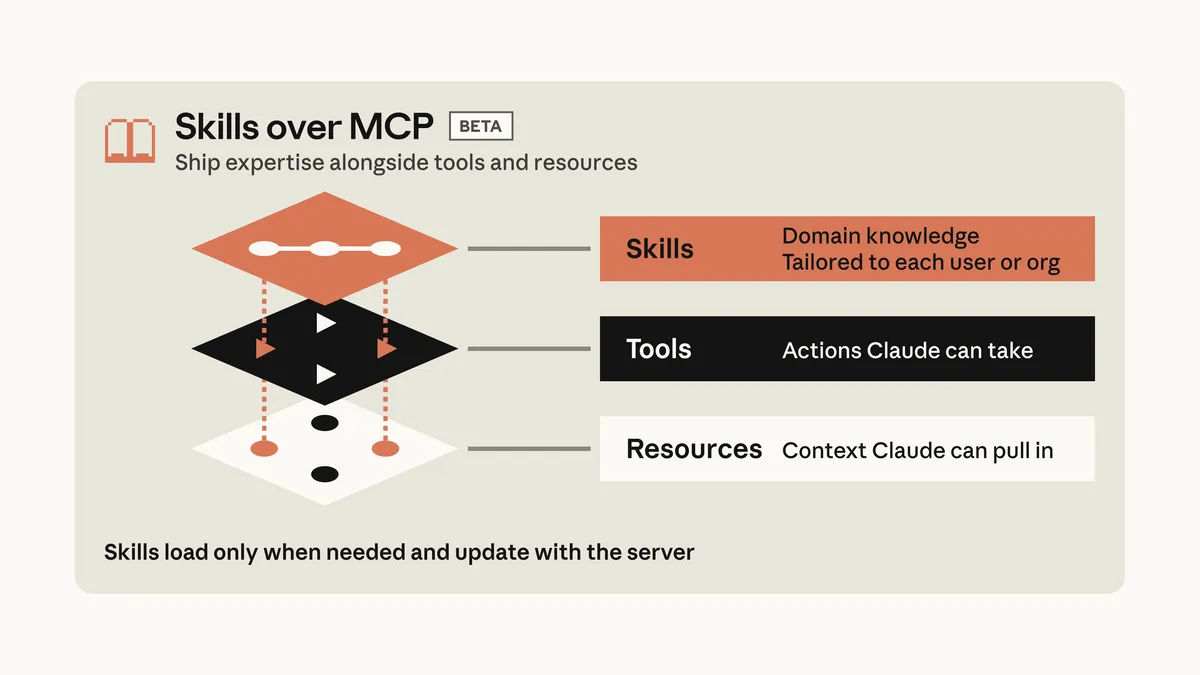
What makes skills cheap is how they load. The Agent Skills overview on Anthropic's developer platform describes three levels:
- The name and description are always in context, about 100 tokens per skill.
- The body of
SKILL.mdloads only when a request matches the description. The docs put this level at under 5,000 tokens. - Extra files load only when Claude reads them, and scripts run without their code entering the context. Only the output does.
Anthropic ships four ready-made skills for Excel, Word, PowerPoint and PDF, which Claude uses on its own when you ask for those files. You can write your own and upload them as a ZIP in the apps, put them in ~/.claude/skills/ or a project's .claude/skills/ in Claude Code, or upload them through the Skills API.
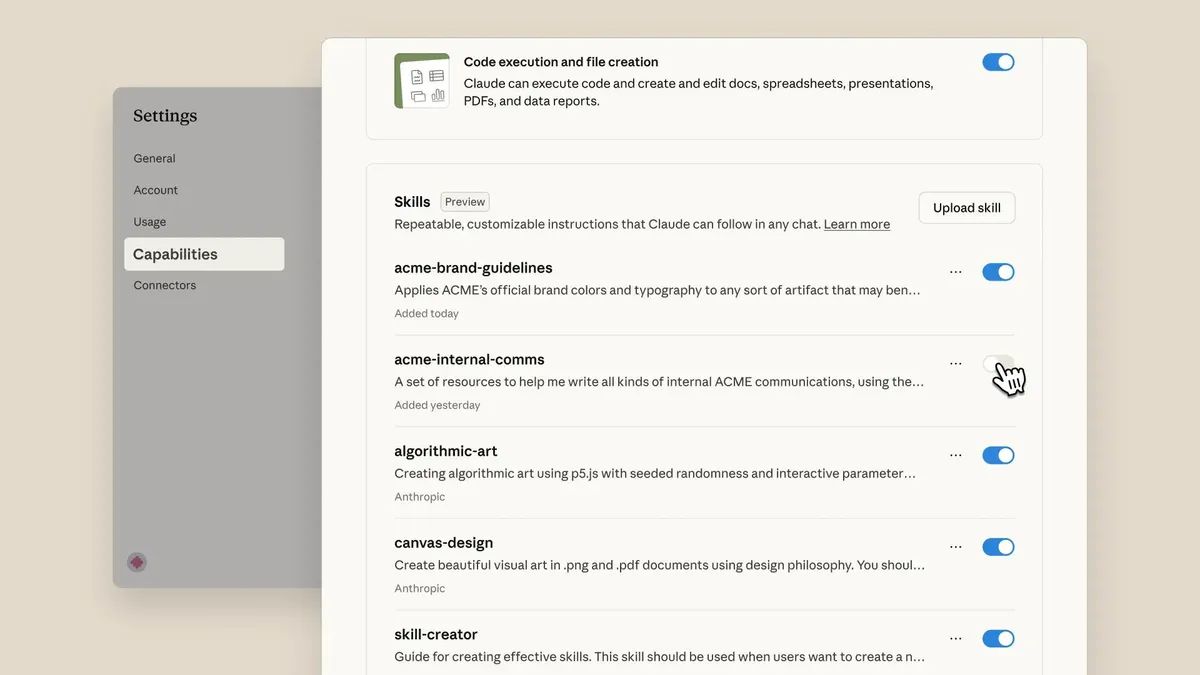
Skills need a place to run code. In the apps, the help center says you must turn on "Code execution and file creation" first. On the API, skills run inside the code execution tool's container, which has no network access. In Claude Code, a skill has the same network access as any program on your computer.
Our guide to using a skill in Claude walks through turning one on in each app.
What a connector is
A connector gives Claude access to another service. In the help center's words, connectors "let Claude access your apps and services, retrieve your data, and take actions within connected services."
Connectors are built on MCP, an open protocol for plugging tools and data into AI apps. Claude's directory has ready-made ones, and you can add a custom connector by pasting the address of a remote MCP server. Claude uses your own permissions in the connected service, so it can't see what you couldn't.
The connectors help article lists them on every plan, in chat, Cowork, the desktop and mobile apps, Claude Code, and on the API through the MCP connector. Free accounts can add one custom connector. On Team and Enterprise plans an Owner has to enable a connector for the organization before members sign in to it. Custom connectors reach your server from Anthropic's cloud, so the server must be on the public internet.
The difference from a skill is simple. A skill tells Claude how to do something. A connector lets Claude reach something. A skill that writes your weekly sales report still needs a connector to read the numbers from your CRM.
Our guide to Claude connectors covers adding, using and removing them.
What a plugin is
A plugin is a package. Anthropic's plugin docs for the apps say a plugin "packages skills, MCP connectors, and commands and agents so you can add them to Claude as one unit." The Claude Code version adds hooks, commands that run at set points such as after every edit, and a few Claude Code only parts like language servers and themes.
On disk it is a folder with a manifest at .claude-plugin/plugin.json and subfolders such as skills/, agents/ and hooks/, plus a .mcp.json for its MCP servers. Plugins come from marketplaces, which are Git repositories that list plugins, from Anthropic's reviewed directory, or as an uploaded ZIP.
The catch is that each place loads a different part of the same plugin. Anthropic's platform support table shows it:
- Chat loads skills and commands, and lists remote connectors for you to connect. It ignores agents and hooks.
- Cowork also runs the agents and hooks, and local MCP servers when the session runs on your computer.
- Claude Code loads everything, including executables, language servers, output styles and settings.
Two other details from the docs are worth knowing. Installing a plugin doesn't sign you in to its connectors: you connect each one from the plugin's Connectors tab. And removing a plugin that bundled a connector doesn't disconnect that connector; you do that separately.
Directory plugins are on Pro, Max, Ultra, Team and Enterprise plans. A plugin installed on your claude.ai account also shows up in Claude Code as a synced plugin the next time you start a session with the same account, but one installed from the Claude Code command line stays on that machine.
For the steps, see our guide on how to install Claude plugins.
What a subagent is
A subagent is a second Claude that the main one delegates to. The Claude Code docs define subagents as "specialized AI assistants that handle specific types of tasks." Each one runs in its own context window with its own system prompt, its own list of allowed tools and, if you choose, a cheaper model.
A subagent can read a pile of files, run the tests and return a short summary, and none of that clutter lands in your chat. Claude Code ships with built-in ones such as Explore, a read-only agent for searching a codebase, and Plan. You can write your own as Markdown files in .claude/agents/, or get them inside a plugin.
Subagents work in Claude Code and, through plugins, in Cowork. Chat ignores them.
Skills vs subagents
People mix these two up because both are Markdown files with a name and a description. The docs draw the line this way: use a skill for "reusable prompts or workflows that run in the main conversation context," and a subagent when a task "produces verbose output you don't need in your main context" or when you want to limit its tools.
In Claude Code the two can combine. A skill with context: fork in its header runs inside a fresh subagent instead of the main chat.
Which one to use
- You keep pasting the same instructions, such as a house style, a report format or a review checklist. Write a skill.
- Claude needs data or actions from another app. Add a connector.
- You want a finished setup from someone else, or need to hand your team several skills and connectors at once with updates. Install or build a plugin.
- A side task floods the chat with logs and search results, or needs locked-down tools. Use a subagent, in Claude Code or Cowork.
- You build on the API. Skills go in the request's container with the code execution tool, and MCP servers go through the MCP connector. Plugins and subagents come through the Claude Agent SDK, which loads plugins from a local folder.
A plugin is not a better skill. Anthropic's Claude Code docs say skills, subagents, hooks and MCP servers "all work on their own, without a plugin," and that you need a plugin when you want several of them "packaged as one unit." One skill on its own is fine as a skill.
Admin and safety notes
Plugins inherit the skills switch. From November 30, 2026, if an organization on a Team or Enterprise plan has Skills turned off, plugins are blocked in Claude Desktop too, matching how Claude on the web and Claude Code already behave. Owners who want plugins must turn on code execution and Skills.
Every one of these can run code or reach data as you. Anthropic's docs tell users to install skills and plugins only from sources they trust and to read the bundled files first. Anthropic reviews plugins in its directory, but that review doesn't cover a plugin added from a marketplace URL or uploaded by hand. The help center also warns that a HIPAA business associate agreement does not cover connectors, plugins or skills.
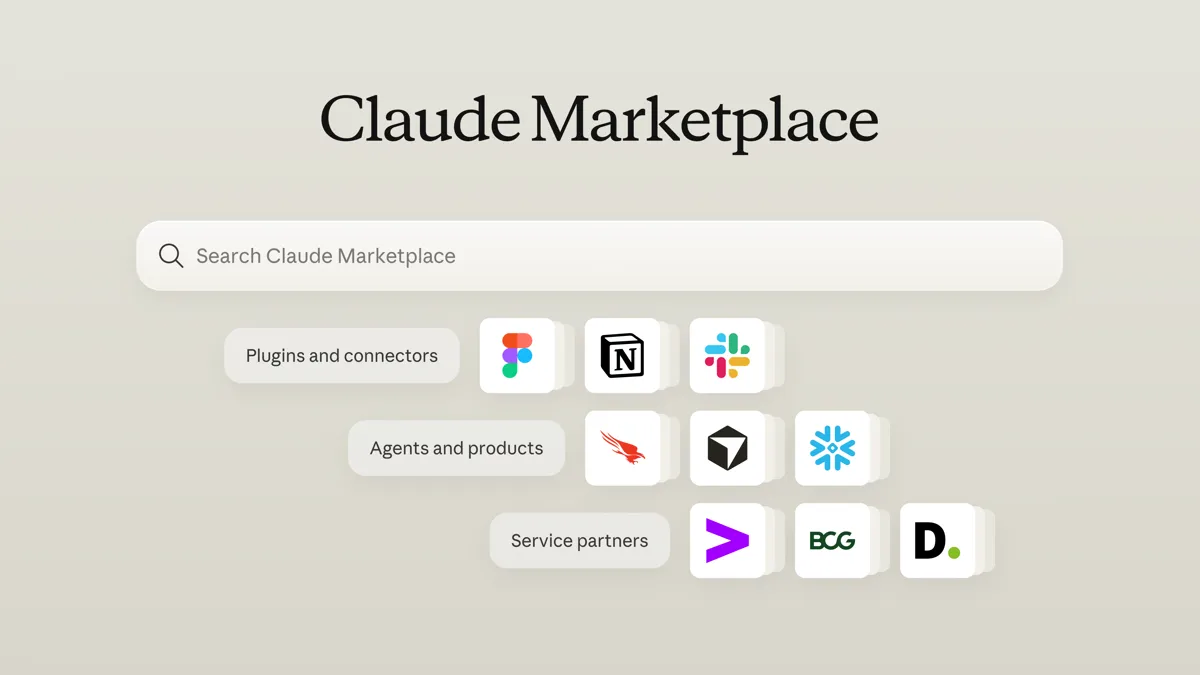
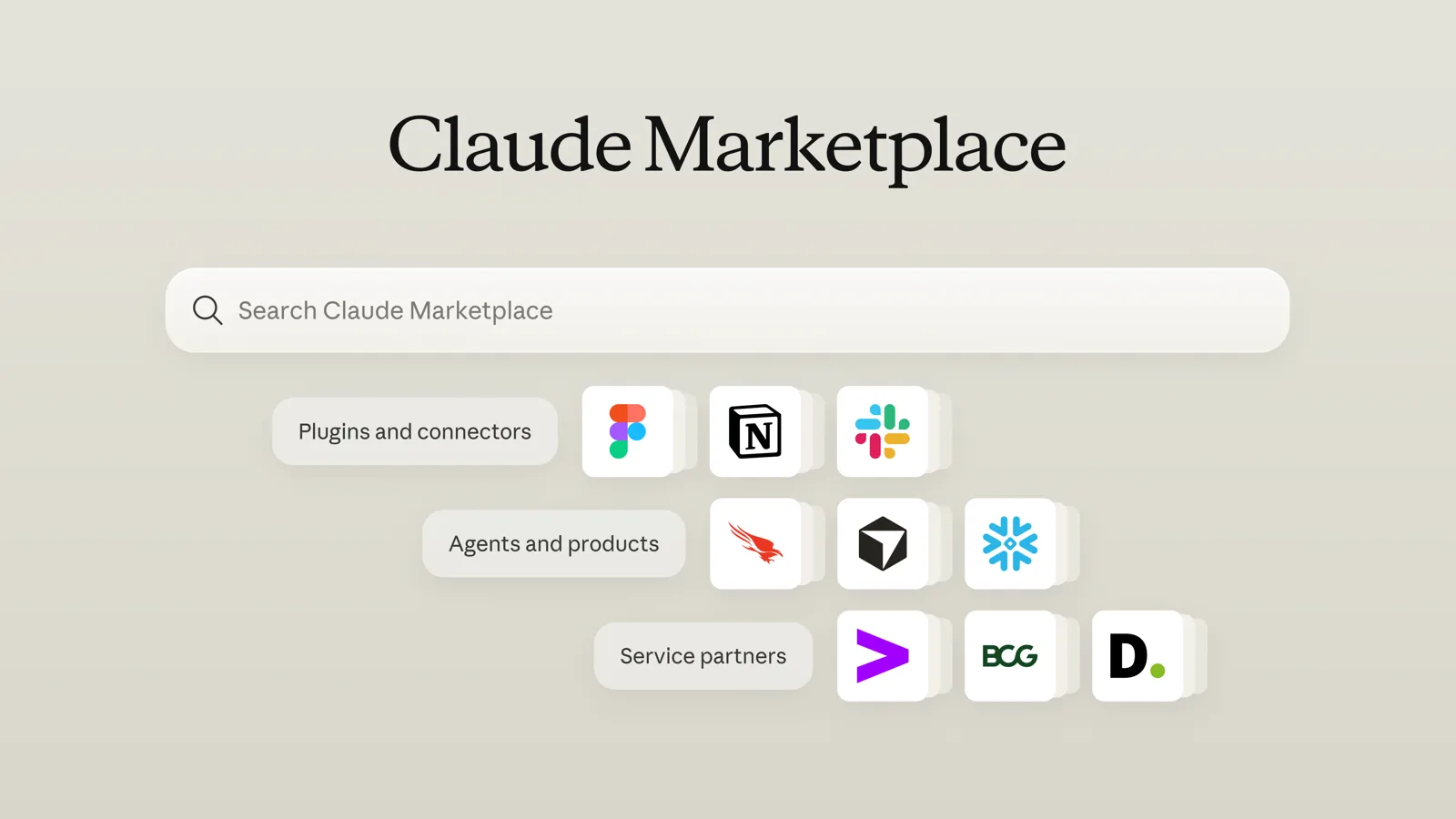
Finally, two things called "marketplace" are not the same. A plugin marketplace is a Git repository you add in Claude Code or the apps. Claude Marketplace, launched on September 23, 2026, is Anthropic's website for browsing plugins, connectors, partner products and service partners.
Frequently asked questions
Are Claude plugins the same as skills?
No. A skill is one set of instructions, and a plugin is a package that can contain several skills along with connectors, commands, subagents and hooks. Since November 2026 both appear on the same Plugins page in the Claude apps, and skills work as plugins there.
What is the difference between Claude plugins and connectors?
A connector links Claude to one outside service over MCP, such as Google Drive or Jira. A plugin can bundle connectors with skills that use them, but installing a plugin doesn't connect its connectors; you sign in to each one from the plugin's Connectors tab.
What is the difference between skills and MCP?
Skills give Claude instructions and scripts for doing a task, and MCP gives Claude tools and data from another system. Many setups use both: a skill describes the workflow and an MCP connector supplies the data.
Do Claude plugins include agents?
They can. A plugin's agents folder defines subagents that Claude can delegate work to, but only Cowork and Claude Code load them; chat on the web, desktop and mobile ignores them.
Sources
- Manage plugins, skills, and connectors from one Plugins pageAnthropic
- Use skills in ClaudeAnthropic
- Use connectors to extend Claude's capabilitiesAnthropic
- PluginsAnthropic
- Plugin feature support across platformsAnthropic
- Plugins overview (Claude Code)Anthropic
- Extend Claude with skills (Claude Code)Anthropic
- Create custom subagents (Claude Code)Anthropic
- Agent Skills overviewAnthropic
- MCP connectorAnthropic
- Plugins in the SDKAnthropic
- Introducing Claude MarketplaceAnthropic