Key takeaways
- In the Claude app and Cowork, plugins install from Discover on the Plugins page, formerly called Customize, and are saved to your account.
- In Claude Code, /plugin install <name>@claude-plugins-official opens a plugin's details so you can pick user, project or local scope.
- Anthropic's help center lists plugins for paid plans only: Pro, Max, Ultra, Team and Enterprise.
How to install Claude plugins depends on where you use Claude. In the Claude app or Cowork, open the Plugins page in the sidebar (called Customize until recently), go to Discover, pick a plugin and select Add. In Claude Code, run /plugin install <name>@claude-plugins-official in a session, or claude plugin install from your shell. Anthropic's help center says plugins are available on all paid plans: Pro, Max, Ultra, Team and Enterprise.
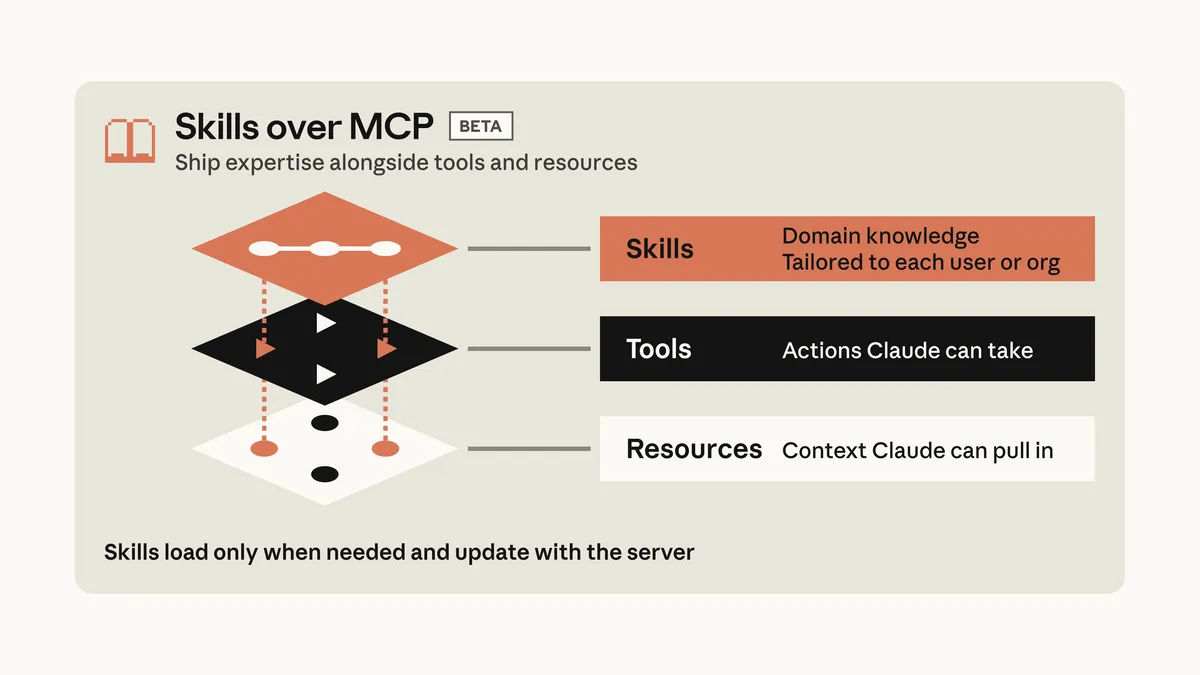
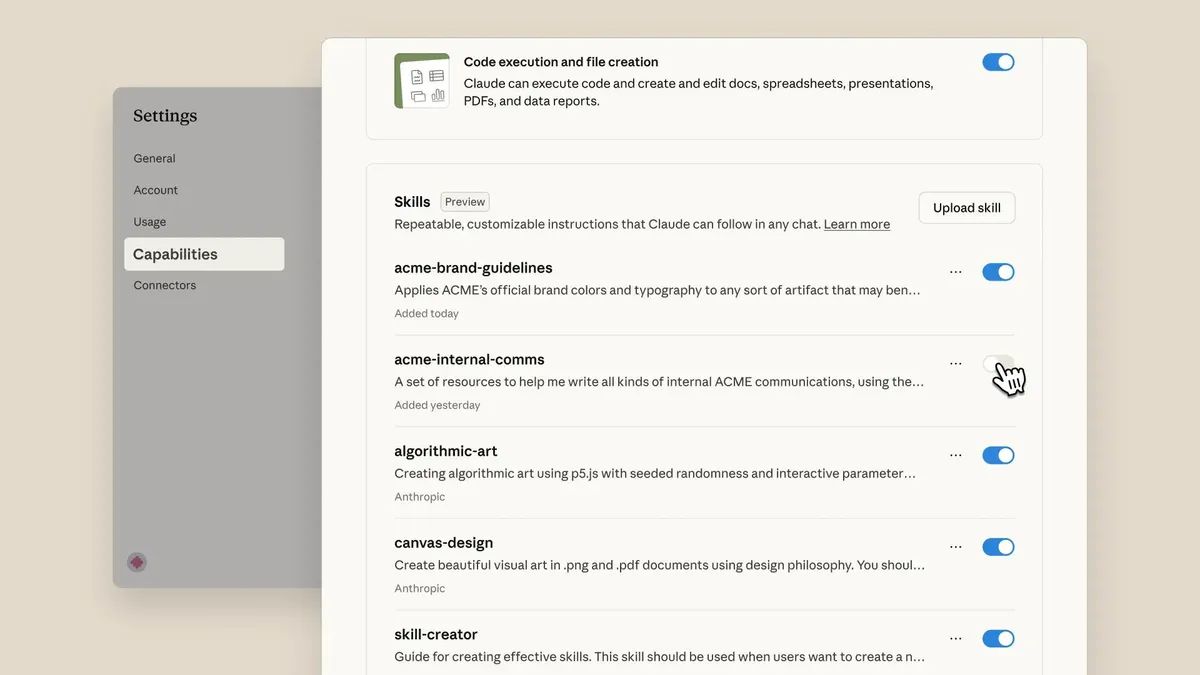
A plugin is a package. It bundles skills, connectors (MCP servers that reach outside tools), commands and agents, so you add them in one step instead of one by one. If you're unsure which one you need, our Claude plugins vs skills comparison explains the difference.
This guide covers both places you install them: the Claude apps (web, desktop and Cowork), and Claude Code. Every step comes from Anthropic's docs and help center, as of November 26, 2026.
Which plans can use Claude plugins
| Plan | Plugins in chat and Cowork | Plugins in Claude Code |
|---|---|---|
| Free | Not listed by the help center | No, Claude Code isn't on the Free plan |
| Pro, Max, Ultra | Yes | Yes |
| Team, Enterprise | Yes, within what an Owner allows | Yes, within what an admin allows |
The plugins help article lists only paid plans. Free accounts do have the new Plugins page, and the pricing page lists skills and connectors on Free, but the plugin directory under Discover shows up on Pro, Max, Ultra, Team and Enterprise, according to the docs. Cowork itself is also paid-only.
One install covers every app. A plugin you add in the Claude app is saved to your account, so it also appears in Cowork and syncs to Claude Code. The reverse isn't true: a plugin you install from the Claude Code command line stays on that machine.
How to install Claude plugins in the Claude app and Cowork
Anthropic merged the separate Skills, Connectors and Plugins tabs into one page. Per the help center, the sidebar item formerly called Customize is now called Plugins on Free, Pro, Max and Ultra plans. The change reaches Team plans starting November 30, 2026, and Enterprise in the weeks after. Some docs still say Customize > Plugins; it's the same page.
- Open Plugins (or Customize, then Plugins) in the left sidebar on claude.ai or in the Claude desktop app. In Cowork, open the Cowork tab first.
- Select Discover. It lists plugins from Anthropic's marketplaces, the directory, and any your organization provides. Public ones are labeled Verified or Community.
- Select a plugin to see what it contains, then select Add (Cowork's guide calls this button Install).
- Open the plugin's Connectors tab. Adding a plugin doesn't sign you in to anything. Each connector shows Connected, Not connected (connect it here) or Not added (add it, then connect it).
The plugin's skills work right away, even before you connect anything. A skill that needs a connector's service can't reach it until that connector shows Connected.
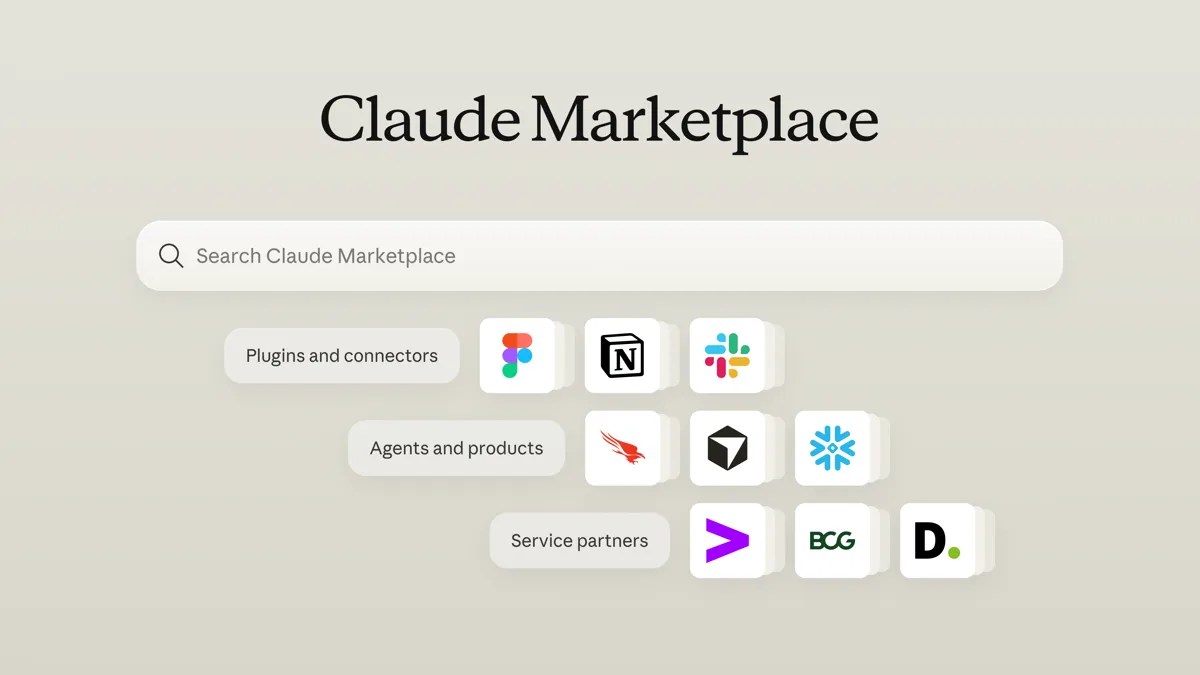
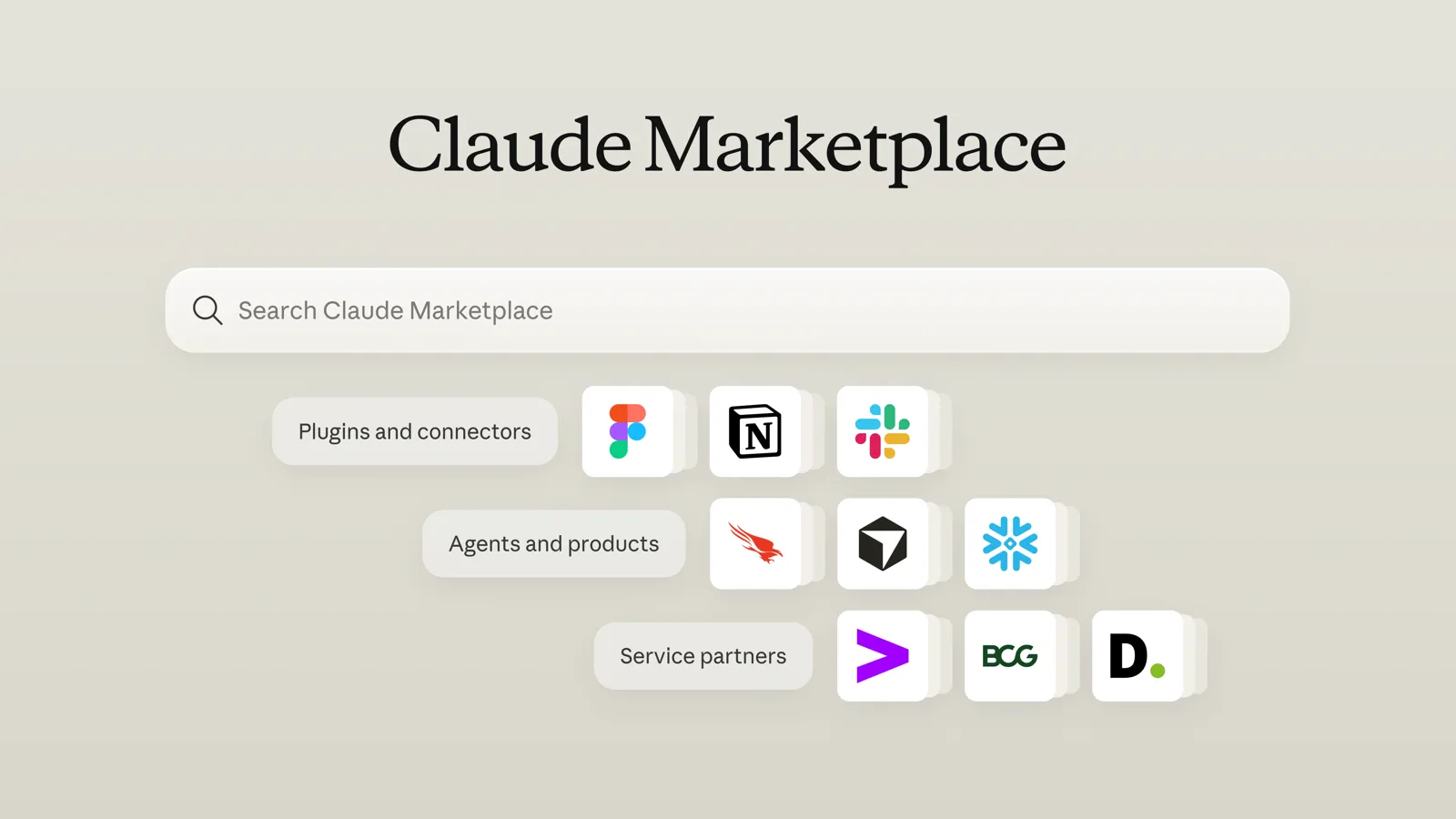
You can also find plugins on the web at Claude Marketplace, which Anthropic launched on September 23, 2026 with more than 2,000 connectors and plugins. Its Claude Code button copies the shell install command.
Add a plugin from a marketplace or a file
The Add menu on the Plugins page has two more ways in, per the docs:
- Add > Add marketplace: enter a Git repository, such as
https://github.com/your-org/your-pluginsor theowner/reposhorthand. GitHub and GitHub Enterprise work, as do public GitLab and Bitbucket repositories. For a private GitHub repository, connect your GitHub account and give the Claude GitHub App access when the dialog asks. - Add > Upload plugin: upload a
.zipor.pluginfile. The archive must hold one.claude-plugin/plugin.json.
Anthropic reviews plugins in its directory. It doesn't review ones you add from a marketplace URL or upload, so add those only from sources you trust. In Cowork and Claude Code, a plugin's hooks, agents and local connectors can run commands on your computer.
How to use a plugin after you add it
- Chat: describe the task and Claude loads the matching skill, or type
/in the message box, then the plugin's name, and pick a skill. - Cowork: type
/plugin-name:command, or describe the task. Cowork also runs a plugin's agents and hooks, which chat ignores. - Claude Code: type
/plugin-name:skill-name.
How to install Claude Code plugins
Claude Code adds Anthropic's official marketplace, claude-plugins-official, the first time you start an interactive terminal session. These steps follow the Claude Code install guide, using its example plugin commit-commands.
- Start Claude Code in your project:
claude
- Run the install command. In a session, it opens the plugin's details instead of installing at once:
/plugin install commit-commands@claude-plugins-official
To browse instead, run /plugin on its own. It opens on the Discover tab, where you can type to search.
- Read the Will install list. It shows the commands, agents, skills, hooks and MCP servers the plugin adds.
- Pick a scope:
- User scope: you get it in every project on this machine.
- Project scope: it's turned on for everyone in this repository, through
.claude/settings.json. - Local scope: you get it in this repository only.
- Read the last line of the install summary.
Plugin is now active.means you're done.Run /reload-plugins to apply.means run/reload-plugins. - Type
/and look for/commit-commands:commit. That confirms it works.
To install from your shell without opening a session, for example in a setup script:
claude plugin install commit-commands@claude-plugins-official
That installs at user scope. Add --scope project or --scope local to change it.
The desktop app's Code tab has its own route: click + next to the prompt box and select Add plugins. In VS Code, type /plugins in the Claude Code panel to open Manage plugins.
Add other marketplaces in Claude Code
A plugin outside the official marketplace needs its marketplace added first. Anthropic's community marketplace, for example, isn't registered by default:
/plugin marketplace add anthropics/claude-plugins-community
/plugin install <plugin>@claude-community
The same command takes any GitHub owner/repo, a full Git URL, a local path starting with ./, or a URL to a hosted marketplace.json. Anthropic doesn't review third-party marketplaces, so check what a plugin runs before you install it.
How to update Claude plugins
In the Claude app and Cowork, plugins from a marketplace or the directory update on their own, with nothing to accept. For a marketplace you added yourself, open its menu and select Check for updates, or turn on Sync automatically for a github.com repository.
In Claude Code, auto-update is on by default for claude-plugins-official and off for the community and third-party marketplaces. To update now:
claude plugin update commit-commands@claude-plugins-official
Or open the plugin on the Installed tab of /plugin and select Update now. There's no command that updates every plugin at once. To update all the plugins from one marketplace, select it on the Marketplaces tab and choose Update marketplace. After an update, run /reload-plugins or restart.
How to turn off or remove a plugin
In the Claude app and Cowork, open the plugin and turn off its Disable plugin toggle to pause it. To remove it, open the plugin, open its menu and select Remove. Removing a plugin doesn't disconnect its connectors, so disconnect those separately under the plugin's Connectors tab if you want them gone.
In Claude Code, use the Installed tab of /plugin, where Space turns a plugin on or off, or the shell commands:
claude plugin disable commit-commands@claude-plugins-official
claude plugin uninstall commit-commands@claude-plugins-official
You can't remove a plugin your organization marks as required.
Claude plugins not showing: common problems and fixes
- No plugins under Discover. On the Free plan, the directory doesn't appear. On Team and Enterprise, an Owner chooses which sources members see and may have removed the directory.
- A plugin from the app doesn't show in Claude Code. Sync needs Claude Code v2.1.273 or later and a sign-in with the same claude.ai account. It doesn't happen when Claude Code runs on an API key or a cloud provider such as Amazon Bedrock. Run
/loginto sync right away, then/reload-plugins. /pluginisn't recognized. It only works inside a Claude Code session. In your shell, useclaude plugin install.claude -p, the Agent SDK and the VS Code panel reply/plugin isn't available in this environment.- Installed but nothing happens. Check the plugin is enabled on the Installed tab, read the Errors tab, and run
/reload-plugins. Marketplace "claude-plugins-official" not found. Add it with/plugin marketplace add anthropics/claude-plugins-official.- A repository is refused. Your organization may restrict which marketplaces you can add. Ask an Owner.
- Agents or hooks greyed out in chat. That's expected. Chat loads only skills, commands and connectors. Use Cowork or Claude Code for the rest.
The troubleshooting page lists the full set of Claude Code error messages with fixes.
Limits to know
In the Claude app and Cowork, you can add up to 25 marketplaces of your own. Each plugin can hold up to 5,000 files and 200 MB, which is also the largest file Upload plugin accepts, per the docs. Claude Code has no account limits, because its installs are per machine. On Enterprise plans using Anthropic's HIPAA configuration, the BAA doesn't cover plugins, skills or connectors, so keep health data out of them.
Frequently asked questions
Can I use Claude plugins on the free plan?
Anthropic's help center lists plugins for paid plans only: Pro, Max, Ultra, Team and Enterprise. The plugin directory under Discover doesn't appear on Free, and Claude Code isn't included in the Free plan.
How do I use a Claude plugin after installing it?
In chat, describe the task or type / and pick one of the plugin's skills. In Cowork, type /plugin-name:command, and in Claude Code, type /plugin-name:skill-name.
How do I update a Claude plugin?
In the app and Cowork, plugins from a marketplace or the directory update on their own, and Check for updates pulls the latest from a marketplace you added. In Claude Code, run claude plugin update <plugin>@<marketplace> or select Update now on the Installed tab of /plugin, then run /reload-plugins.
Why are my Claude plugins not showing in Claude Code?
Plugins sync from your claude.ai account only on Claude Code v2.1.273 or later, signed in with the same account, and not when Claude Code uses an API key or a cloud provider. Run /login to sync, then /reload-plugins.
Sources
- Use plugins in ClaudeAnthropic
- Manage plugins, skills, and connectors from one Plugins pageAnthropic
- PluginsAnthropic
- Install plugins (Cowork)Anthropic
- Plugin feature support across platformsAnthropic
- Install and manage pluginsAnthropic
- Anthropic's marketplacesAnthropic
- Troubleshoot pluginsAnthropic
- Introducing Claude MarketplaceAnthropic
- Get started with CoworkAnthropic
- Claude pricingAnthropic