Key takeaways
- Microsoft Autopilot is an always-on Copilot agent that works on goals in the background across Teams, Outlook and the Copilot app.
- It began rolling out to Frontier customers on November 17, 2026, and was called Scout until September.
- It is billed by usage in Copilot Credits on top of a Copilot license, and it is unrelated to Windows Autopilot, the PC setup service.
Microsoft Autopilot is an always-on agent inside Microsoft Copilot that keeps working on your goals when you aren't there. Microsoft began rolling it out to Frontier customers at Ignite on November 17, 2026. It is a different product from Windows Autopilot, the Intune service that has set up new work PCs for years.
The shared name confuses a lot of searches. If you are trying to get a new laptop ready for an employee, you want Windows Autopilot, covered further down. If you heard about an AI agent that answers emails and runs projects, that is the new Autopilot.
What Microsoft Autopilot does
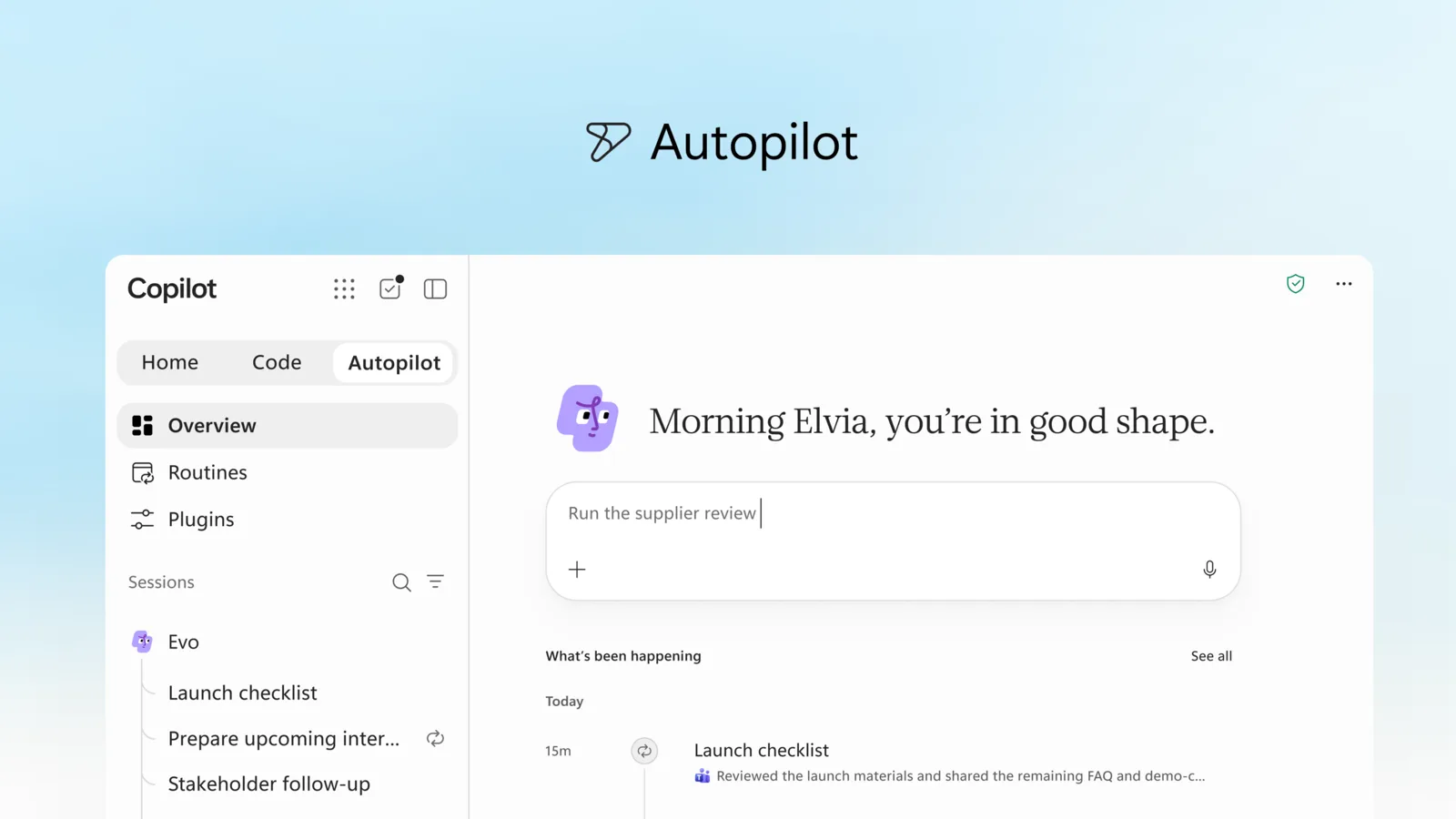
On its product page, Microsoft calls Autopilot an "always-on, cloud-based personal agent." Most Copilot features wait for a prompt. Autopilot doesn't. You give it a name, a role and a goal, such as keeping a product launch on track, and it works through the steps over days or weeks.
Microsoft's examples:
- It watches Teams channels, follows up on email threads and runs recurring work.
- It tracks open commitments and prepares material before you ask for it.
- It can run a whole supplier review: build the schedule and the plan, prepare the meetings, and chase stakeholders for updates.
- It learns your priorities and working style and carries that context from one project to the next.
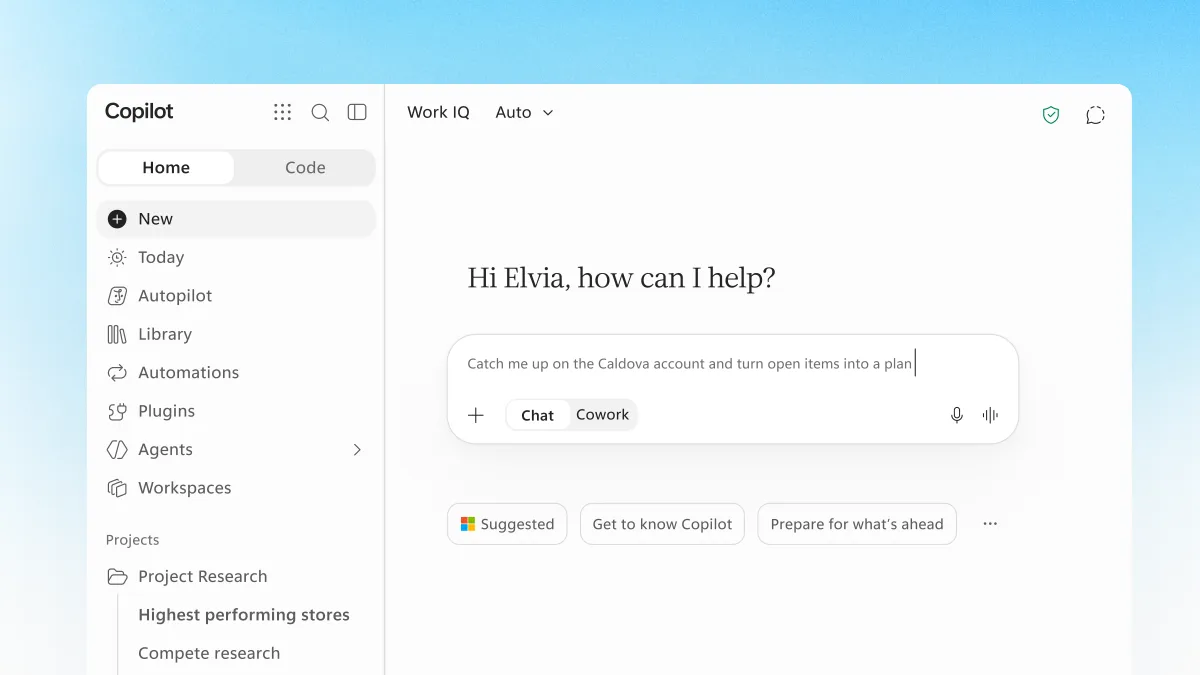
You set it up in the Copilot app. After that you can message it there, @mention it in Teams, Outlook, chats, channels and documents, or add it to a Teams meeting. According to the product page, it starts by reading the last 30 days of email, meetings, chats and files you already have access to, without sending or changing anything.
It runs in the cloud, so it keeps going when your laptop is closed. Microsoft says each Autopilot runs in your company's tenant with its own identity, memory and tools, and uses Work IQ, Microsoft's layer for understanding how an organization works, within your existing permissions.
How Autopilot differs from Copilot Chat and Cowork
Microsoft now sells Copilot as several modes, and the product page draws the lines this way:
| Mode | What it is for |
|---|---|
| Copilot Chat | Quick answers and drafts while you work |
| Cowork | One multi-step task, done from start to finish |
| Autopilot | Ongoing work that doesn't end with one task, running in the background |
Microsoft's own phrase is that Autopilot brings you "decisions, not notifications." For a closer look at the first two, see our comparison of Copilot and Cowork.
Autopilot used to be called Scout
Autopilot is not brand new. Microsoft introduced it on June 2, 2026 as Microsoft Scout, an experimental "always-on personal agent" for a small group of private preview customers. That post said Scout was powered by OpenClaw, an open-source agent project, and that setup needed Frontier enrollment, an Intune policy and a GitHub Copilot license.
On September 25, Microsoft rebuilt the Copilot app around three parts, Home, Code and Autopilot, and renamed Scout to Autopilot. The Scout post now carries a banner saying "Microsoft Scout is now Autopilot." Ignite is where it moved from private preview to the wider Frontier rollout.
Who can get Microsoft Autopilot
Right now, only organizations in Microsoft's Frontier program, its early-access track for preview AI features. As of November 17, 2026:
- The product page says eligible customers need Microsoft Copilot, Agent 365 and a usage-based billing policy.
- Business users in Frontier need a Microsoft 365 Copilot license, and their organization has to have opted in.
- An admin turns Autopilot on in the Microsoft 365 admin center. Users then set up their own in the Copilot app.
Microsoft has not given a date for general availability. Every Microsoft page about Autopilot describes it as a work product that runs in a company tenant. Microsoft has not said whether it will come to Microsoft 365 Personal or Family.
Is Microsoft Autopilot free
No. Autopilot is not covered by the Copilot seat license. Microsoft's business pricing page lists it with Cowork, Copilot Code and the Work IQ API as an "advanced experience" billed by usage in Copilot Credits. The September announcement says the same: Cowork, Code and Autopilot "all run on UBB," Microsoft's shorthand for usage-based billing.
What that means in practice, as of November 17, 2026:
| Cost item | What Microsoft publishes |
|---|---|
| Microsoft 365 Copilot Business add-on | From $18.00 per user a month, paid yearly (a promotion until December 31, 2026; normally $21.00) |
| Copilot Credits | Sold in packs of 25,000 for $200 a month, or pay as you go |
| Credits used by Autopilot | Not published |
| Final Autopilot pricing | "Will be shared before general availability" |
So you pay for the Copilot license, then for whatever work Autopilot does on top of it. Microsoft has not said how many credits a typical task uses, which makes the monthly bill hard to predict. Admins can see usage and set budgets in Cost Management in the Microsoft 365 admin center.
Controls for IT
Because the agent acts without being asked, Microsoft puts weight on oversight. According to the Ignite post, each Autopilot gets its own Microsoft Entra Agent ID and a named manager. Its sign-ins and actions are logged under its own name, IT can limit what it can reach or block it at any time, and users can make it check with them before important actions. Agent 365, Microsoft's console for managing agents, shows how Autopilot is used and what it can access.
Microsoft Autopilot vs Windows Autopilot
These are two unrelated products that share a name.
| Autopilot in Copilot | Windows Autopilot | |
|---|---|---|
| What it is | An AI agent that works on goals in the background | A service that sets up and resets Windows PCs |
| Who uses it | Employees, with admin approval | IT departments |
| Where it runs | Copilot app, Teams, Outlook | During a new PC's first-run setup, through Intune or another device manager |
| Launched | June 2026 as Scout, renamed in September 2026 | Years earlier, part of Microsoft's device management tools |
| What you need | Frontier, a Copilot license, usage-based billing | A subscription with Entra ID and Intune, such as Microsoft 365 Business Premium or E3 |
Windows Autopilot takes a PC with Windows already installed by the manufacturer and turns it into a work-ready machine: it joins the device to Microsoft Entra ID, enrolls it in Intune, installs apps and applies policies. The employee only connects to a network and signs in. It can also reset a device for a new user. Its licensing page lists the plans that include it, among them Microsoft 365 Business Premium, E3, E5, F1, F3 and Intune with Entra ID P1 or P2. It has nothing to do with the Copilot agent.
What to watch
Microsoft says final pricing and packaging will come before general availability. That is the number most companies will wait for, since a background agent that runs around the clock on usage billing can cost far more than a chat seat. Ignite runs until November 20; see our guide to Ignite 2026 for the schedule.
Frequently asked questions
Is Microsoft Autopilot free?
No. Microsoft bills Autopilot by usage in Copilot Credits, on top of a Copilot license. Final pricing will be shared before general availability.
Is Microsoft Autopilot the same as Windows Autopilot?
No. Autopilot in Copilot is an AI agent that works on tasks for employees. Windows Autopilot is an Intune-based service IT departments use to set up and reset Windows PCs.
What is Microsoft Autopilot Scout?
Scout was the original name. Microsoft introduced Scout on June 2, 2026, as an experimental always-on agent and renamed it Autopilot on September 25, 2026.
How much does Microsoft Autopilot cost?
Microsoft has not published a per-task or per-agent price. Copilot Credits are sold in packs of 25,000 for $200 a month, but Microsoft hasn't said how many credits Autopilot uses.
Sources
- Copilot at Microsoft Ignite: Expanding what's possible with intelligence built for workMicrosoft
- AutopilotMicrosoft
- Introducing the new Copilot with Home, Code and AutopilotMicrosoft
- Introducing Microsoft Scout, your always-on personal agentMicrosoft
- Ignite 2026: Building the frontier ecosystemMicrosoft
- Microsoft Copilot business pricingMicrosoft
- Copilot Studio pricingMicrosoft
- Frontier programMicrosoft
- Overview of Windows AutopilotMicrosoft Learn
- Windows Autopilot requirementsMicrosoft Learn