Key takeaways
- The free Copilot app and Microsoft 365 Personal, Family and Premium are for personal Microsoft accounts and run under consumer privacy terms.
- Microsoft 365 Copilot costs $30 per user per month paid yearly for enterprises as of November 18, 2026, and grounds answers in your work email, files and meetings.
- Microsoft 365 Copilot Chat is free with eligible work plans and has enterprise data protection, but answers from the web and from content you supply.
Copilot vs Microsoft 365 Copilot comes down to which account you sign in with. The free Microsoft Copilot app, and the Copilot built into Microsoft 365 Personal, Family and Premium, is for people using a personal Microsoft account. Microsoft 365 Copilot is the paid work licence, $30 per user per month for enterprises as of November 18, 2026, and it is the only one that reads your company's email, files and meetings on its own.
Between the two sits Microsoft 365 Copilot Chat, a free work version that comes with eligible Microsoft 365 business plans. Most confusion starts there, and with Microsoft's naming: its docs now say "The Microsoft 365 Copilot app is now called Microsoft Copilot", the same name as the consumer app.
Copilot vs Microsoft 365 Copilot at a glance
Prices are US list prices as of November 18, 2026.
| Copilot (personal account) | Microsoft 365 Copilot Chat | Microsoft 365 Copilot | |
|---|---|---|---|
| Price | Free with limited usage. Microsoft 365 Personal $9.99 a month, Family $12.99, Premium $19.99 | No extra cost with an eligible Microsoft 365 work plan | $30 per user per month paid yearly (enterprise); $18 promotional or $21 paid yearly as a Business add-on |
| Who it's for | Individuals and households | Employees whose company hasn't bought Copilot licences | Organizations that want Copilot to work with their own data |
| Sign-in | Personal Microsoft account | Work or school (Entra) account | Work or school (Entra) account |
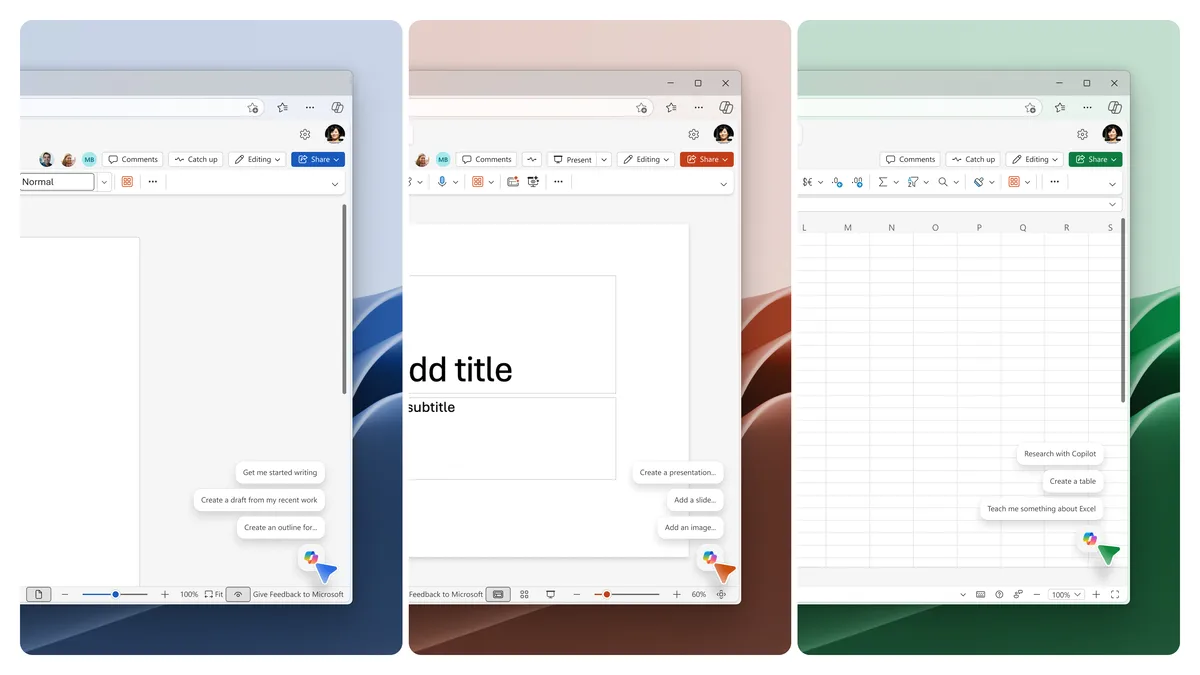
| Apps | Copilot app; Copilot in Word, Excel, PowerPoint and Outlook with a paid plan | Copilot app, Edge, Outlook and Teams; no Copilot in Word, Excel, PowerPoint or OneNote | Copilot app plus Copilot in Word, Excel, PowerPoint, OneNote, Outlook and Teams |
| Your work data | Only files and services you connect | Only what you paste, upload or have open | Searched automatically through Microsoft Graph and Work IQ |
| Data protection | Consumer privacy terms | Enterprise data protection | Enterprise data protection, plus admin and Purview controls |
| Agents | Cowork, Researcher and Analyst only on Premium and Pro | Web-grounded agents included; work-data agents pay-as-you-go | Researcher, Analyst and agents on work data included; Cowork, Code and Autopilot billed by usage |
This comparison is based on Microsoft's own docs, support pages and pricing pages, read on November 18, 2026.
What the free Copilot app gets you
The consumer Copilot app is a chat assistant for questions, writing, research and images. Microsoft's Microsoft 365 comparison page lists a free Microsoft account with "limited usage" for Copilot and for AI image creation, and 5 GB of OneDrive storage.
Paying for a Microsoft 365 consumer plan raises those limits and puts Copilot inside the Office apps:
| Plan (US) | Monthly | Yearly | Copilot |
|---|---|---|---|
| Microsoft 365 Personal | $9.99 | $99.99 | Higher usage than free, Copilot in Word, Excel, PowerPoint and Outlook |
| Microsoft 365 Family | $12.99 | $129.99 | Same as Personal, for the subscription owner only |
| Microsoft 365 Premium | $19.99 | $199.99 | "Extensive" usage, plus agentic AI for research and analytics |
Two footnotes matter. On Family and Premium, "AI features only available to subscription owner and cannot be shared", so the other five people on a Family plan don't get Copilot. And "AI features are not available in Microsoft 365 Basic." The Copilot for individuals page lists Cowork, Researcher and Analyst as exclusive to Premium and to Microsoft 365 Pro, a $99.99-a-month plan with the highest limits.
Microsoft says Copilot features in these home plans can also open work files in select apps, but only when "Employer must have an enterprise subscription that includes Microsoft 365 desktop apps."
What Microsoft 365 Copilot adds at work
Microsoft's Copilot overview for admins, updated November 17, splits work users into tiers by licence.
Copilot Chat (Basic) is free for anyone with an eligible Microsoft 365 plan who signs in with an Entra account. It answers from the web. It can use company content only when you paste it, upload a file, have it open in Outlook or Teams, or use a pay-as-you-go agent. It does not include Copilot in Word, Excel, PowerPoint or OneNote, and some features have fair use limits.
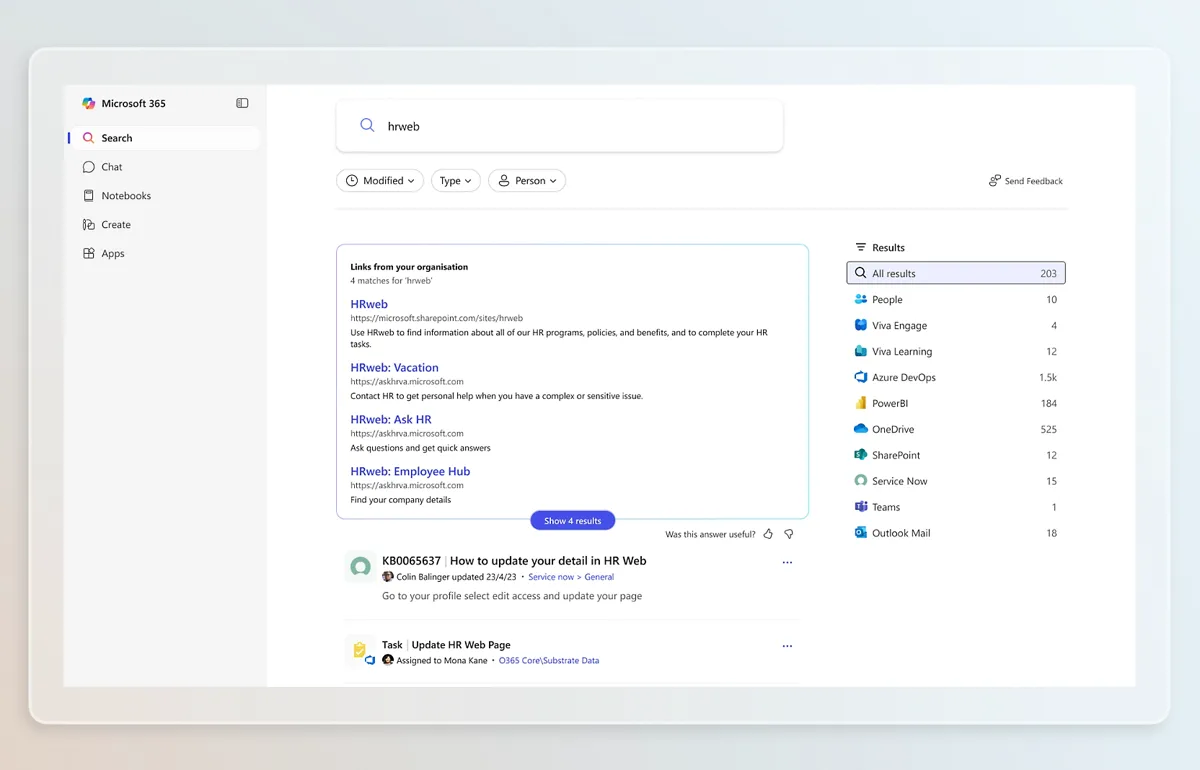
Microsoft 365 Copilot (Premium) is the paid add-on. Its main difference is grounding: Copilot pulls from your emails, files, meetings, calendars and Teams through Microsoft Graph and Work IQ, Microsoft's layer that lets agents reason over company data, without you uploading anything. It also adds Copilot inside every Office app, Copilot Search across Microsoft 365 and connected sources, SharePoint Advanced Management to clean up oversharing, and usage reports for admins.
That grounding is the practical test. If your questions are about the public web or a document you can attach, Copilot Chat covers it. If you want to ask "what did the client agree to in last week's meetings", you need the licence.
How much Microsoft 365 Copilot costs
As of November 18, 2026, Microsoft lists these US prices per user per month:
| Plan | Paid yearly | Paid monthly |
|---|---|---|
| Microsoft 365 Copilot (enterprise add-on) | $30.00 | $31.50, with an annual commitment |
| Microsoft 365 Copilot Business (add-on) | $18.00 promotional, $21.00 regular | $25.20 |
| Microsoft 365 Business Standard with Copilot | $23.50 | $28.20 |
| Microsoft 365 Business Premium with Copilot | $32.00 | $38.40 |
The enterprise page says the $30 licence needs "a qualifying Microsoft 365 plan" on top. The business pricing page says the $18 Business add-on price is a promotion running from July 1 to December 31, 2026, for existing customers with an eligible Business plan, on an annual commitment and for the first year only. Business Standard and Business Premium list identity management for up to 300 users and offer a one-month trial that needs a credit card.
The licence is not the whole bill. Microsoft's pricing FAQ says chat and Copilot in the Office apps are included, while Copilot Cowork, Copilot Code, Autopilot and the Work IQ API are billed by usage through Copilot Credits. Admins set spending limits in the Microsoft 365 admin center.
Data protection is the real dividing line
Work accounts get enterprise data protection, both on free Copilot Chat and on the paid licence. Microsoft's pricing page says prompts and responses "stay within the Microsoft 365 service boundary" and are not used to train the underlying models. They are logged under your company's retention policies and can be searched with eDiscovery and Microsoft Purview. For users in the EU, traffic stays inside the EU Data Boundary.
Personal accounts run under Microsoft's consumer terms. For Copilot inside Word, Excel, PowerPoint and Outlook on Personal, Family, Premium or Pro, Microsoft's home privacy page says prompts, responses and file contents "aren't used to train foundation models." The standalone consumer app is less clear. Microsoft's privacy FAQ says the older Copilot app could use conversations for training, with an opt-out, but notes that it covers only the older app. An updated app has been available since August 18, 2026, and older-app users must sign in to it by December 31, 2026, or unmigrated content will be deleted.
Don't paste company data into Copilot on a personal account. Your employer's controls don't apply there.
What changed at Ignite on November 17
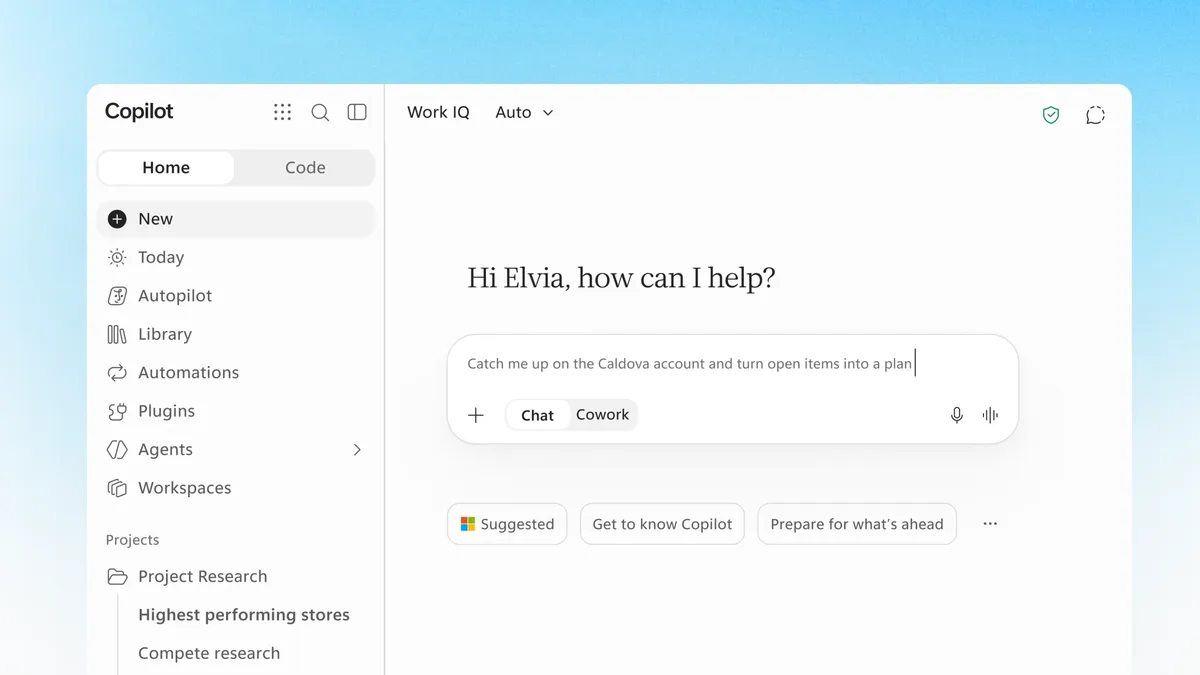
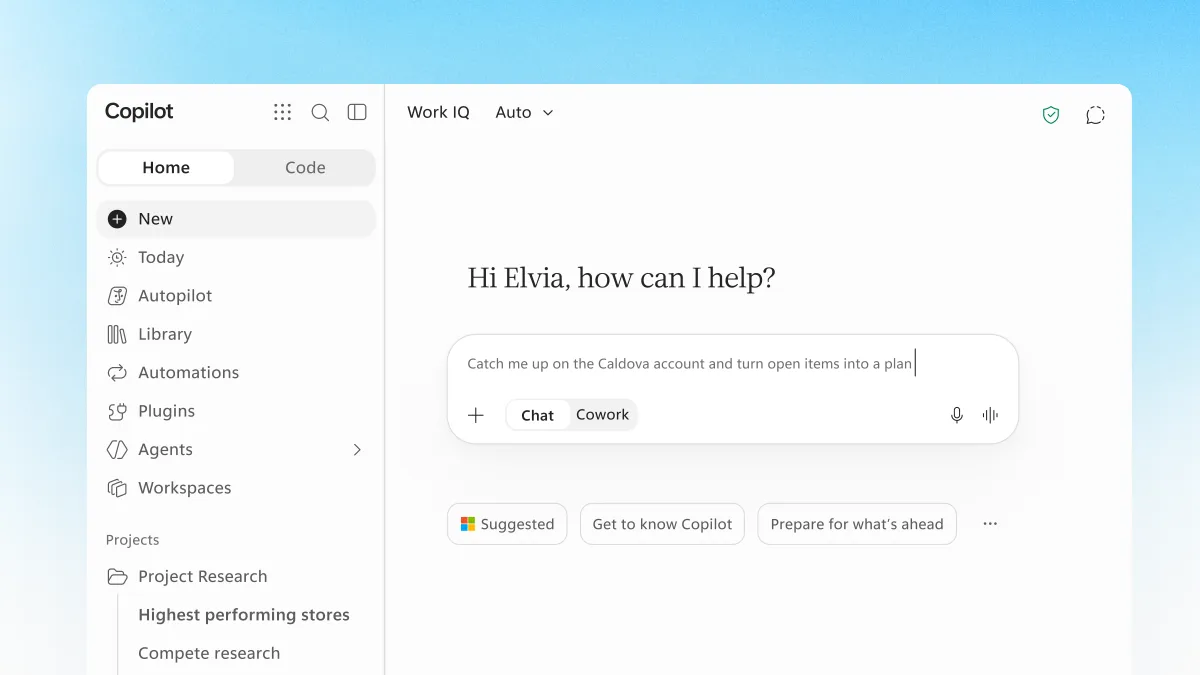
At Ignite, Microsoft made Copilot Home and Office in Copilot generally available. Home puts Chat and Cowork behind one prompt box. Office in Copilot runs Word, Excel and PowerPoint inside the Copilot app; files save to OneDrive and keep Microsoft 365 permissions and sensitivity labels, according to the Book of News. Microsoft says Office in Copilot is "already included in your Copilot subscription license." Neither source says whether free Copilot Chat users or consumer accounts get it.
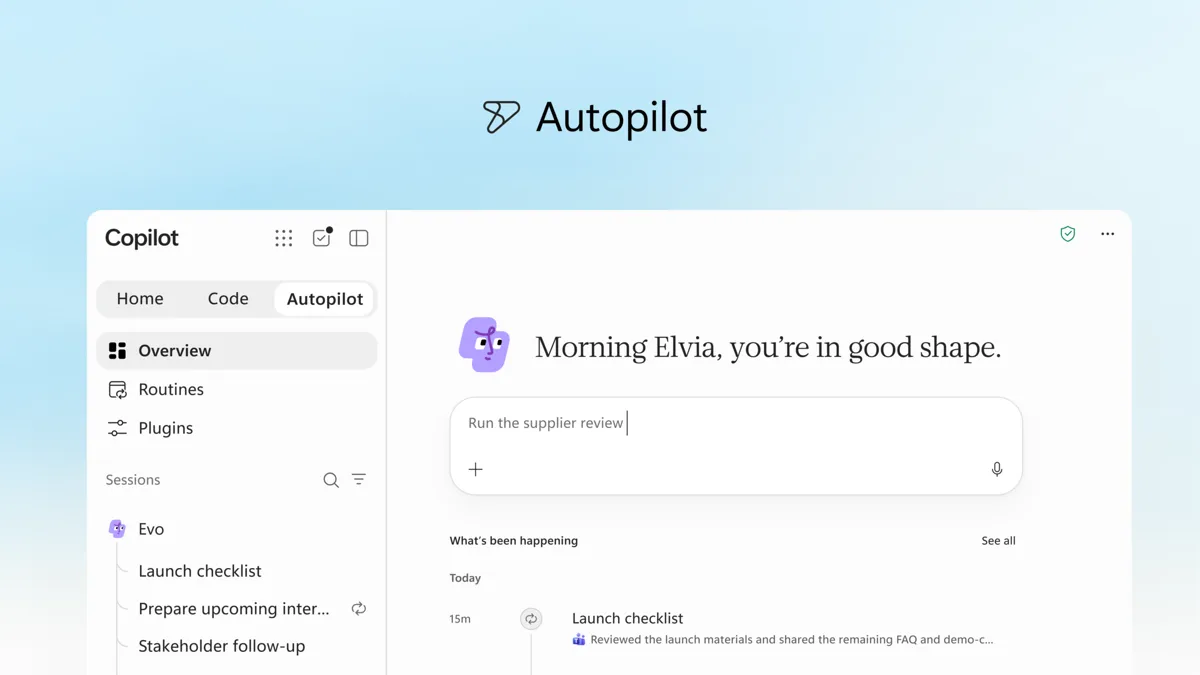
Three newer features are in the Frontier program, Microsoft's early-access track for work customers: Autopilot, an always-on agent with its own identity; Copilot Workspaces, shared spaces for people and agents; and Copilot Code, which builds apps from a description. Autopilot and Code are billed by usage on top of the licence. The Book of News says Copilot Code is planned for general availability in December.
Which one you need
Use the free Copilot app, or a Microsoft 365 Personal, Family or Premium plan, if you work alone or for yourself and your files live in your personal OneDrive. Premium is the only consumer plan with Researcher, Analyst and Cowork.
If your company already pays for Microsoft 365, start with Copilot Chat: it costs nothing extra and keeps your prompts under enterprise data protection. Buy Microsoft 365 Copilot for the people who need answers drawn from their own mail, meetings and files, and set a Copilot Credits budget before turning on Cowork or Autopilot.
Building custom agents is a separate question; the Copilot vs Copilot Studio comparison covers it.
Frequently asked questions
Is Microsoft 365 Copilot free?
The full Microsoft 365 Copilot licence is not free: it costs $30 per user per month paid yearly for enterprises as of November 18, 2026. Microsoft 365 Copilot Chat, a web-grounded version, comes at no extra cost with eligible Microsoft 365 work plans.
Can I use Microsoft 365 Copilot with a personal Microsoft account?
No. Microsoft 365 Copilot and Copilot Chat with enterprise data protection need a work or school (Entra) account. With a personal account you get the consumer Copilot app, and Copilot in the Office apps if you pay for Microsoft 365 Personal, Family or Premium.
Is there a free trial of Microsoft 365 Copilot?
Microsoft offers a one-month trial of Microsoft 365 Business Standard and Business Premium with Copilot. A credit card is required, and the subscription converts to paid unless you cancel.
What is the Microsoft 365 Copilot app called now?
Microsoft's docs say the Microsoft 365 Copilot app is now called Microsoft Copilot, and its main web address is moving to copilot.cloud.microsoft. Signing in with a work account gives you the work version.
Sources
- What is Microsoft Copilot?Microsoft Learn
- Microsoft 365 Copilot pricingMicrosoft
- Microsoft 365 Copilot for enterpriseMicrosoft
- Copilot for business pricingMicrosoft
- Compare all Microsoft 365 plansMicrosoft
- Microsoft Copilot for individualsMicrosoft
- Copilot in Microsoft 365 apps for home: your data and privacyMicrosoft Support
- Privacy FAQ for Microsoft CopilotMicrosoft Support
- Copilot at Microsoft Ignite: expanding what's possible with intelligence built for workMicrosoft
- Microsoft Ignite 2026 Book of NewsMicrosoft