Key takeaways
- Gemini Notebook, formerly NotebookLM, answers questions about up to 50 sources per notebook for free, with citations, and Google AI Plus at $4.99 a month raises that to 100.
- Notion's full AI, including Notion Agent, comes with the Business plan at $20 per seat a month billed yearly, with 1,500 Standard and 500 Select credits per member each month.
- Notion works offline in its desktop and mobile apps, while Gemini Notebook offline is limited to downloaded Audio Overviews on mobile.
NotebookLM vs Notion comes down to one question: do you want an AI that studies a pile of sources, or a workspace where you write and run projects with AI built in. NotebookLM, which Google renamed Gemini Notebook on July 16, 2026, answers questions about the files and links you load into it, with citations, and it works on a free Google account. Notion is where you write the notes themselves, and its full AI, Notion Agent, comes with the Business plan at $20 per seat a month billed yearly, as of November 22, 2026.
So they overlap less than the search suggests. Many people will want both: Notion to keep notes and plans, Gemini Notebook to read the long material those notes come from.
This comparison is based on the products' docs, help centers and pricing pages, as published on November 22, 2026. It was not a hands-on test.
NotebookLM vs Notion at a glance
| Gemini Notebook (NotebookLM) | Notion | |
|---|---|---|
| What it is | An AI research assistant over sources you add | A workspace for docs, wikis, databases and projects |
| Free plan | Yes: 100 notebooks, 50 sources each | Yes, with a trial of Notion AI and a block limit for teams of 2 or more |
| Cheapest paid plan | Google AI Plus, $4.99 a month | Plus, $10 per seat a month yearly ($12 monthly), still only a trial of AI |
| Full AI included from | Free, with higher limits on paid plans | Business, $20 per seat a month yearly ($24 monthly) |
| AI usage | "Standard limits" free; 2x on AI Plus, 4x on AI Pro | 1,500 Standard and 500 Select credits per member a month on Business |
| Biggest unit | 50 to 600 sources per notebook, 500,000 words or 200 MB per source | Up to 5 GB per uploaded file on paid plans (5 MB on Free) |
| AI answers from | Your sources, with citations; it can also search the web | Your workspace, connected apps and the web |
| AI can edit your notes | No: it writes notes and reports, never your Drive files | Yes: Notion Agent can create and edit pages and databases |
| Sharing | Viewer or editor by email, link, public, chat-only view | Full access, can edit, can comment, can view, guests, publish to web |
| Offline | Downloaded Audio Overviews in the mobile app | View, edit and create pages offline in desktop and mobile apps |
All prices and limits as of November 22, 2026.
What each is for
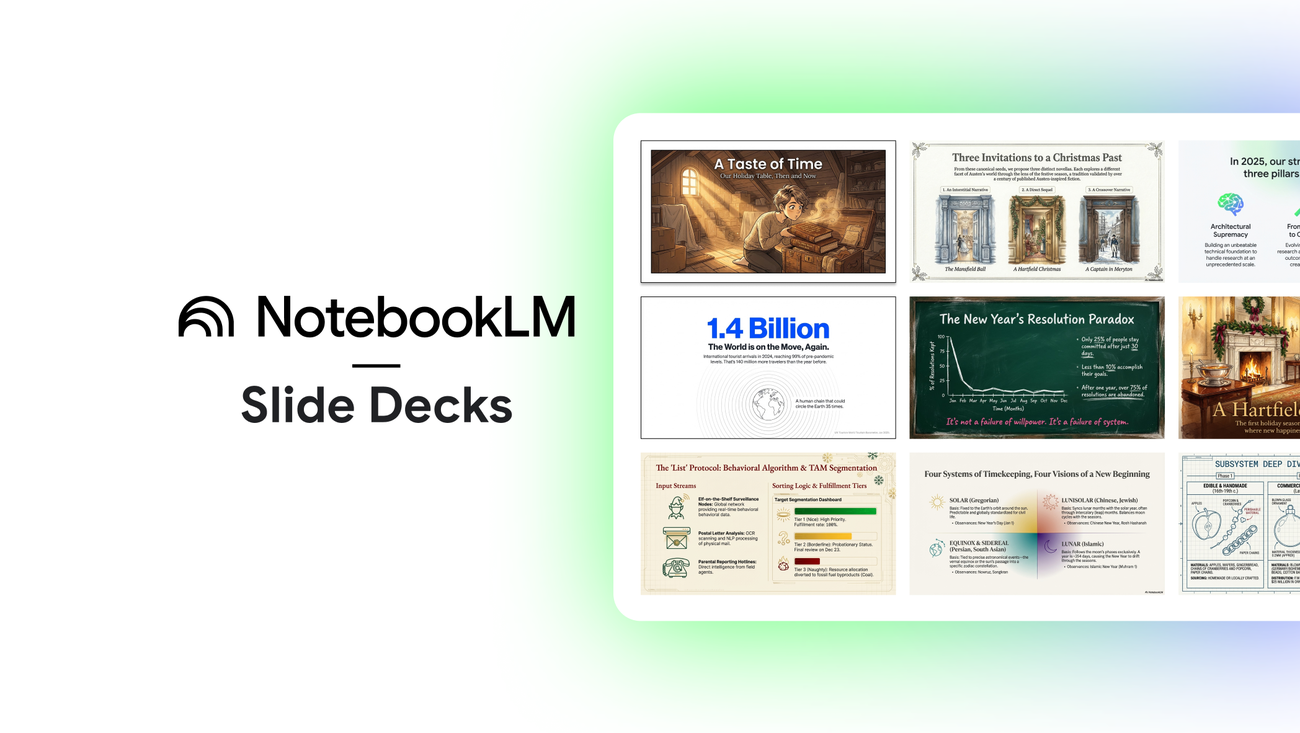
Gemini Notebook is built around a notebook full of sources: PDFs, Google Docs, Slides and Sheets, Word and PowerPoint files, web pages, YouTube videos, audio, images, ePub files and more, according to Google's sources page. You ask questions, and it turns the sources into Audio Overviews (a podcast-style discussion), reports, slide decks, infographics, flashcards and quizzes. Your own writing is a small part of it.
Notion is the reverse. It is where the writing lives: pages, wikis, task boards and databases that a team edits together. Notion AI sits on top of that work. The question to ask is where your knowledge already is. If it is in PDFs, papers and recordings, Gemini Notebook fits. If it is in pages you and your team write, Notion fits.
How the AI works over your notes and sources
In Gemini Notebook, chat answers cite your sources. Hover over a citation to see the quoted text, or click it to jump to the passage. Google says chat responses "only use data from your sources," though the same page says chat can also search the web, run code and create files, charts and images. You can save any answer to a note, with its citations intact. Google Drive files you add stay in sync every few minutes, and Gemini Notebook cannot edit or delete the originals.
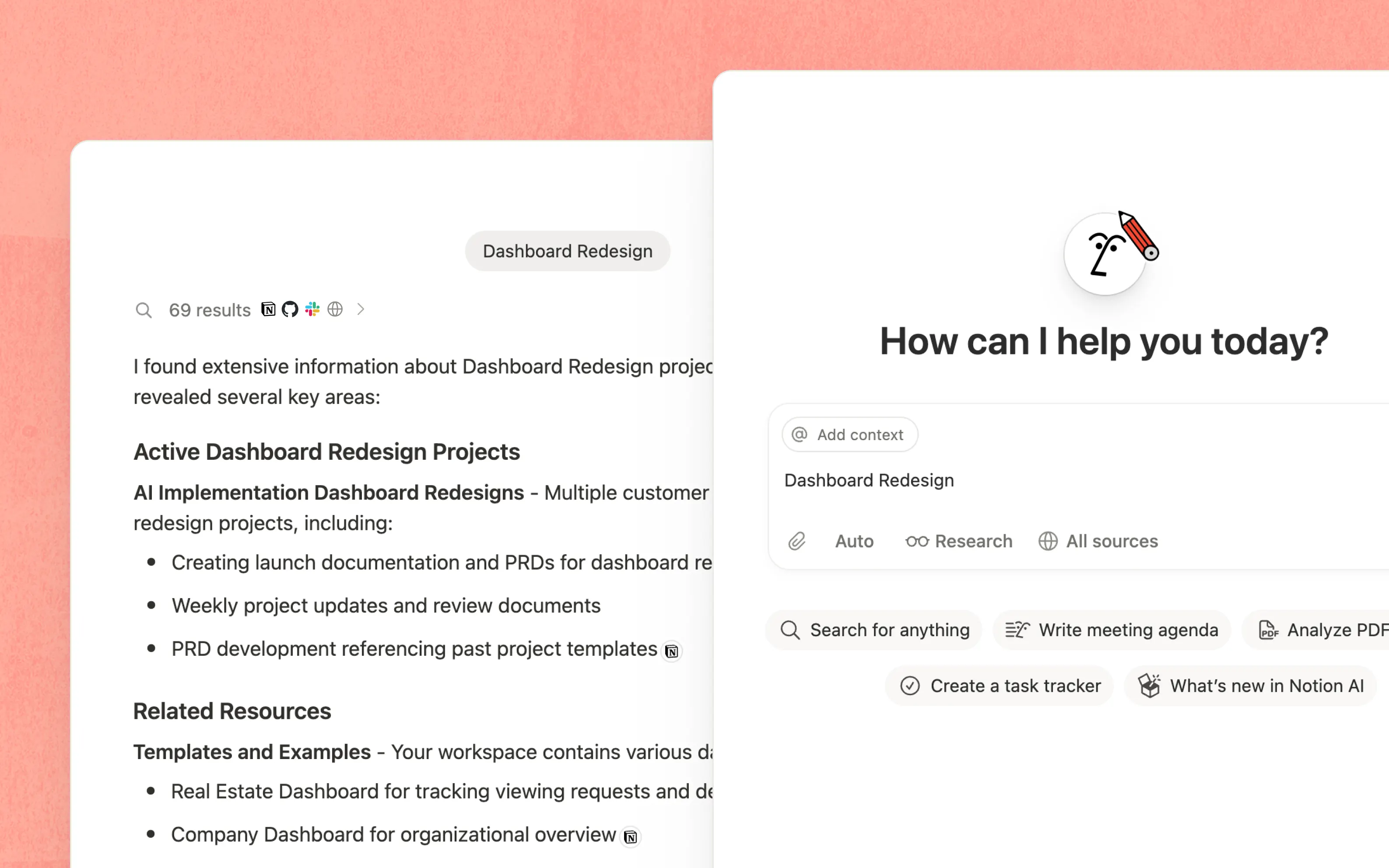
Notion's AI acts on the workspace. Notion says Notion Agent "completes complex, multi-step tasks using context from Notion, your connected apps, and the web," and can create and edit pages and databases. On Business, Enterprise Search (in beta) looks across Slack, Google Drive and GitHub, and AI Meeting Notes records and summarizes meetings. You can let Notion pick the model or choose one yourself.
The difference matters. Gemini Notebook is a reader: it is good at telling you what a 300-page report says and where. Notion AI is a doer: it can turn a meeting into a task list inside the database your team already uses.
Source and page limits
Gemini Notebook limits are per notebook, from Google's plans page, as of November 22, 2026:
| Plan | Notebooks | Sources per notebook |
|---|---|---|
| No AI plan (free) | 100 | 50 |
| Google AI Plus | 200 | 100 |
| Google AI Pro | 500 | 300 |
| Google AI Ultra | 500 | 500 or 600 |
Each source can hold up to 500,000 words, or 200 MB for an uploaded file. Chat and studio use run on quotas that refresh every 5 hours until you hit a weekly limit. Google gives no counts, only multiples: AI Plus is two times the standard limits and AI Pro four times. Google's subscriptions page describes AI Pro as "5x more Audio Overviews, notebooks, and more," so its two pages do not agree.
Notion's paid plans list no block limit. The pricing page lists, as of November 22, 2026:
- Uploads: 5 MB per file on Free, 5 GB per file on Plus, Business and Enterprise.
- Blocks: limited on Free once a workspace has 2 or more members.
- Page history: 7 days on Free, 30 on Plus, 90 on Business, custom on Enterprise.
The AI limit is credits. Under the system Notion introduced on October 19, 2026, each Business or Enterprise member gets 1,500 Standard credits a month (work where Notion picks the model) and 500 Select credits (when you pick the model or run your own Custom Agents). When they run out, those features pause until the monthly reset unless a workspace owner allows extra Notion credits. Credits do not roll over. AI Meeting Notes start drawing on the Standard allowance on December 1, 2026.
Sharing
Gemini Notebook shares like a Google Doc. You add people by email as Viewer, who gets read-only access to the sources and notes, or Editor, who can add and remove sources and share it further. You can also share by link, make a notebook public, or send a "chat view" link. Google warns that chat view hides sources but "does not completely revoke a viewer's underlying access." Chat history stays private, and notebooks that contain Gemini chats can't be shared.
Notion sharing is finer-grained: full access, can edit, can comment and can view, plus guests from outside your workspace. Guests are free and see only pages they are invited to. You can publish any page to the web, set a link to expire, and on Enterprise turn public links off. Notion is the better tool for a team that writes together. Gemini Notebook sharing is mostly for handing someone a finished research set.
Offline and apps
Here Notion is clearly ahead. According to Notion's offline guide, every Notion user can view, edit and create pages offline in the desktop and mobile apps, and changes sync when you reconnect. You mark pages "Available offline" on each device. Business and Enterprise also download recent and favorite pages automatically. Databases download their first 50 rows.
Gemini Notebook is a web app with an early mobile app (Android 10 and up, plus iPhone and iPad). Offline, you can only play Audio Overviews you downloaded. The app accepts fewer source types (PDF, website, YouTube, audio and copied text) and can't yet make notes, mind maps, reports or data tables. Google itself recommends the desktop version for the full experience.
Prices and plans
Gemini Notebook comes with a Google account, and the Google AI plans raise its limits. As of November 22, 2026:
| Google plan | Price (US) | Gemini Notebook |
|---|---|---|
| Free | $0 | 100 notebooks, 50 sources each, standard limits |
| Google AI Plus | $4.99 a month | 200 notebooks, 100 sources, 2x limits |
| Google AI Pro | $19.99 a month | 500 notebooks, 300 sources, 4x limits |
| Google AI Ultra | From $99.99 a month | 500 notebooks, 500 or 600 sources, highest limits |
| Gemini with Google Workspace | From $14 per seat a month | Included for business files |
Notion charges per member. As of November 22, 2026, from notion.com/pricing:
| Notion plan | Billed yearly | Billed monthly | Notion AI |
|---|---|---|---|
| Free | $0 | $0 | Trial |
| Plus | $10 per seat a month | $12 per seat a month | Trial |
| Business | $20 per seat a month | $24 per seat a month | Notion Agent, AI Meeting Notes, Enterprise Search (beta), 1,500 Standard and 500 Select credits per member |
| Enterprise | Custom | Custom | Same, plus zero data retention with AI model providers |
Custom Agents are free to try and then cost $10 per 1,000 Notion credits a month. Notion credits can only be bought on Business and Enterprise.
For one person, the cost gap is wide. Full Gemini Notebook use is free, and $4.99 a month doubles it. Full Notion AI starts at $20 a month, because the Plus plan only gets a trial. A team already paying for Notion Business gets its AI included. More on Google's tiers is in Is Gemini Notebook free.
Which to choose
Pick Gemini Notebook if you study or research: long PDFs, lecture recordings, papers, reports you need to understand and quote. It is free to start, it cites every answer, and nothing in Notion matches its Audio Overviews.
Pick Notion if your notes are the product: team wikis, project plans, meeting notes and task databases. It works offline, it shares at four permission levels, and on Business its AI can change your pages, which Gemini Notebook never does.
If you want your own notes in local files instead, see NotebookLM vs Obsidian.
Frequently asked questions
Is NotebookLM better than Notion?
They do different jobs. Gemini Notebook, formerly NotebookLM, is better for studying and citing long sources, while Notion is better for writing, organizing and sharing your own notes and projects.
How much does Notion AI cost?
As of November 22, 2026, full Notion AI comes with the Business plan at $20 per seat a month billed yearly or $24 monthly. Free and Plus plans get only a trial of Notion AI.
Can Gemini Notebook use my Notion pages as sources?
Google's list of source types does not include Notion. It does accept web URLs, PDF and Markdown files, so a Notion page published to the web or saved in one of those formats can be added.
Does NotebookLM work offline?
Only in part. The Gemini Notebook mobile app lets you download Audio Overviews and play them offline, but chat and sources need a connection.
Sources
- Learn about Gemini Notebook's plansGoogle
- Add or discover new sources for your notebookGoogle
- Manage your Gemini Notebook usage limitsGoogle
- Use chat in Gemini NotebookGoogle
- Create a notebook in Gemini NotebookGoogle
- Use public notebooks and featured notebooks in Gemini NotebookGoogle
- Get started with the Gemini Notebook mobile appGoogle
- Google AI plans and subscriptionsGoogle
- Notion pricingNotion
- Notion AINotion
- Manage your AI creditsNotion
- Agents, rebuilt to do more for lessNotion
- Sharing and permissionsNotion
- Working offline in NotionNotion