Key takeaways
- Google announced on November 16, 2026 that Gemini Notebook can build interactive sites from a notebook's sources.
- Users type "make me a site" in chat; sites remember inputs, can be shared by link and count toward usage limits.
- It is rolling out globally on the web for users 18 and older, including Workspace, with mobile coming later.
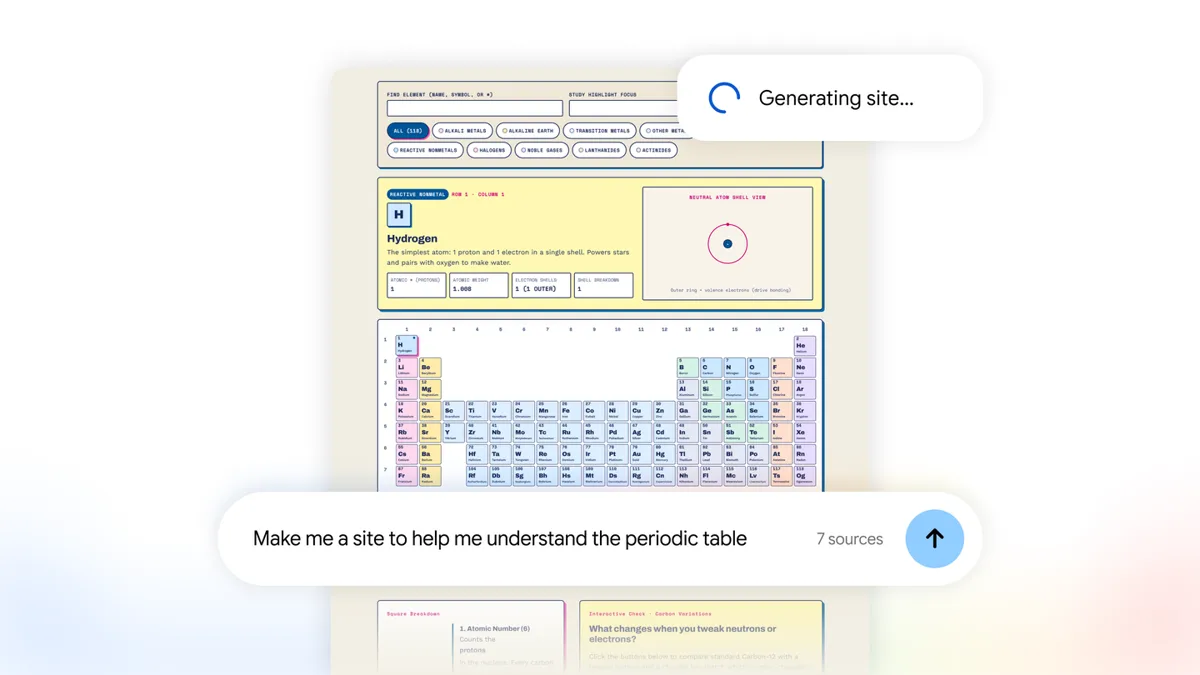
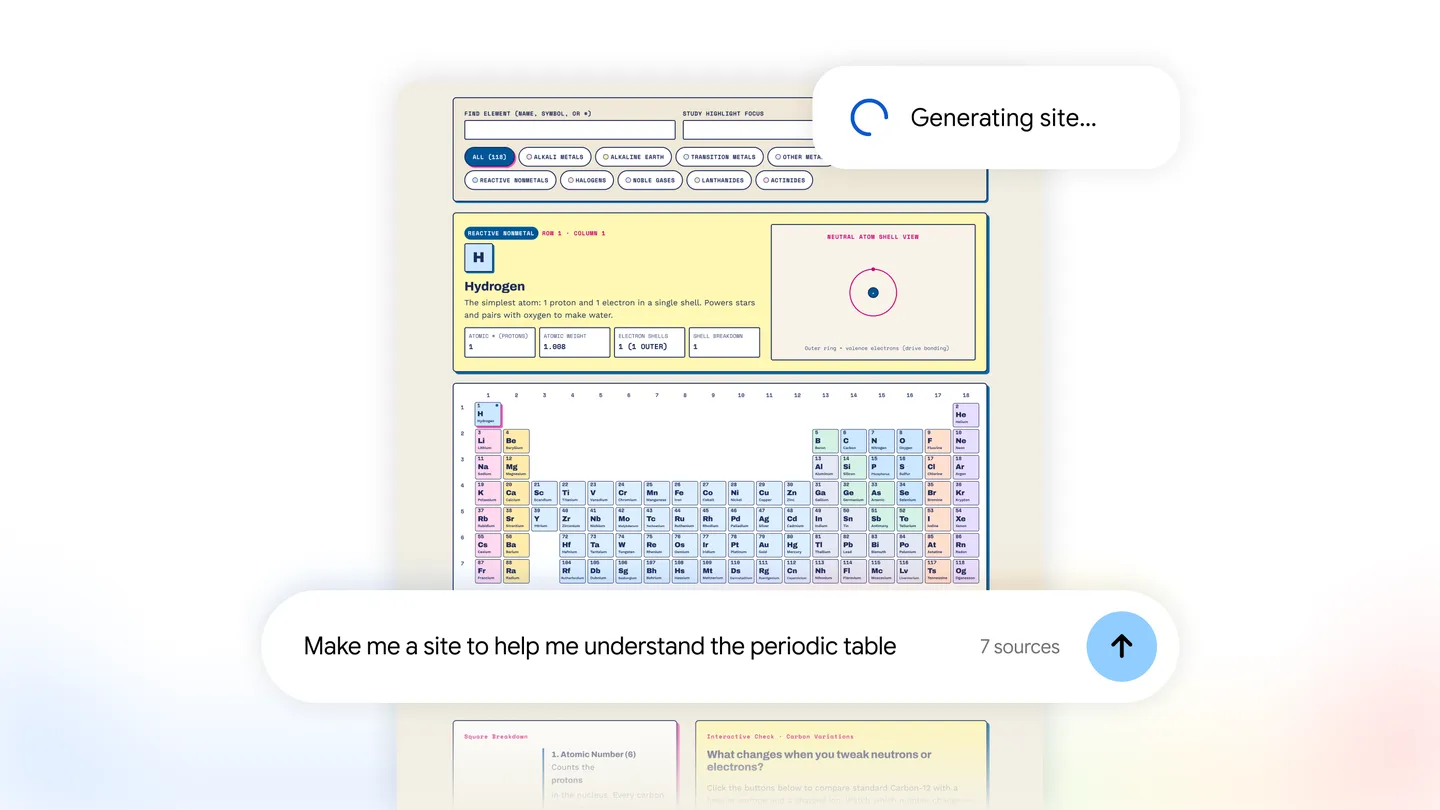
Gemini Notebook can now turn a notebook's sources into an interactive website. Google announced the feature on November 16, 2026: type "make me a site" in a notebook's chat, describe what you want, and Gemini Notebook builds a page from your PDFs, notes and links that you can click through, fill in and share.
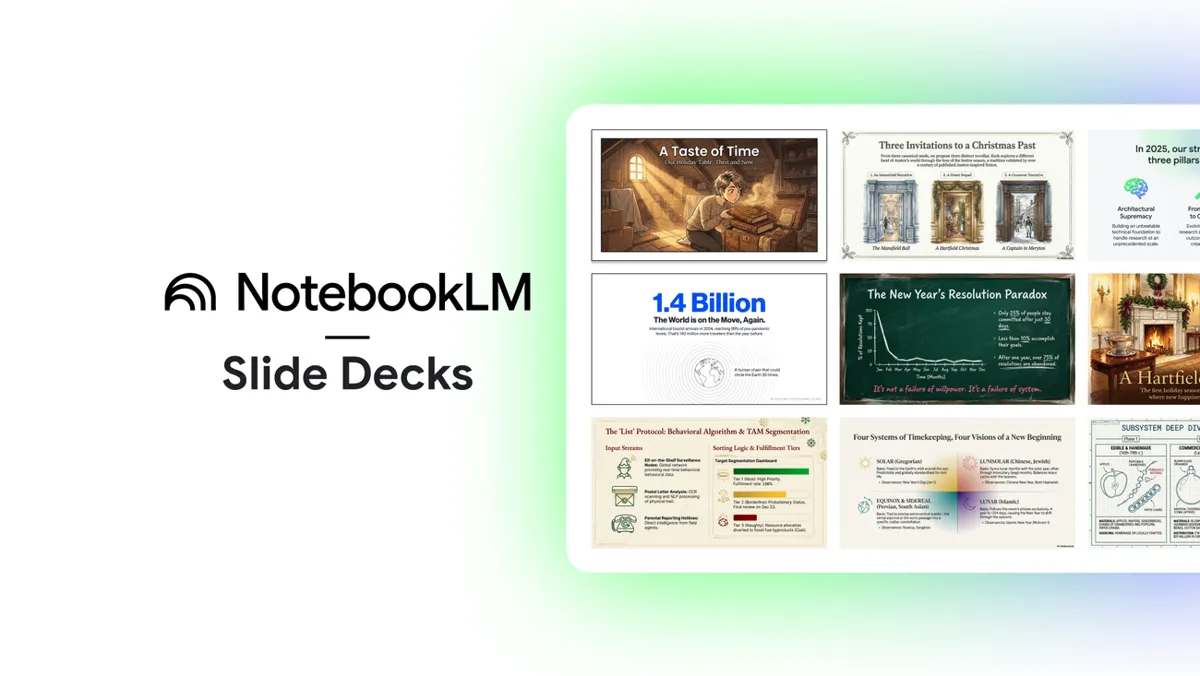
Until now the tool's outputs were things you read or listen to: summaries, study guides, Audio Overviews, slide decks. A site is something you use. That moves Gemini Notebook, the product Google called NotebookLM until July, a step from note-taking toward building small apps.
What Gemini Notebook sites can do
Google gives three kinds of example: a visual study guide for exam prep, such as an interactive periodic table or a historical timeline; a dashboard for exploring data, such as quarterly sales; and a tracker for project tasks and deadlines.
Google's help page for sites adds the details:
- The site appears in the Studio panel. Select More, then Open in new tab to use it full screen.
- It remembers what you type or tick, such as checkboxes and notes. On a shared site, each person sees only their own inputs.
- To share it, select More, Share, then Copy link to artifact. The notebook itself must be shared with the other person, or set to anyone with the link.
- You can download the site as a file. Deleting it, or turning off sharing, breaks old links.
- Making a site counts toward Gemini Notebook's usage limits.
Our guide on how to use Gemini Notebook walks through the steps, from adding sources to building a site.
Who can use it
The feature is rolling out globally on the web, starting November 16, for Gemini Notebook users aged 18 and older. Google Workspace subscribers are included. Google says it is "coming soon" to the mobile app.
Google hasn't said which plans get how many sites, which model builds them, or whether a site can be edited after it is built. The help page describes no way to edit one.
Why it matters
Plenty of AI tools can write a web page from a prompt. What Gemini Notebook adds is grounding: the site is built from the sources in the notebook, the same material its chat answers cite. For a student with a semester of lecture notes, or a manager with a folder of sales reports, that is the difference between a generic page and one about their own material.
The open question is accuracy. A chart or a quiz built by a model can look finished while getting a number wrong. Until users have tested sites on real material, check anything that matters against the source it came from.