Key takeaways
- The Atlassian Rovo MCP Server runs at https://mcp.atlassian.com/v2/mcp and connects AI tools to Jira, Confluence, Jira Service Management, Bitbucket and Loom on Atlassian Cloud.
- In Claude Code, run claude mcp add --transport http atlassian https://mcp.atlassian.com/v2/mcp, then /mcp to sign in with OAuth 2.1.
- Atlassian tracks the server as the MCP component on rovo.status.atlassian.com; its last incident, on November 23, 2026, broke OAuth sign-ins for about five and a half hours.
The Atlassian MCP server, officially the Atlassian Rovo MCP Server, is a server that Atlassian hosts at https://mcp.atlassian.com/v2/mcp. It lets Claude, ChatGPT, Cursor, VS Code and other AI tools read and change your Jira, Confluence, Jira Service Management, Bitbucket and Loom data. To use it in Claude, add Atlassian as a connector in claude.ai, or run claude mcp add --transport http atlassian https://mcp.atlassian.com/v2/mcp in Claude Code, then sign in to Atlassian in your browser. Steps below come from Atlassian's getting started guide and Claude's MCP docs, as of November 25, 2026.
MCP, the Model Context Protocol, is the open standard AI apps use to call outside tools (our explainer). Once connected, you can ask Claude to "turn these meeting notes into Jira issues" and it calls Atlassian's tools to do it.
What the Atlassian MCP server is
Atlassian made the server generally available on February 4, 2026. It runs in Atlassian's cloud and works only with Atlassian Cloud sites.
It acts as you. Atlassian says every action runs under your existing Jira and Confluence permissions, so Claude can't open a project you can't open. The list of supported tools groups them by product and by kind of access:
| Product | What the tools can do |
|---|---|
| Jira | Read issues, boards, sprints and comments; search with JQL; create, edit, transition and comment on issues |
| Confluence | Read pages, spaces and comments; search with CQL; create and update pages |
| Jira Service Management | Read and update alerts and requests, create requests, handle approvals |
| Bitbucket Cloud | Read repositories, pull requests and pipelines; act on pull requests and run pipelines |
| Loom | Read video content, upload, publish and share videos |
| Teamwork Graph | Search across Atlassian apps and pull related context |
Version 2 shows the AI a few main tools, and it finds the rest through a discover tool.
What you need first
From Atlassian's setup requirements:
- An Atlassian Cloud site with Jira, Confluence, Jira Service Management, Bitbucket or Compass.
- An app that supports MCP, such as Claude, Claude Code, Cursor or VS Code.
- A browser to finish the OAuth 2.1 sign-in, or an API token for setups with no browser. API tokens work only if your organization admin has turned them on.
- Node.js 18 or later, only if you connect through the
mcp-remotelocal proxy.
How to connect the Atlassian MCP server to Claude (claude.ai and desktop)
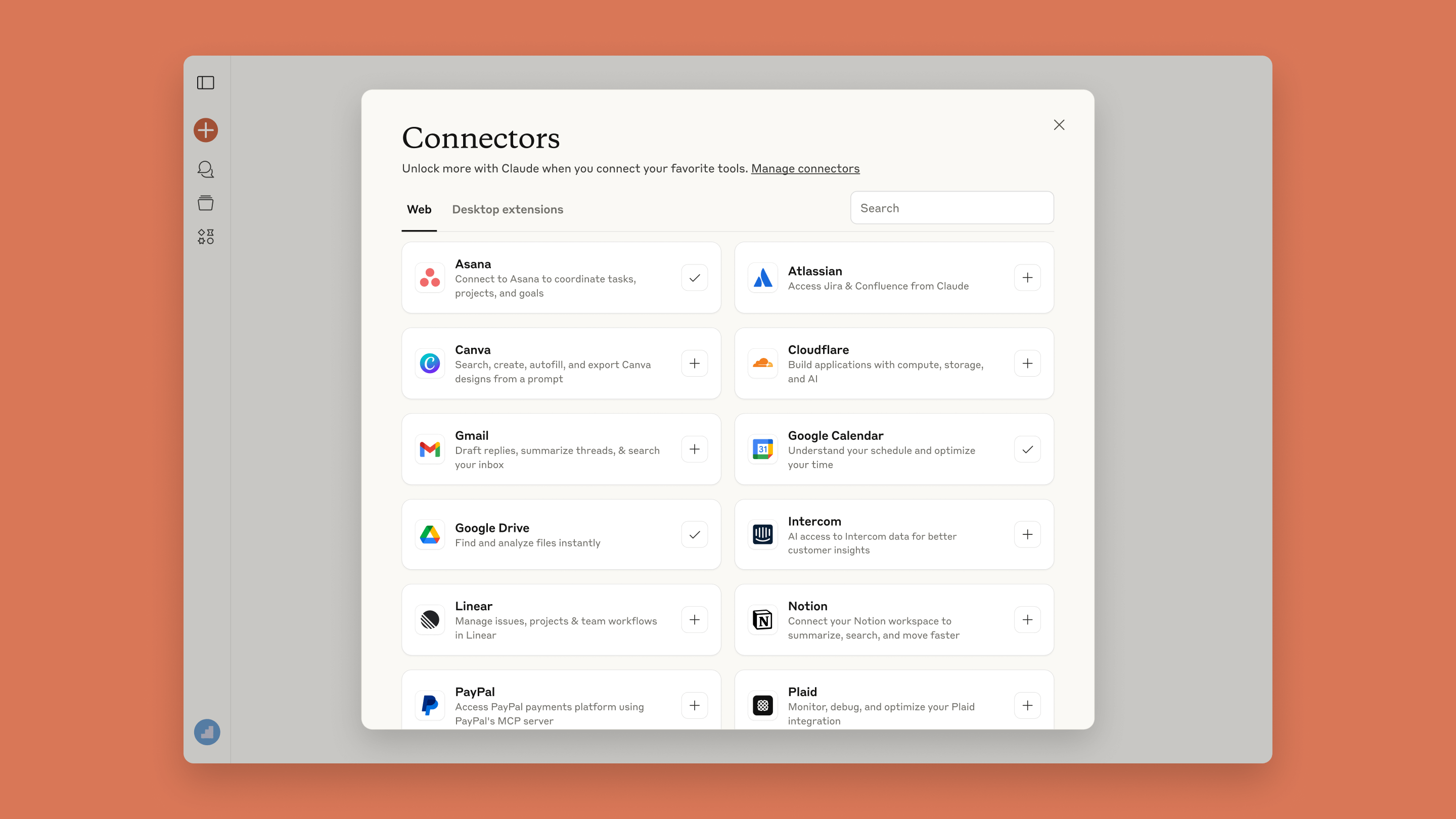
Atlassian MCP is listed in Claude's connector directory, built by Atlassian and marked as verified by Anthropic. It uses the same v2 URL.
On a Pro, Max or Ultra plan, per Claude's help center:
- Open the Atlassian listing and select Add to Claude. Or go to Customize > Connectors, click + Add, choose Add custom connector, and enter
https://mcp.atlassian.com/v2/mcpas the URL. Claude shows Atlassian's name on it because the URL is on a directory domain. - Sign in to Atlassian when prompted and approve the access request.
- In a chat, click + at the lower left, choose Connectors and switch Atlassian on. The switch is per conversation.
On Team and Enterprise plans, an Owner or Primary Owner adds the connector first under Organization settings > Connectors. Members then find it under Customize > Connectors and click Connect to sign in with their own Atlassian account. Free users can add one custom connector.
In the Claude desktop app, Atlassian also documents Settings > Extensions > Plugins, then search for Atlassian. Our guide to Claude connectors covers connectors in general.
How to add the Atlassian MCP server in Claude Code
If you log in to Claude Code with a claude.ai account and already connected Atlassian in claude.ai, it appears in /mcp by itself, per Claude's docs. That doesn't happen when Claude Code runs on an API key.
To add it directly:
Add the server. This is the command in Atlassian's repository:
claude mcp add --transport http atlassian https://mcp.atlassian.com/v2/mcpThat saves it for the current project. Add
--scope userfor every project, or--scope projectto share it through.mcp.json.Start Claude Code, run
/mcp, selectatlassianand finish the sign-in in your browser. From the shell,claude mcp login atlassiandoes the same.Check it:
claude mcp list
claude mcp get atlassian
Test it with "list my open Jira issues", the check Atlassian's troubleshooting page suggests.
In a network-restricted sandbox, Atlassian says to add api.media.atlassian.com and *.frontend.public.atl-paas.net to network.allowedDomains.
To use an API token instead of the browser sign-in, pass it as a header. Claude Code takes --header on claude mcp add; the header format comes from Atlassian's API token page:
echo -n "you@example.com:YOUR_API_TOKEN" | base64
claude mcp add --transport http atlassian https://mcp.atlassian.com/v2/mcp \
  --header "Authorization: Basic BASE64_ENCODED_EMAIL_AND_TOKEN"
To disconnect, run claude mcp logout atlassian before claude mcp remove atlassian, because remove alone doesn't revoke the tokens.
Other clients Atlassian documents
From the developer guide and the repository:
- Codex CLI:
codex mcp add atlassian --url https://mcp.atlassian.com/v2/mcp - Codex desktop: install Atlassian Rovo from Plugins or Connectors.
- VS Code with GitHub Copilot: in the Extensions view, search
@mcp Atlassianand install it. - Cursor: install the Atlassian plugin from the Cursor Marketplace.
- Windsurf: in Cascade, open MCP servers, choose Add Server, then Add custom server, and set
serverUrlto the v2 URL. - ChatGPT, Gemini CLI, Amazon Quick Suite, Docker and any other MCP client: use the v2 URL with that client's own MCP setup.
How sign-in and permissions work
There are three ways to authenticate, per Atlassian's auth docs:
| Method | Header | Best for | Catch |
|---|---|---|---|
| OAuth 2.1 | Bearer token from the sign-in flow | People using Claude, Cursor, VS Code | Needs a browser; tied to the site you approved |
| Personal API token | Basic with base64 of email:token |
Scripts on your own account | Admin must allow it; some tools missing |
| Service account API key | Bearer with the key |
CI and backend jobs | Needs read:me and read:account scopes |
OAuth is the default Atlassian recommends. API tokens aren't bound to one site, so the client must pass the right cloudId, the site ID, itself.
Deletes are off by default. Atlassian's tool list says the delete_jira and manage_jira groups, which delete issues and change projects, workflows and screens, stay off until an organization admin turns them on. Every tool call is recorded in the organization's audit log, according to Claude's listing.
Admin controls
Admins manage the server in Atlassian Administration, under Connectors > Atlassian MCP server, per Atlassian's admin page:
- Allow Atlassian supported domains. Unticking it blocks the AI tools Atlassian approves by default.
- Custom domains. Add or delete the domains of other AI tools allowed to connect. These rules apply only to OAuth connections.
- API token. Turn API token sign-in on or off. When it's off, users must use OAuth.
- IP allowlist. Set elsewhere in Atlassian Administration, it applies to both OAuth and API tokens.
- External sites policy. With Atlassian Guard Standard, the policy under Security > Device security > External sites applies to MCP too.
Limits and costs
Atlassian publishes no per-minute rate limits for the server, only a cost: "enriched" tools, such as Rovo search across products and Teamwork Graph context, use Rovo credits. Atlassian's usage limits page says most of those calls cost 1 to 10 credits each. Plain reads, writes and single-product lookups are free. Atlassian notes enriched tools use credits even if Rovo AI is switched off for your site.
As of November 25, 2026, Jira and Confluence include 25 credits per user per month on Standard, 70 on Premium and 150 on Enterprise. Past the allowance, pay as you go costs $0.01 per credit at list price, until an admin's spending cap stops billable calls.
Claude Code caps a tool's output at 25,000 tokens by default. Set MAX_MCP_OUTPUT_TOKENS before starting it if large JQL searches get cut off.
Is the Atlassian MCP server down? How to check
Atlassian tracks the server as the MCP component on the Rovo status page. At 10:58 UTC on November 25, 2026, it showed all systems operational.
The most recent incident ran on November 23, 2026, from 15:19 to 20:45 UTC. Atlassian said OAuth token requests were failing or timing out, and it listed both authentication and MCP as affected. Atlassian also reported degraded Rovo MCP performance on October 21 and October 22.
If the status page is green and the server still fails for you, Atlassian's troubleshooting steps below point to sign-in, permissions or network settings.
Common problems and fixes
From Atlassian's troubleshooting and OAuth pages:
| Problem | Likely cause | Fix |
|---|---|---|
| No response from the tools | Tools not enabled, or the session isn't signed in | Rerun the connection flow; in Claude, check the connector is on for that chat |
| Access denied | Your Jira or Confluence permissions | Ask your site admin to confirm your access |
| Empty or partial results | Expired token or missing scopes | Sign in again and check the scopes you approved |
| Sign-in loops or redirect fails | Pop-up blocker, or the callback is blocked | Allow pop-ups and http://localhost:3334 in your browser and firewall |
| API token rejected | Admin turned API tokens off | Use OAuth instead |
In Claude Code, if a login keeps being rejected, Atlassian suggests claude mcp logout atlassian and then signing in again.
Still on v1?
The old SSE endpoint (/v1/sse) lost support after June 30, 2026, and from March 1, 2027, v1 connections switch to v2 tools automatically. v2 sign-ins are separate, so in Claude remove the old connector and add it again, and in Claude Code switch to the v2 URL and run /mcp. Atlassian's upgrade page has a script for Claude Code.
Does the Atlassian MCP server ship skills?
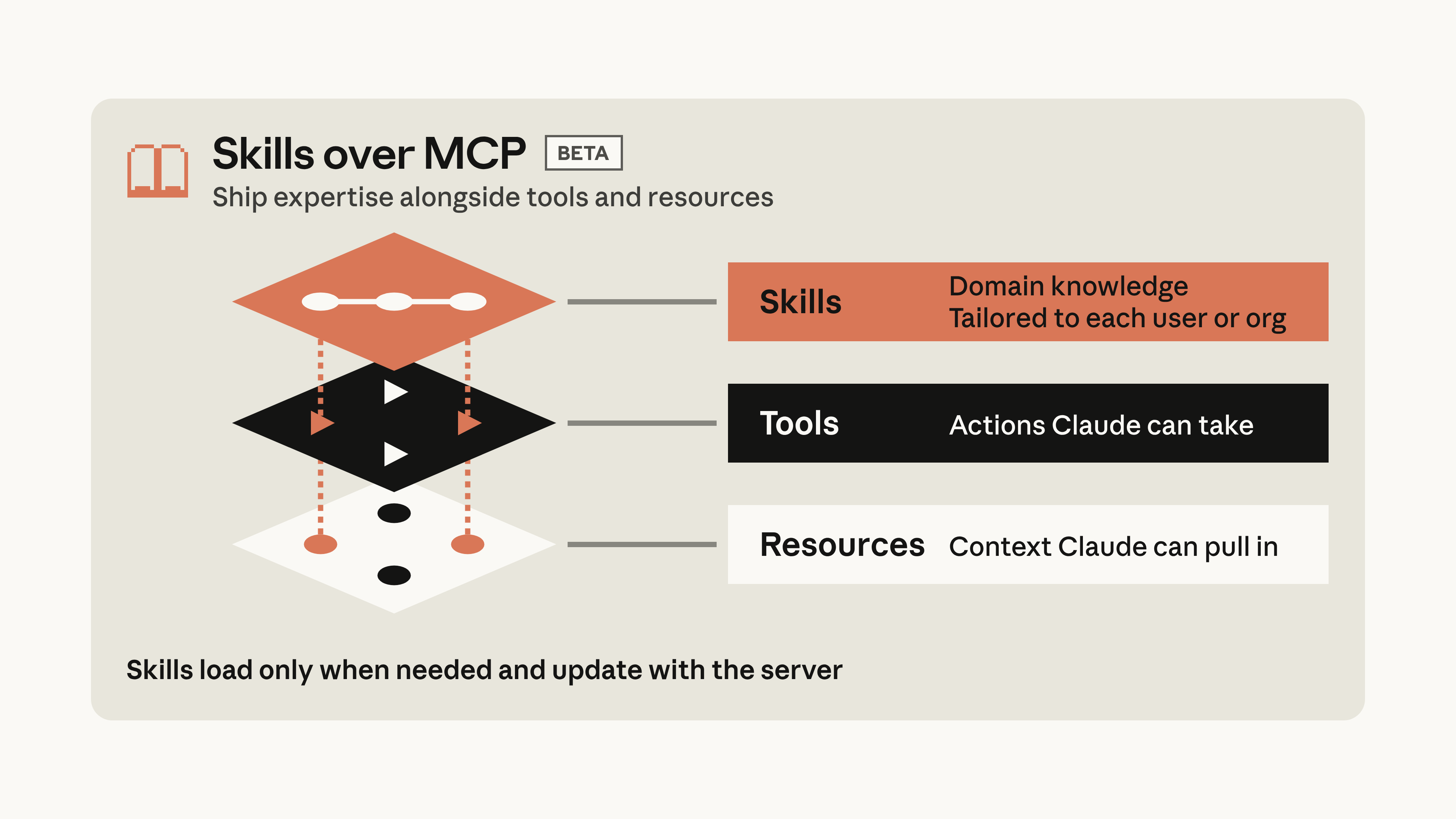
On November 24, 2026, Anthropic named Atlassian a launch partner for Skills over MCP, a beta that lets a server send skills, written instructions for multi-step work, along with its tools. Anthropic's post says Atlassian "helps Claude draw on deep organizational context for insights and work analysis." Our news story covers the launch.
Atlassian's own setup pages, as of November 25, don't yet explain skills served from the server. Its GitHub repository does publish a set for v2, installed by its packaged plugins: assess-release, before-you-start, catch-up, decision-trace, dependency-map and how-it-works.
In Claude Code, skills from MCP servers need version 2.1.331 or later; type /skills to see them.
Frequently asked questions
What is the Atlassian MCP server URL?
The current endpoint is https://mcp.atlassian.com/v2/mcp. Gateways that need the full tool list up front can use https://mcp.atlassian.com/v2/mcp?tools=all.
Is the Atlassian MCP server free?
Connecting is included with Atlassian Cloud, and plain reads, writes and single-product lookups don't use credits. Enriched tools such as cross-product Rovo search cost 1 to 10 Rovo credits per call, drawn from the monthly allowance of your plan.
How do I know if Atlassian MCP is down?
Check the MCP component on Atlassian's Rovo status page at rovo.status.atlassian.com. It showed all systems operational on November 25, 2026, after an OAuth incident on November 23 that also affected MCP.
Can the Atlassian MCP server delete Jira issues?
Only if an organization admin turns on the delete_jira tool group, which is off by default. Every action also runs under your own Jira and Confluence permissions.
Sources
- Getting started with the Atlassian Rovo MCP ServerAtlassian
- Atlassian Rovo MCP getting started guideAtlassian
- atlassian/atlassian-mcp-serverAtlassian
- Atlassian MCP skillsAtlassian
- Supported toolsAtlassian
- Configure OAuth 2.1Atlassian
- Configure authentication via API tokenAtlassian
- Control Atlassian Rovo MCP server settingsAtlassian
- Troubleshoot and verify your setupAtlassian
- How to upgrade from Atlassian MCP v1 to Atlassian MCP v2Atlassian
- Rovo usage limitsAtlassian
- Atlassian Rovo MCP Server is now GAAtlassian
- Rovo statusAtlassian
- Connect Claude Code to tools via MCPAnthropic
- Get started with custom connectors using remote MCPAnthropic
- Atlassian MCP connectorAnthropic
- Skills over MCP, Tasks and moreAnthropic