Key takeaways
- Gemini skills are saved instructions, with optional files, that Gemini applies in any chat when you type / and the skill's name or when your prompt matches.
- Google says skills need no Google AI subscription; they are available to anyone 18 or over signed in to a personal Google account, with work and school accounts to follow.
- Gems on personal accounts turn into read-only skills on November 17, 2026 and are removed on December 17, 2026; Workspace business follows in March 2027 and education in June 2027.
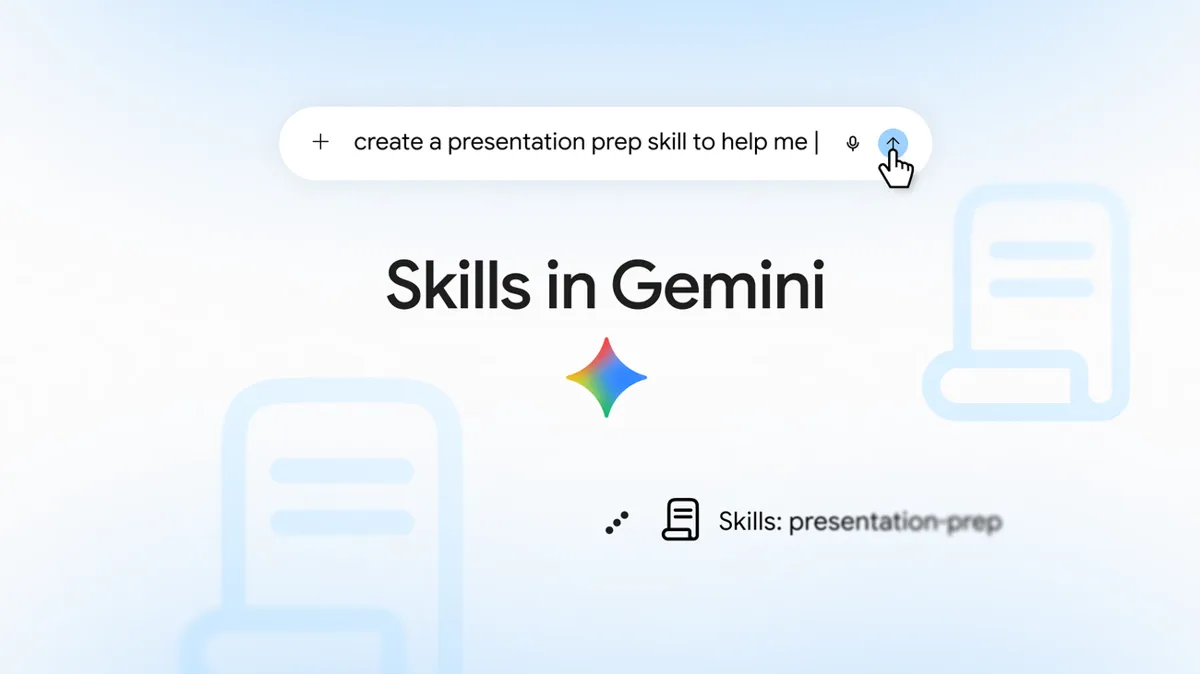
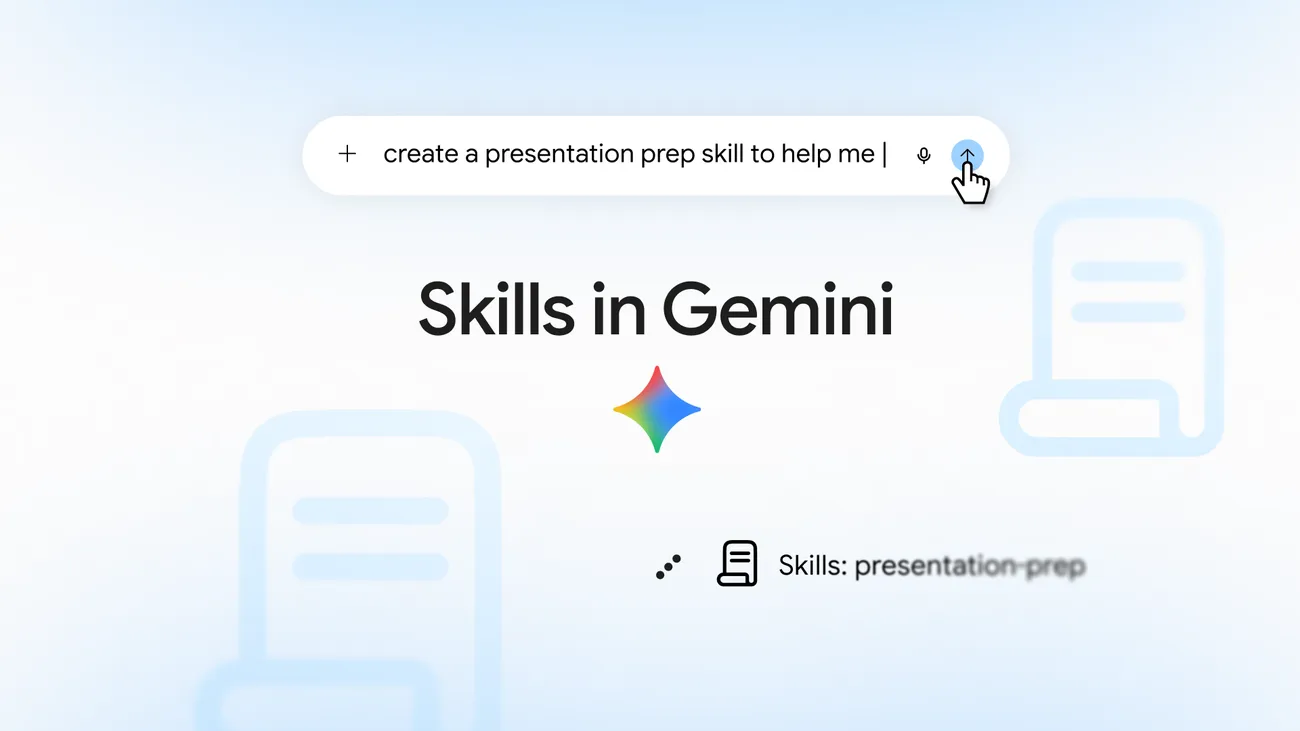
Gemini skills is Google's name for saved, reusable instructions that tell the Gemini app what to do for a task you repeat, such as drafting in your writing style or turning bank statements into a spreadsheet. You call one by typing / (or @) and its name in any chat, or let Gemini pick it up on its own when your prompt matches. According to Google's help center, skills are free with a Google account for anyone 18 or over, and they replace Gems, which start turning into skills for personal accounts today, November 17, 2026.
The details below come from Google's help pages and its September 30 announcement, as of November 17, 2026.
What a Gemini skill is
Google's guide to writing skills calls a skill "a cheat sheet that captures your expertise." It has three parts:
- A name, in lowercase with hyphens, like
plan-meal-from-recipe. - A description of one or two sentences, up to 1,024 characters, saying what the skill does and when to use it.
- Instructions, plus optional reference files such as a template, a style guide or a spreadsheet.
Under the hood, a skill is a folder with a SKILL.md file in its root. Google says you can import skills made on other platforms by uploading their SKILL.md files.
How Gemini uses a skill
Google says Gemini reads skills in three steps:
- It checks only each skill's name and description to decide whether one is relevant.
- If one is, it reads that skill's full instructions.
- It opens the skill's files only when the current step needs them.
So the description matters most. Say what the skill does and when to use it, or Gemini may skip it.
You can use skills three ways:
- Call it by name. Type / (or @, if you have the newer shortcut) in a chat or task and pick the skill.
- Let Gemini choose. Gemini can apply any skill that is turned on when it fits your prompt.
- Stack them. Use several skills in one chat, such as a writing-style skill plus a brand-guidelines one. A skill's instructions can also refer to other skills.
How to add a skill in the Gemini app
Skills live on the Skills page. On the web at gemini.google.com or in the Gemini app on Mac, open the sidebar and click Customize, then Skills (click More first if you don't see Customize). In the Android or iPhone app, tap Menu, then Customize, then Skills.
From there you have four ways to make one, according to the create and manage page:
- Create with Gemini. Click Create, then Create with Gemini, and describe what you want in the chat that opens.
- Start from a template. Under "Recommended," pick a prefilled skill and edit its name, description and instructions.
- Write it yourself. Click Create, then Create manually, and fill in the name, description and instructions. Click Create at the top to save it.
- Upload one. Click Create, then Upload, and choose a SKILL.md file, or a folder or .zip with a SKILL.md in its main folder. For now this works only on the web app and, per Google's Gems page, the Mac app.
There is a fifth way that skips the Skills page: in a normal chat, ask Gemini to create a skill and paste or describe the instructions. Gemini saves it to your Skills page.
Adding files to a skill
When you create or edit a skill, click Add to attach files from your device or from Google Drive, Google Photos or Gemini Notebook. The transition page and the September announcement still describe Drive files and Gemini Notebook notebooks as coming soon, but the create and manage page now lists them as sources.
Supported types include .docx, .pdf, .md, .txt, .csv, .xlsx, .pptx, common image formats (.jpg, .png, .webp, .heic and others), code (.py, .js, .sh, .ipynb) and config files (.json, .yaml, .toml). Not supported: legacy .doc, .xls and .ppt, audio and video, archives, .raw images, and code such as .ts, .tsx, .jsx, .php, .rb, .swift and .sql. Scripts in a skill can't reach the internet or act on outside websites.
Turning skills off, editing and sharing
On the Skills page, More lets you deactivate, edit, replace, download or delete a skill. Gemini won't apply a deactivated skill on its own. Deleting can't be undone.
Sharing works like a Google Drive file, on the web app only for now. Click More, then Share skill, enter an email address, and choose Viewer (can use and read it) or Editor (can change it and share it further). A skill shared with you shows up as inactive under "All" on your Skills page until you add it. If the skill uses files, you have to share those separately.
Is Gemini skills free
Yes. Google's help page says "skills are available without a Google AI subscription." The subscriptions page lists Skills in the Free plan, and every paid plan includes everything in Free. Google's announcement says skills are available on all Google AI subscription tiers.
| Plan (US price, November 17, 2026) | Skills |
|---|---|
| Free, $0 | Yes |
| Google AI Plus, $4.99 a month | Yes |
| Google AI Pro, $19.99 a month | Yes |
| Google AI Ultra, from $99.99 a month | Yes |
Paying raises Gemini's usage limits and adds models. It doesn't add anything to skills.
Who can't use them yet:
- Under 18. Google says personal accounts under 18 will get skills, and their Gems will move, at a later date.
- Work and school accounts. Google's help pages say these come later.
Limits
- 100 active skills. You can create as many as you want, but only 100 can be turned on at once. Turn one off to turn another on.
- 100 MB of files per skill, in total.
- Some tools don't work with skills yet: Create video, Create music, Canvas, Deep Research and Guided Learning.
- Connected Apps need Keep Activity. Skills can use Workspace apps like Gmail, Calendar and Drive, but not while Keep Activity is off.
- No chat list per skill. Chats that used a skill sit in the normal side panel.
Gemini skills vs Gems
Google's reason for the switch: a skill works right in your current chat without switching tabs, and you can stack several. Gems each had their own page of chats.
Google is retiring Gems on this schedule, from its transition page:
| Account | When Gems go away |
|---|---|
| Personal, 18 and over | November 17, 2026: Gems turn into skills and become read-only. December 17, 2026: Gems are removed. |
| Personal, under 18 | Later, date not given |
| Workspace business, enterprise and non-profit | March 2027 |
| Workspace education | June 2027 |
Google converts Gems automatically, with their sharing settings. Files over the 100 MB limit (largest dropped first) and unsupported types don't carry over, so download any you need before December 17. Opal and Gems by Google Labs also end in November; Google's announcement says Gems by Google Labs won't move to skills.
For the step-by-step move and what to check before December 17, see Gemini Gems going away: dates and how to move them to skills. For how Gemini's version compares with Anthropic's, see Gemini gems vs Claude skills.
Frequently asked questions
Is Gemini skills free?
Yes. Google's help center says skills are available without a Google AI subscription, and the subscriptions page lists Skills in the Free plan. You need to be 18 or over and signed in to a personal Google account.
How do I add skills to the Gemini app?
Open Customize, then Skills, and click Create to build one with Gemini, from a template, by hand, or by uploading a SKILL.md file. You can also ask Gemini in any chat to create a skill from your instructions.
What is the difference between Gemini skills and Gems?
Gems were opened on their own, each with its own page of chats. A skill works inside any chat, can be combined with other skills, and Gemini can apply it automatically when it fits your prompt.
How many skills can I have in Gemini?
You can create as many as you want, but only 100 can be active at once. Each skill can hold up to 100 MB of files.