Key takeaways
- AI Studio is a browser tool that builds and publishes full-stack web and Android apps from a prompt; Antigravity is a desktop app, CLI and SDK for agents that work on your own code.
- Both run the same Antigravity agent harness, and since May 2026 a project can be exported from AI Studio to Antigravity with its code and agent conversation.
- Both are free to start: AI Studio's free plan uses Gemini 4 Hydrogen with a daily quota, Antigravity's uses Gemini 3.8 Flash with a weekly quota, and Google AI Pro at $19.99 a month raises both.
Google AI Studio vs Antigravity is a choice between two tools that run the same Google coding agent at different stages of a project. AI Studio is a browser tool that turns a prompt into a working web or Android app you can publish without installing anything. Antigravity is a desktop app, CLI and SDK for running coding agents on your own repository. The short answer: start in AI Studio to get an app running fast, and move to Antigravity when the project needs real engineering.
The two are connected. Since Google I/O on May 19, 2026, AI Studio's Build mode uses the Antigravity agent harness, and an export flow moves a project from AI Studio into Antigravity with its code and the full agent conversation. So this is less a choice between rivals than a choice of where to work today.
This comparison is based on Google's docs, pricing pages and announcements as of November 18, 2026, not hands-on testing.
Google AI Studio vs Antigravity at a glance
| Google AI Studio (Build mode) | Google Antigravity | |
|---|---|---|
| What it is | Browser-based prompt-to-app builder and Gemini playground | Agent platform: desktop app, CLI, IDE extensions, Python SDK |
| Where it runs | In the browser at aistudio.google.com | macOS 13+, Windows 10 (64-bit)+, Linux; CLI over local shells, cloud and SSH |
| What it builds | Full-stack web apps (React front end, Node.js server) and native Android apps in Kotlin and Jetpack Compose | Any codebase you open; the agent works in your files and Git |
| Agent | Antigravity agent harness | Antigravity agent harness, plus subagents in isolated Git worktrees |
| Backend setup | Provisions Firebase Firestore and Authentication for you | You set it up, with Android, Firebase and Chrome skills available |
| Publishing | Cloud Run, GitHub sync, ZIP download, Google Play | Your own pipeline |
| Free plan | Yes: Gemini 4 Hydrogen with a modest daily quota | Yes: $0 with a weekly agent quota and Gemini 3.8 Flash |
| Paid plans | Google AI Pro and Ultra raise daily quotas; Gemini API key for more | Google AI Pro ($19.99/month) and Ultra (from $99.99/month); business seats from $30 |
| Top models | Gemini 4 Argon (Pro), Gemini 4 Carbon (Ultra) | Gemini 4 Carbon (Ultra), Gemini 4 Argon, Claude Sonnet 5.5 and Opus 5.5 (Pro and up) |
| Best for | Prototypes, demos, small apps, first Android app | Existing repos, long tasks, teams, production work |
What Google AI Studio does
The part of AI Studio that overlaps with Antigravity is Build mode, where you describe an app and an agent writes it.
A web app in Build mode is full-stack by default: a React front end and a Node.js server for API calls, database connections and npm packages. The agent can set up Firebase Firestore and Firebase Authentication, including "Sign in with Google", and connect Google Workspace apps such as Gmail, Sheets, Drive and Calendar. Your Gemini API key stays on the server as a secret and is never put in the client code.
You can publish the app to Cloud Run, sync it both ways with GitHub, or download a ZIP. If you share an app, the Gemini calls other people make count against your usage.
Build mode has no real-time co-editing and no built-in file storage yet.
AI Studio now builds full-stack Android apps
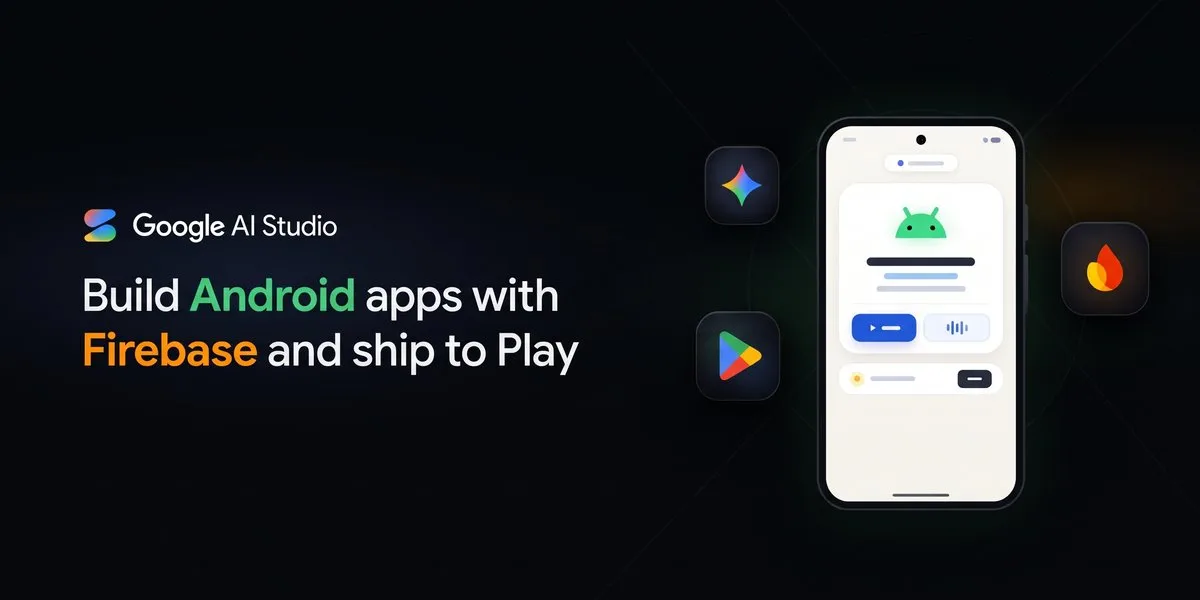
On November 17, 2026, Google said AI Studio's Build agent can now create full-stack Android apps in Kotlin and publish them to Google Play. You pick the "Android" chip at aistudio.google.com/apps and write a prompt.
What the update adds:
- Cloud Firestore with security rules, set up automatically, so each user sees only their own data. Firestore caches offline and syncs when the phone reconnects.
- Google Sign-In through Firebase Authentication.
- Gemini calls through Firebase AI Logic, protected by Firebase App Check, which keeps API credentials off the phone.
- A faster browser emulator with an HD mode at 1200p and real-time audio.
- A screenshot button that sends the emulator screen to the agent.
- Custom fonts in Jetpack Compose, and builds run with the official Android CLI and Gradle.
- Publishing: the agent builds and signs an Android App Bundle and puts it in your personal Google Play library, so you can install it on your phone. Google says you can do this "at no cost" with a standard Google account.
Antigravity can write Kotlin too, but AI Studio sets up the backend, the emulator and the Play upload for you in one browser tab.
What Google Antigravity does
Antigravity is Google's agent-first development platform. Google relaunched it as Antigravity 2.0 at I/O 2026: a standalone desktop app for running several agents in parallel, scheduling background tasks, and connecting to AI Studio, Android and Firebase.
According to the overview docs, it has four surfaces:
- The Antigravity App, a desktop app for launching and inspecting teams of agents.
- The Antigravity CLI,
agy, for local shells, cloud environments and SSH sessions. - Extensions for six IDEs, including VS Code, Visual Studio, JetBrains, Zed, Xcode and Eclipse.
- A Python SDK for building custom agents on the same harness.
The agent works in your own repository. It runs subagents in isolated Git worktrees, produces plans, diffs and browser recordings for you to review, asks for approval before using tools, and supports SKILL.md skills, rules, MCP servers and scheduled tasks. Enterprise customers get SSO, US or EU data residency and VPC Service Controls through Google Cloud.
The changelog lists version 2.33.0 on November 17, 2026, which added SSH connections to remote Linux machines and live GitHub pull request status. On November 3 Google started rolling out remote agents that keep working in the cloud after you close your laptop; see our story on Antigravity's remote agents and voice mode.
How much each one costs
Both have a free plan, and both use the same Google AI subscriptions for more. The Google AI plans page lists AI Pro at $19.99 a month and AI Ultra from $99.99 a month in the US.
AI Studio. Per the AI Studio plans docs, free users get Gemini 4 Hydrogen with a "modest quota". AI Pro adds Gemini 4 Argon and a higher quota. AI Ultra adds Gemini 4 Carbon and the highest quota. Limits are daily and reset at fixed times. When you run out, you can keep going with a Gemini API key that has Cloud Billing turned on, which charges per request. Subscription benefits apply only in the AI Studio web interface.
If you pay through the API, the Gemini API pricing page lists Gemini 4 Hydrogen at $1.50 per million input tokens and $7.50 per million output tokens. Gemini 4 Carbon and Argon cost $2 and $10 today, rising to $4 and $20 on December 1, 2026.
Antigravity. The pricing page lists Individuals at $0 a month with a weekly agent quota. AI Pro gives a quota that refreshes every five hours, plus multi-agent teamwork and Remote Control. AI Ultra gives the highest quota and Gemini 4 Carbon. Businesses buy through Google Cloud, with Gemini Enterprise seats from $30 a month or pay-as-you-go. Our Antigravity pricing guide covers the plans and the AI credit overages in detail.
Which models you get
AI Studio is Gemini only. Antigravity also offers Anthropic's Claude models, which matters if you prefer Claude for coding.
According to Antigravity's models page, as of November 18, 2026:
- Free and AI Plus: Gemini 3.8 Flash, plus Claude Sonnet 4.6, Claude Opus 4.6 and GPT-OSS-120b, which are marked "Will be removed on November 18, 2026." After that, free users have Gemini 3.8 Flash.
- AI Pro: Gemini 4 Argon, Gemini 4 Hydrogen, Gemini 3.8 Flash, and Claude Sonnet 5.5 and Opus 5.5 on non-trial subscriptions.
- AI Ultra: Gemini 4 Carbon and everything above, with full access to third-party models.
On the free plans, AI Studio gives you a Gemini 4 model and Antigravity gives you Gemini 3.8 Flash.
Moving from AI Studio to Antigravity
You don't have to pick once. Google's I/O post says you can bring an entire project from AI Studio to local development in Antigravity "with a single click", and the Antigravity team says the export carries the full agent conversation as well as the code. Because both run the same agent harness, the agent in Antigravity starts with the context of what you built.
GitHub sync is the other path: keep the project in a repository and open it in Antigravity.
Which one should you choose
- You have an idea and no code yet: AI Studio. You get a running app in the browser with a backend set up for you.
- You want an Android app on your own phone: AI Studio, since the November 17 update handles Kotlin, Firebase and the Play upload.
- You have an existing repository: Antigravity. AI Studio builds new apps; Antigravity works on the code you already have.
- You want several agents on one task, scheduled jobs or work over SSH: Antigravity.
- You want Claude models in a Google tool: Antigravity on AI Pro or Ultra.
- You want to spend nothing: both are free to start. AI Studio's free plan has the newer model, and Antigravity's free plan has the full desktop app and CLI.
For how Antigravity compares with Anthropic's tool, see our Antigravity vs Claude Code comparison.
What Google hasn't said
Google doesn't publish the daily quota in AI Studio or the weekly quota in Antigravity, so you can't compare how much work each free plan buys. It also hasn't documented exactly what the AI Studio export carries beyond code and conversation, such as secrets or Firebase settings. Check your usage panels before you commit a project to either free plan.
Frequently asked questions
Is Google AI Studio free?
Yes. Free users get Gemini 4 Hydrogen with a modest daily quota. Google AI Pro and Ultra raise the quota and add Gemini 4 Argon and Carbon, and a Gemini API key with Cloud Billing lets you keep going per request.
Can I move an AI Studio project to Antigravity?
Yes. Google added an export from AI Studio Build to Antigravity at I/O 2026 that brings over the code and the agent conversation. You can also sync the project to GitHub and open the repository in Antigravity.
Can Google AI Studio build Android apps?
Yes. Since November 17, 2026, Build mode creates Kotlin and Jetpack Compose apps with Firebase sign-in and Firestore, previews them in a browser emulator, and publishes them to your personal Google Play library.
Does Antigravity 2.0 replace AI Studio?
No. Antigravity 2.0, launched on May 19, 2026, is a desktop app for running agents on your code, while AI Studio stays the browser tool for trying Gemini and building new apps. AI Studio's Build mode runs on the Antigravity agent harness.
Sources
- Build full-stack Android apps with Gemini in Google AI StudioGoogle for Developers Blog
- Build apps in Google AI StudioGoogle
- Use Google AI plans in AI StudioGoogle
- Gemini API pricingGoogle
- Google Antigravity at I/O 2026Google
- Building the agentic future: Developer highlights from I/O 2026Google
- Antigravity overviewGoogle
- Antigravity pricingGoogle
- Antigravity modelsGoogle
- Antigravity changelogGoogle
- Antigravity downloadGoogle
- Google AI plansGoogle