Key takeaways
- Claude Design has no separate price: as of November 20, 2026 it is on every Claude plan from Free to Enterprise and shares Claude's usage limits.
- Figma's AI runs on monthly credits per seat, from 500 on Starter to 3,000 on a $16 Professional Full seat, and Figma lists a five-screen flow from its agent at 300+ credits.
- Claude Design hands work to Claude Code but has no Figma export, no version history and unreliable multi-person editing, where Figma is built for shared files.
Claude Design vs Figma comes down to where the work starts and where it ends. Claude Design is a chat-first tool inside Claude that drafts a design, prototype or slide deck from a prompt and hands it to Claude Code, and it costs nothing beyond a Claude plan. Figma is a full design tool for teams that now has its own AI, the Figma agent and Figma Make, paid for with monthly AI credits on top of a seat.
This comparison is based on the products' docs and published information: Anthropic's Claude Design help page and Claude pricing page, and Figma's pricing page and AI credits help article. Prices are as of November 20, 2026.
Claude Design vs Figma at a glance
| Claude Design | Figma (with Figma agent and Figma Make) | |
|---|---|---|
| What it is | A template for artifacts in Claude: describe a design, Claude builds it on a canvas | A design platform (Design, FigJam, Slides, Dev Mode and more) with AI built in |
| Starting point | A prompt, a codebase or a design system | A blank canvas, existing files, or a prompt to the agent or Make |
| Free option | Yes, on the Claude Free plan, with limited usage | Starter plan: 150 AI credits a day, up to 500 a month |
| Cheapest paid option | Claude Pro, $20 a month ($17 a month billed annually) | Professional Full seat, $16 a month, 3,000 AI credits a month |
| How AI use is metered | Shared Claude usage limits, no separate Design allowance | AI credits per seat, reset monthly, no rollover |
| Over the limit | Wait for the reset, or use usage credits on paid plans | Admin adds team credits or raises the limit, or wait for the reset |
| Exports | .zip, PDF, PPTX, Google Slides, standalone HTML, 15 partner tools | Dev Mode, MCP server; Make apps publish to a URL, Make previews copy into Figma Design |
| Handoff to code | Claude Code via /design, design systems synced with /design-sync |
Dev Mode, Figma MCP server, pull requests from Figma Make |
| Collaboration | Share to view, comment or edit; multi-person editing "may not work reliably" | Shared team files; free view and comment access on paid plans; simultaneous editing in Make |
What each one does
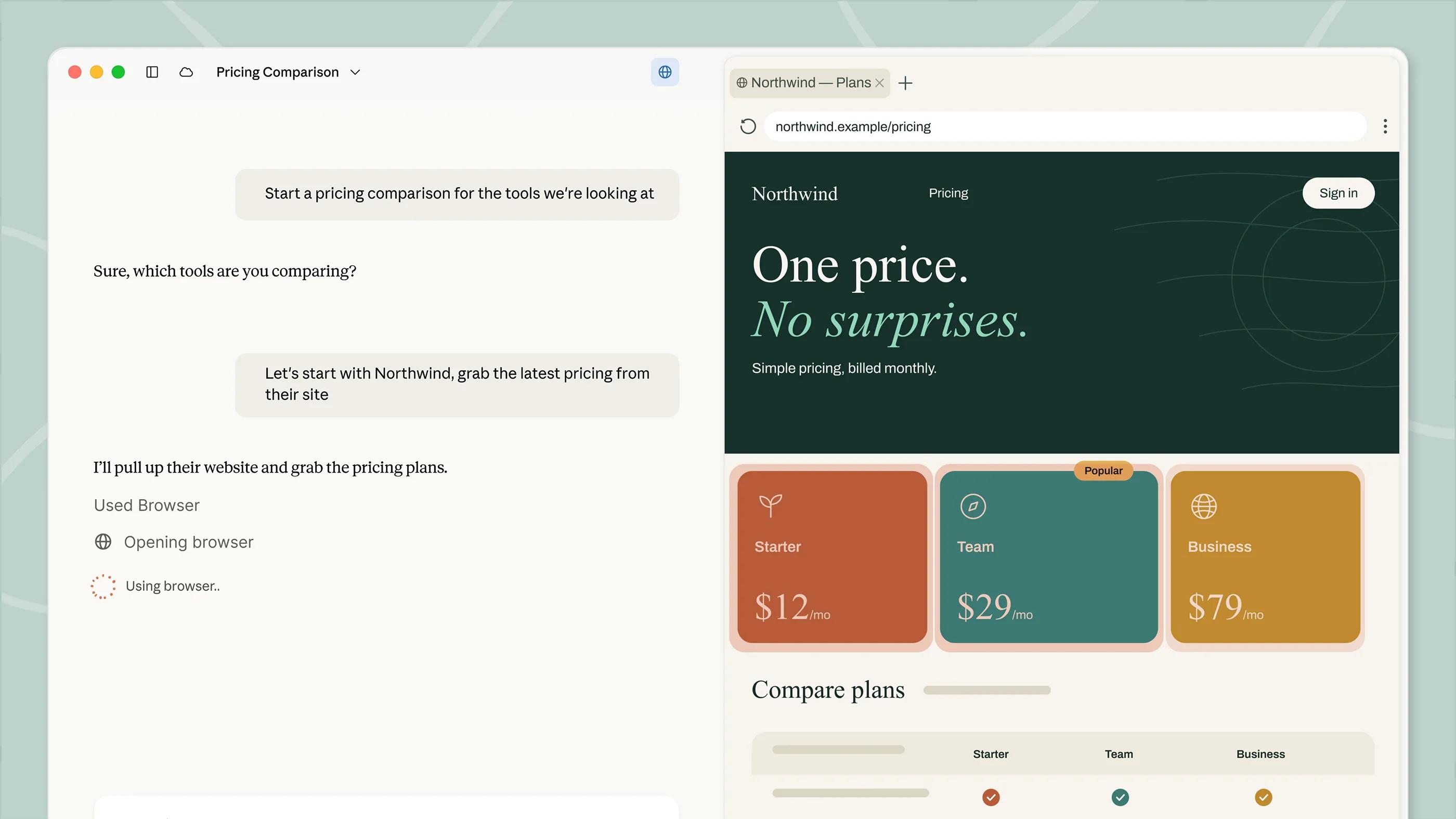
Claude Design started on April 17, 2026 as an Anthropic Labs research preview. Anthropic's help center now describes it as a template for creating artifacts. You ask for a design in a chat or type /design in Claude Code, and Claude builds the design on a canvas next to the conversation. You refine it by chatting, by clicking a spot and leaving an inline comment, or by dragging and resizing elements yourself.
Its strongest feature is design systems. You can import one from a GitHub repository, design files, raw uploads, or a local codebase with /design-sync in Claude Code. New projects inherit your organization's colors, fonts and components, and Anthropic says Claude checks its output against the design system before you see it.
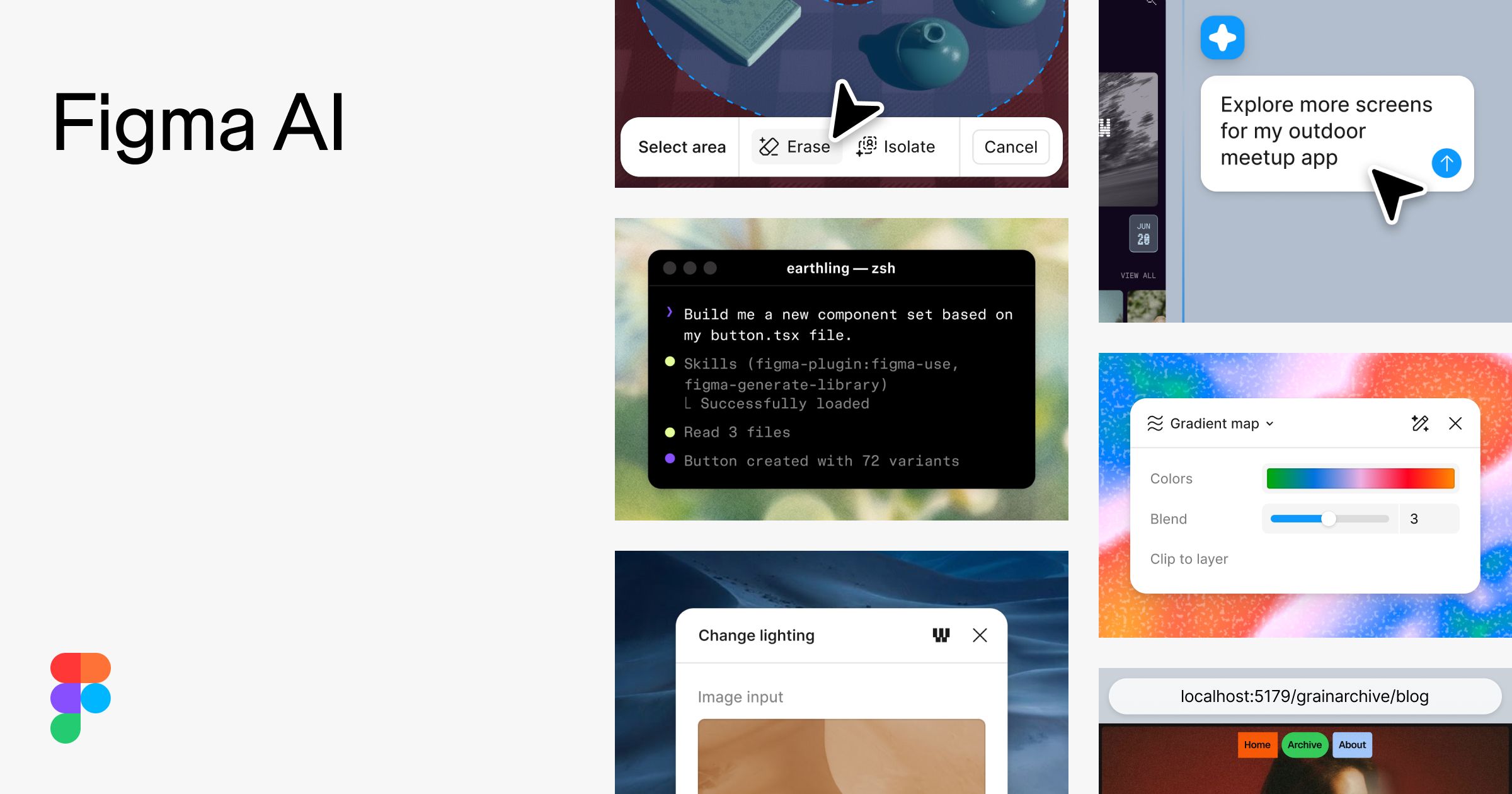
Figma is the reverse: a mature, hand-driven design tool with AI added. The Figma agent is a chat on the canvas that, in Figma's words, can "generate new design directions, create diagrams, edit images, search your files, and more." Figma Make is a prompt-to-app tool that turns ideas and existing Figma designs into interactive prototypes and web apps, with a Files tab where you can read and edit the code.
Who each one is for
Claude Design suits people who are not full-time designers: founders, product managers, engineers and marketers who need a prototype, a one-pager or a slide deck quickly. It fits best when the next step is code, because the handoff goes straight to Claude Code.
Figma suits design teams. Figma's pricing splits people by seat: a Full seat gets every product, including Figma Design, Figma Make and Dev Mode. A Dev seat gets Dev Mode, FigJam, Slides, Buzz and Specs, with view and comment access to Design files. A Collab seat gets FigJam, Slides, Buzz and Specs.
Prices and plans as of November 20, 2026
Claude Design has no price of its own. Anthropic's help center lists it on Free, Pro, Max, Ultra, Team and Enterprise, on by default. We cover the plans in more detail in Claude Design plans and cost.
| Claude plan | Price (claude.com/pricing) | Usage |
|---|---|---|
| Free | $0 | Limited, every 5 hours and every week |
| Pro | $20 a month, or $17 a month billed annually | More than Free |
| Max | $100 a month | 5x Pro |
| Ultra | $200 a month | 10x Pro every week, no 5-hour limit for verified accounts |
| Team Standard seat | $25 a month, or $20 billed annually | More than Pro, 2 to 150 seats |
| Team Premium seat | $125 a month, or $100 billed annually | 5x a Standard seat |
| Enterprise | $20 a seat a month billed annually, 20-seat minimum | Usage billed at API rates |
Figma charges per seat, and each seat carries a monthly AI credit allowance.
| Figma plan | Full seat | Dev seat | Collab seat | AI credits a month |
|---|---|---|---|---|
| Starter | Free | n/a | n/a | 150 a day, up to 500 |
| Professional | $16 a month, billed annually | $12 a month | $3 a month | Full 3,000, Dev and Collab 500 |
| Organization | $55 a month, billed annually | $25 a month | $5 a month | Full 3,500, Dev and Collab 500 |
| Enterprise | $90 a month, billed annually | $35 a month | $5 a month | Full 4,250, Dev and Collab 500 |
Figma's pricing page shows the Professional prices at the annual-billing rate; the monthly-billing price is behind a toggle on the page. Extra AI credits can be bought for the whole team, pay-as-you-go or as a subscription. Figma does not publish those add-on prices on the pricing page or in the credits article.
For one designer who wants AI drafts, the entry costs are close: $16 for a Figma Professional Full seat against $20 for Claude Pro. Claude Pro also covers chat and Claude Code from the same usage pool; a Figma seat covers a full design suite, and its AI credits are what runs out.
Limits and credits
Claude Design shares Claude's usage limits with everything else, Claude Code included. Anthropic says there is no separate Claude Design allowance, and large codebases and many iterations use more. When you hit the limit, Claude Design is unavailable until it resets, unless usage credits are turned on, which paid plans can do. Anthropic publishes no numbers for how many designs a plan allows.
Figma publishes approximate credit costs, as of November 19, 2026, for the default model:
| Task | Approximate Figma AI credits |
|---|---|
| Figma Make: change the font | 30+ |
| Figma Make: make an attached design interactive | 75+ |
| Figma Make: generate an app from scratch | 100+ |
| Figma agent in Design: summarize the canvas | 100+ |
| Figma agent in Design: a 5-screen checkout flow | 300+ |
| Figma agent in Slides: generate 10 slides | 250+ |
At those rates, a Professional Full seat's 3,000 credits cover roughly ten five-screen flows from the agent, or about thirty Make apps from scratch, before anything else. Credits belong to one person, reset monthly, don't roll over and can't be shared. Undoing an AI action does not refund its credits. Every figure ends in a plus sign: Figma says costs vary with the model, the task and the context.
Export and handoff to code
Claude Design's Export button offers a .zip, PDF, PPTX, Google Slides and standalone HTML. It can also send a project to 15 partner tools, among them Canva, Lovable, Miro, Vercel and Wix, and three Adobe products. Figma is not on the list. The main route to code is Claude Code: from there, /design imports a design into your codebase, exports code as a live prototype, or has Claude build the product.
Figma has several routes. Dev Mode, on Full and Dev seats, is where engineers inspect designs. The Figma MCP server lets outside AI agents read and act on designs, with limits by plan: 20 tool calls a month on Starter, 200 a day on Professional and Organization, and 600 a day on Enterprise. Figma Make can publish an app to a URL, with a custom domain if you own one, and Figma's AI page says Make can create a pull request to ship to production. Make can also add a Figma-hosted backend with a database, sign-in and an admin panel. On paid plans other than Starter, you can copy a Make preview into Figma Design as layers. For a team that designs in Figma, Claude Design's missing Figma export means its work has to be rebuilt there.
Collaboration
This is Figma's clearest lead. Figma's seats are designed around teams, paid plans give free view and comment access without buying a seat, and the help center says teams in Figma Make can share a conversation, leave comments and edit the generated code at the same time.
Claude Design designs are private by default. Share lets you give people view, comment or edit access. But Anthropic's own help page calls multi-person editing basic and says it "may not work reliably." There is no version history yet.
The standalone Claude Design site is closing
The original site at claude.ai/design closes on December 14, 2026, and Claude Design continues inside Claude as an artifact template. Anthropic says to move design systems to Claude before then.
Which to pick
Claude Design is the cheaper start for people who think in prompts and ship in code, especially teams already on Claude. Its weak spots are the ones designers care about most: shaky co-editing, no version history and no Figma export.
Figma remains the tool for design teams who need shared files, review and handoff in one place, with AI that works inside those files. Many teams will use both: Claude Design to explore an idea quickly, Figma for the work that has to be maintained.
Frequently asked questions
Is Claude Design better than Figma Make?
They aim at different users. Claude Design builds from your design system and hands work to Claude Code at no extra cost on a Claude plan, while Figma Make turns Figma designs into apps it can host and costs Figma AI credits, about 100+ to generate an app from scratch.
Can Claude Design export to Figma?
Not directly. As of November 20, 2026, Anthropic's help center lists .zip, PDF, PPTX, Google Slides, standalone HTML, Claude Code and 15 partner tools such as Canva and Miro, and Figma is not among them.
Is Claude Design free?
Yes, it is included on the Claude Free plan with limited usage. Paid plans start with Pro at $20 a month, and every plan shares one usage pool between Claude Design, chat and Claude Code.
Does the Figma agent cost AI credits?
Figma's AI credits article lists agent actions with approximate costs, such as 100+ credits to summarize a canvas and 300+ for a five-screen checkout flow. Credits reset monthly and don't roll over.
Sources
- Get started with Claude DesignAnthropic
- Claude pricingAnthropic
- Introducing Claude Design by Anthropic LabsAnthropic
- Figma pricingFigma
- How Figma AI credits workFigma
- Figma AIFigma
- Explore Figma MakeFigma
- Add a backend to a functional prototype or web appFigma