Key takeaways
- The bundled /verify command builds and runs your app to check a change, and works without setup.
- A project skill named verify in .claude/skills/ is run by Claude right before each commit, except docs-only and tests-only commits, on Claude Code v2.1.286 or later.
- Anthropic's November 16, 2026 post says the Claude Code team favors end-to-end, property and differential tests, and hands a failing check to a person after three rounds of fixes.
Claude Code verification is the set of checks that lets Claude test its own changes before you see them: a bundled /verify command that builds and runs your app, plus a project skill named verify in .claude/skills/ that Claude is told to run before every commit. Anthropic described how its own Claude Code team uses this in a November 16, 2026 engineering post, and the setup takes a few minutes in any repository.
The reason to bother is simple. If you have to check every change yourself, you can only run one or two Claude sessions at a time. The post argues that once Claude can check its own work with evidence, you can run dozens in parallel. Anthropic says about 90% of the Claude Code team's code is now written and reviewed by Claude.
What the Claude Code verification system is
A verification loop, in the words of Anthropic's July 22 guide, is a repeating cycle where the agent checks its own work, fixes what fails and only then moves on. Claude already reads signals like type checkers, linters, tests and runtime errors. Verification loops cover what those miss: the checks you do by hand after every change.
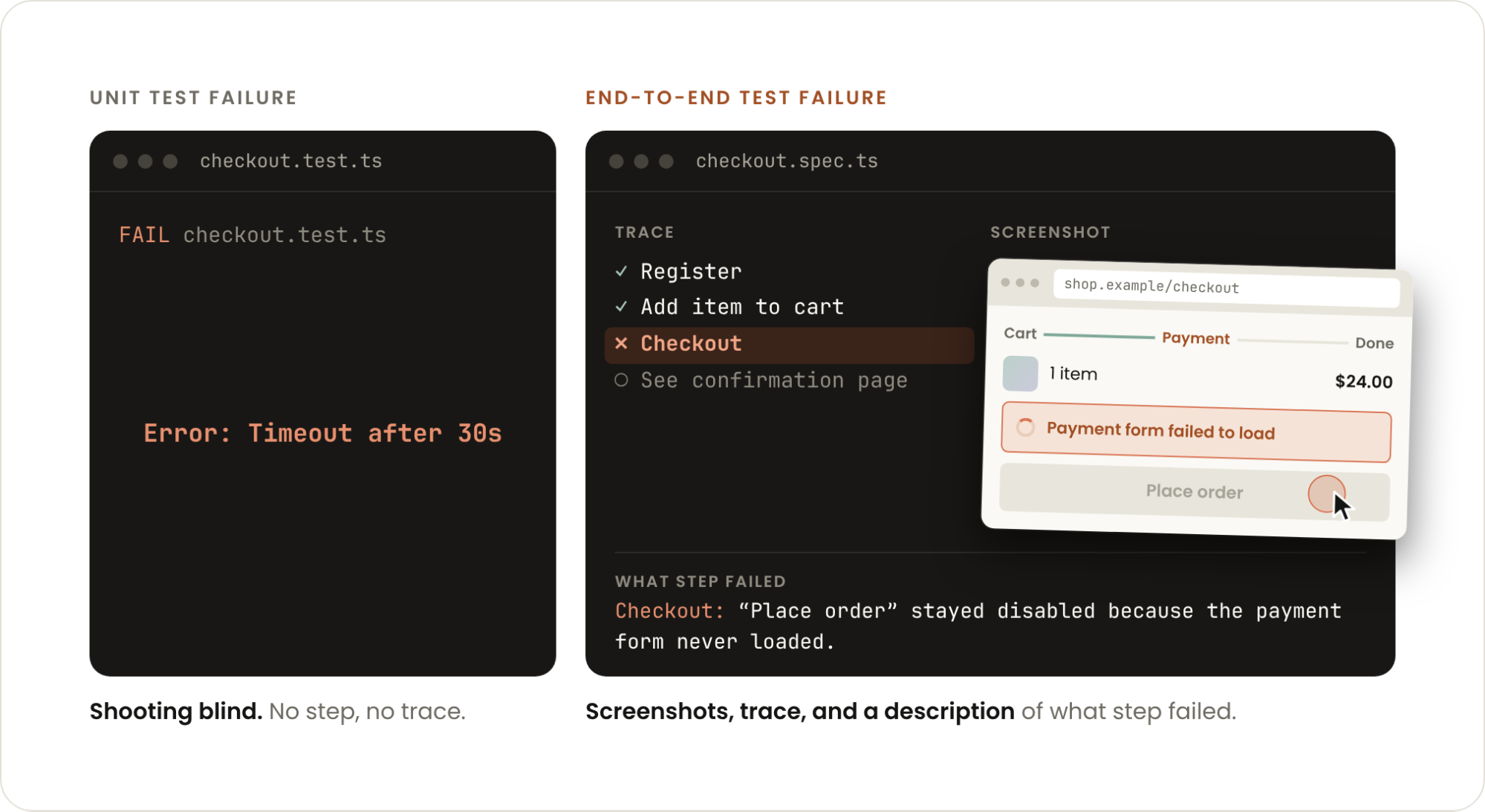
The November post, written by Addy Osmani, says the Claude Code team leans on three kinds of tests:
- End-to-end tests, which drive a real user flow such as adding an item to a cart and checking out. The post says that if you pick one type, pick this one, because either the whole feature works or it doesn't.
- Property tests, which state something that must always hold ("an account balance can never go negative") and let a library such as fast-check, Hypothesis or proptest generate thousands of inputs to break it.
- Differential tests, which run the old and new system on the same inputs during a migration and flag any difference.
On top of the tests, the team follows a few rules. Running the app matters more than tests. If a check still fails after three rounds of fixes, Claude stops and calls in a person. A change can never edit the check that judges it. Each commit is stamped with how it was verified, including "none". A commit gate can block a commit if the session never ran /code-review or /verify, and it has off, observe and enforce modes.
You don't need all of that to start. You need two pieces from the Claude Code docs: the bundled /verify command and a verify skill of your own.
Before you start
- Claude Code v2.1.286 or later. That release, on September 30, 2026, added the instruction that tells Claude to run a project skill named
verifybefore committing. Check withclaude --version. The VM used for this guide reported2.1.330 (Claude Code). - A git repository with an app Claude can build and launch.
- Your build and test commands listed in
CLAUDE.md, so Claude doesn't have to guess them. The July guide calls this a good practice.
Step 1: run the bundled /verify command
After Claude finishes a change, type this at the Claude Code prompt:
/verify
The docs say /verify builds and runs your app to confirm a code change does what it should, "without falling back to tests or type checks." It works without setup. It guesses how to launch your project from its type (CLI, server, TUI or browser-driven) and from your README, package.json or Makefile.
Since v2.1.215 (July 19, 2026), Claude no longer runs the bundled /verify on its own. You type it when you want it, or you add your own verify skill (steps 2 and 3), which Claude does run before commits.
Step 2: let Claude Code record a verify recipe
The guessing breaks down when your app needs more than a standard launch: a database, an env file, a graphical session or a multi-step build. There are two documented ways to write the launch steps down once.
The first is to let /verify do it. When it has to work out how to build and drive your app with no recorded recipe, it saves what worked to .claude/skills/verify/SKILL.md at the repo root, or in the package it touched in a monorepo. At the repo root, that file replaces the bundled /verify. The docs say Claude edits the file again only when it steered a run wrong, so you can commit it without noise in every diff.
The second is to run the generator:
/run-skill-generator
It gets your app running from a clean environment, records the install commands, env vars and launch script, and commits them as a skill at .claude/skills/run-<name>/. After that, /run, /verify and other agents in the repo follow the recipe. Run it once per project, and again when the build changes.
Step 3: write your own verify skill
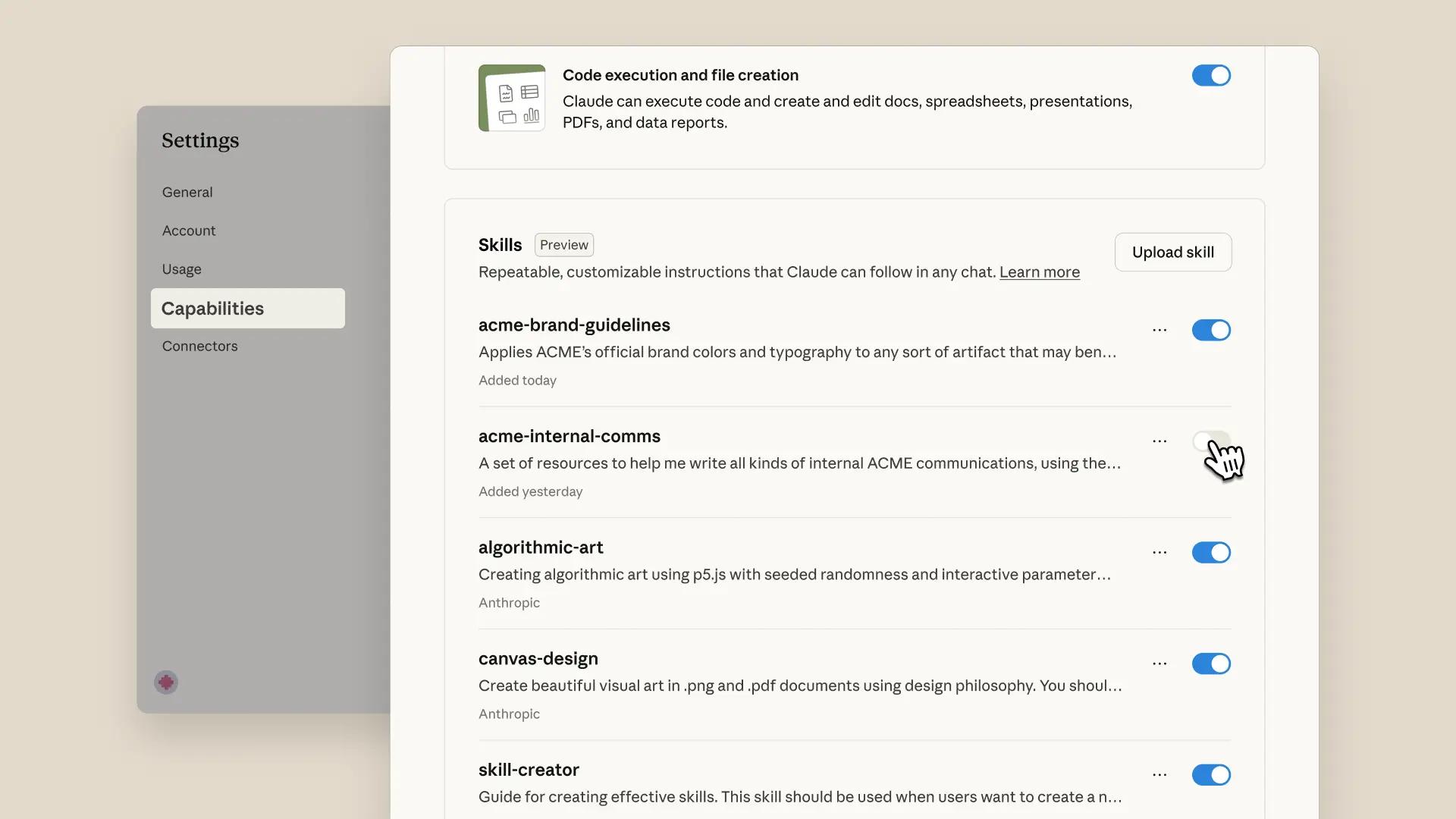
For checks no recipe can guess, write the skill yourself. A skill is a folder with a SKILL.md file: YAML frontmatter that says when to use it, then plain instructions. For Claude to run it before commits, name the folder verify:
mkdir -p .claude/skills/verify
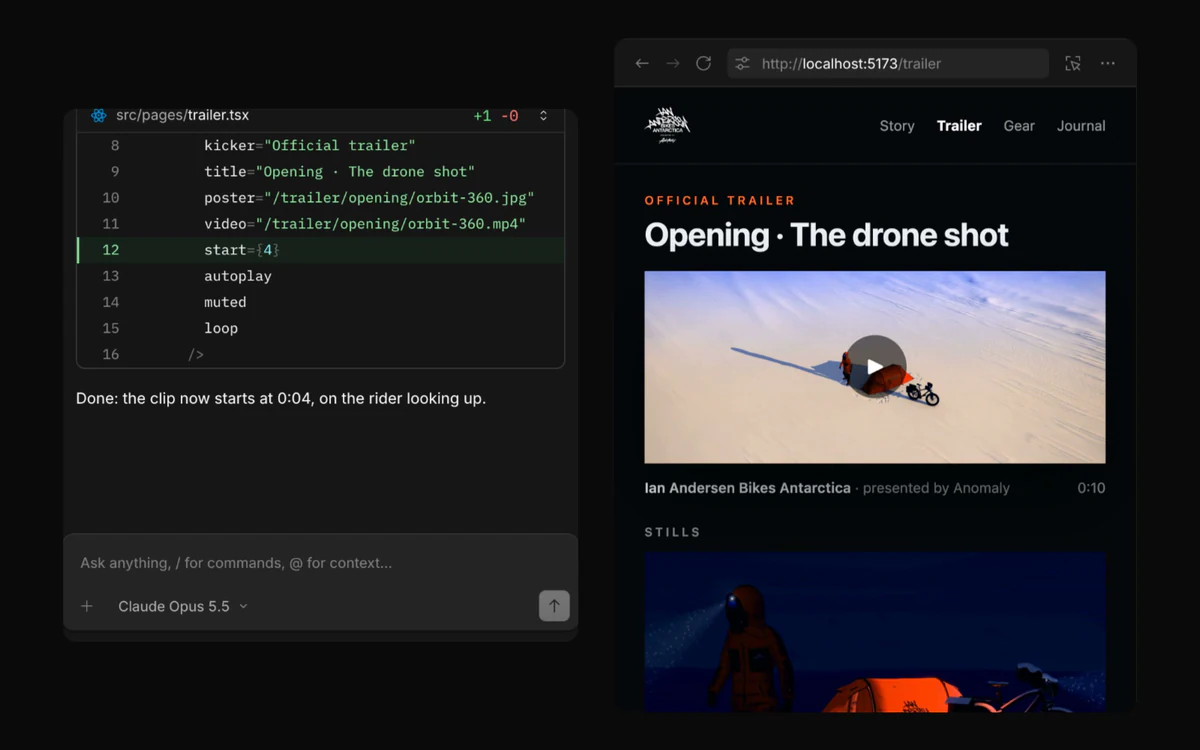
The July guide's advice is to write the check in plain English, the way you would brief a new teammate on day one. For a verify skill, the November post says to cover how to boot, drive and inspect the app: the Claude Chrome extension for web changes, an iOS or Android MCP server for mobile, computer use for desktop, or running the service locally for backend work.
Here is Anthropic's own example of a small verification skill from the July guide. It checks error logs instead of launching an app, but the shape is the same for any check. It lives at .claude/skills/verify-log-hygiene/SKILL.md:
---
name: verify-log-hygiene
description: Check that error logs include the request ID and never
  include the request body. Use when the diff touches error handling
  or logging.
allowed-tools: [Read, Edit, Grep]
---
Read the error-handling paths in the current diff.

For each log call on an error path, confirm it includes the request ID
and does not pass the request body, headers, or any user-supplied payload.

Report each violation with file:line, then fix it: add the request ID
where it's missing and strip the payload from the log call.
Three fields matter most. description tells Claude when to use the skill. allowed-tools lets Claude use the listed tools without asking during that turn. Do not set disable-model-invocation: true on a verify skill: the docs say Claude then doesn't get the instruction to run it before commits.
If you'd rather not write the file by hand, the July guide suggests installing the skill-creator plugin and letting Claude interview you:
/skill-creator Create a skill for verifying frontend changes end-to-end. Interview me about my workflow.
To check the file parses, the docs give a validator. Running it on the example above in the VM for this guide printed "Validation passed":
claude plugin validate .claude/skills
Step 4: commit it and confirm Claude picks it up
Commit .claude/skills/verify/ so everyone on the repo gets it. Start a new session and ask "What skills are available?" to see it listed. Claude gets the pre-commit instruction only when the skill is in place as the session starts, so open a new session after adding it.
From then on, Claude runs the skill right before each commit, except for commits that only touch docs or tests. Per the docs, this works for project, personal, enterprise and added-directory skills, and for a .claude/commands/verify.md file. It does not work for the bundled /verify, plugin skills or skills synced from your claude.ai account, and it stops if you turn off includeGitInstructions.
The November post adds one piece of advice here: make the skill fast and reliable, and ask Claude to stress test it. It is your smoke test, so it has to be solid.
Step 5: chain it or enforce it
Once the skill works, the July guide shows how to run it after other skills. This wrapper skill, saved as .claude/skills/safe-refactor/SKILL.md, runs /simplify and then a verification skill:
Run /simplify on the current diff first.
When /simplify finishes, invoke /verify-no-public-api-changes.
A skill is still an instruction Claude can judge not to apply. When a check has to pass every time, the best practices page says to use a Stop hook. This one, in .claude/settings.json, sends Claude back to work until the TypeScript check passes:
{
  "hooks": {
    "Stop": [
      {
        "hooks": [
          { "type": "command", "command": "pnpm tsc --noEmit 1>&2 || exit 2" }
        ]
      }
    ]
  }
}
Exit code 2 blocks the stop. If the hook blocks eight stops in a row with no tool call between them, Claude Code lets the turn end.
Common problems
- Claude ignores the skill. Check the
descriptionuses words you'd say, confirm it shows under "What skills are available?", or type/verifydirectly. Malformed YAML loads the body with no metadata;claude --debugshows the parse error. - A package's verify skill doesn't load. Skills in a
.claude/skills/folder below where you started load only after Claude reads or edits a file in that folder. Run/add-dirwith the folder's path to load them sooner. - The check is flaky. The November post warns that flaky tests teach the agent to rerun instead of fix. Its rule: Claude can't skip a flaky test or add sleeps. If it can't find the cause, it deletes the test and writes down why.
- Claude says "all tests pass" with no proof. The docs suggest asking for evidence: the command it ran and its output, or a screenshot.
Where to go next
Verification is the second half of the loop. The first half is agreeing on the change before Claude writes it, which is what plan mode in Claude Code is for. For the wider skill format, including arguments and running skills in a subagent, see the guide to creating Claude Code skills and the skills docs.
Frequently asked questions
What does the /verify command do in Claude Code?
It builds your app, runs it and looks at the result to confirm a code change works, rather than relying on tests or type checks. It infers how to launch the project from its type and from files like README, package.json or Makefile.
Does Claude run /verify automatically?
Not the bundled one: since v2.1.215 you invoke it yourself. A project skill named verify is different, since Claude Code v2.1.286 tells Claude to run it right before each commit that changes more than docs or tests.
Where does a Claude Code verify skill go?
In .claude/skills/verify/SKILL.md in your repository, or in a package's own .claude/skills/ folder in a monorepo. Commit it so everyone working in the repo gets it.
What is a verification loop in Claude Code?
A repeating cycle in which Claude checks its own work with tests, linters or custom checks and fixes what fails before moving on. Packaging the checks as skills makes every session apply them.
Sources
- How the Claude Code team thinks about verificationAnthropic
- Building verification loops in Claude Code with skillsAnthropic
- Extend Claude with skillsAnthropic
- Best practices for Claude CodeAnthropic
- Commands referenceAnthropic
- Claude Code changelogAnthropic