Key takeaways
- Anthropic began rolling out a refreshed look for Claude Mobile on November 20, 2026, starting with iOS, and it needs iOS 26 or later.
- Since November 17, Claude Desktop on Mac and Windows offers a Stable channel and a Latest channel that updates about once a day.
- On desktop, Claude > Check for Updates (Mac) or Help > Check for Updates (Windows) fetches the newest version; on phones, update through the App Store or Google Play.
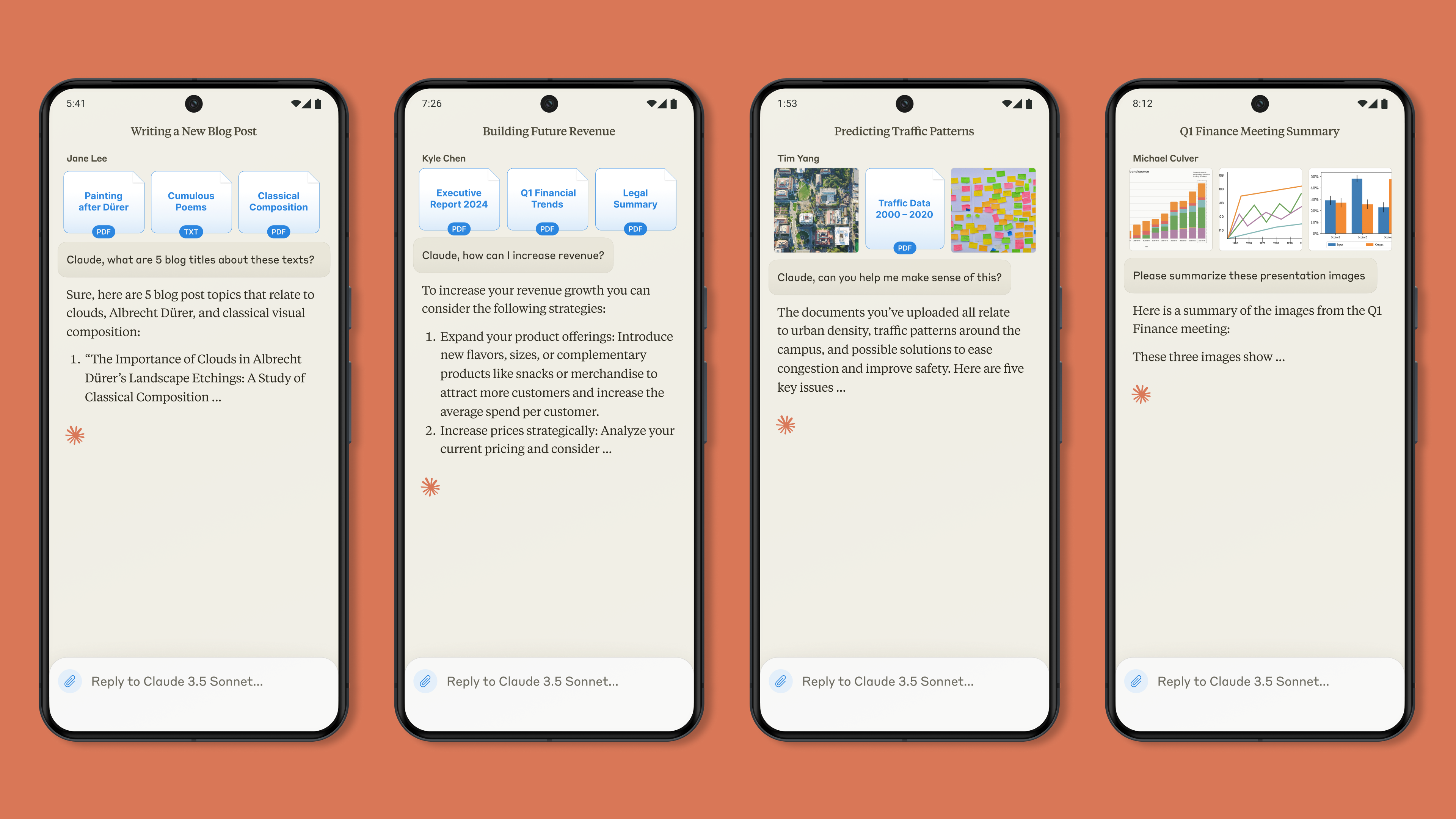
The latest Claude app update is a refreshed look for Claude Mobile, which Anthropic started rolling out on November 20, 2026, beginning with the iPhone app. According to Anthropic's release notes, it arrives gradually, needs iOS 26 or later, and changes nothing about your chats, projects or plan. There is nothing to turn on: keep the app updated and the new look shows up when your turn comes.
The mobile refresh is one of four app changes Anthropic shipped in November. Desktop users can now pick a release channel, Team and Enterprise plans got computer use and Claude Meetings in beta, and on its Latest channel the desktop app updates about once a day.
What's in the latest Claude app update
Anthropic's release notes list these app changes for November 2026:
| Date | Change | Who gets it |
|---|---|---|
| November 20 | Refreshed look for Claude Mobile, starting with iOS | iPhone users on iOS 26 or later, rolling out gradually |
| November 20 | Computer use (beta) | Team and Enterprise plans, rolling out to organizations gradually |
| November 17 | Release channels in Claude Desktop | All plans, on Claude for Mac and Claude for Windows |
| November 12 | Claude Meetings (beta) | Team and Enterprise plans, in Claude and Claude Desktop |
The new look for Claude Mobile
The release note is short. It says the refresh is "rolling out gradually, starting with Claude for iOS," that your chats, projects and plan stay the same, and that the new look needs iOS 26 or later. Anthropic hasn't published a list of what moved on screen, and it hasn't said when the refresh reaches Android.
The iOS 26 requirement matters because the Claude app itself still runs on older iPhones. Anthropic's iOS install page and the App Store listing both say the app supports iOS 18.0 and later. So an iPhone on iOS 18 keeps working, but it won't get the new look until the phone is on iOS 26.
The newest iPhone build on the App Store as of November 22 is version 1.261119.19, released on November 21. Its notes say only "Squashed some bugs and improved the overall experience." Because the rollout is gradual, being on the newest version doesn't guarantee you see the new look yet.
Release channels in Claude Desktop
Since November 17, Claude Desktop on Mac and Windows lets you choose how fast updates arrive. The install guide describes two channels:
- Stable, the default. It gets new versions less often, after more testing. Fixes and features can reach you a few days later than on Latest.
- Latest. It gets a new version about once a day. Changes reach you sooner, but it can be less reliable.
The pace is real. Anthropic's Claude Desktop changelog lists version 6.28899.2 on November 19 and version 6.28899.6 on November 20.
Computer use and Claude Meetings for teams
Computer use lets Claude see your screen and work in the desktop apps you allow. It is now in beta on Team and Enterprise plans and works in Claude Desktop, and from Claude on the web and on mobile where Computer access is turned on. Our news story on computer use for Team and Enterprise covers the details.
Claude Meetings, in beta since November 12 on the same plans, adds Claude to a Google Meet call as a visible participant that takes notes, answers questions and builds docs, whiteboards and slides. Our guide to Claude Meetings explains how to use it.
How to update the Claude app on iPhone
Anthropic's iOS update article gives these steps, which follow Apple's own instructions:
- Open the App Store.
- Tap your photo or the account button at the top of the screen.
- Scroll down to the pending updates.
- Tap Update next to Claude.
If your company gave you Claude for Intune, the managed version of the iPhone app for Enterprise plans, your IT team controls when it updates.
How to update the Claude app on Android
From Anthropic's Android update article:
- Open the Google Play Store app.
- Tap your profile icon at the top right.
- Tap Manage apps & device.
- Under Updates available, tap See details.
- Tap Update next to Claude.
Claude for Android supports Android 8.0 and later, according to the Android install page.
How to update Claude Desktop on Mac and Windows
Claude Desktop checks for updates on its own, but you can check for a new version at any time:
- Mac: click Claude in the menu bar, then Check for Updates.
- Windows: click Help, then Check for Updates.
To see which version you have, open Claude > About Claude on a Mac or Help > About Claude on Windows, according to the Claude Code desktop docs. On the Latest channel, About Claude shows "latest" after the version number.
To switch channels, go to Settings > Desktop app and choose Latest or Stable under Release channel. The change applies the next time the app checks for updates, so run Check for Updates if you want it right away.
One catch going back: switching from Latest to Stable doesn't roll your version back. Claude Desktop only moves forward, so you stay on your Latest build until a newer Stable build comes out, and you get no Stable updates in the meantime, including urgent security fixes. Anthropic warns against reinstalling to get back sooner, because reinstalling can put data stored on your computer at risk, especially on Windows.
On Linux, where Claude Desktop is in beta, the app doesn't update itself. If you installed it from Anthropic's apt repository, updates come with your normal system updates (sudo apt update && sudo apt upgrade). A downloaded .deb file doesn't get updates this way.
What to do if you don't see the update
- No new look on your iPhone. The refresh is rolling out gradually, so it may not have reached you yet even on the newest version. Check that your iPhone runs iOS 26 or later and that the Claude app is up to date.
- No new look on Android. Anthropic says the refresh starts with iOS and hasn't given a date for Android.
- No Release channel setting on desktop. Anthropic lists four causes. Your IT team has set a Claude policy on the computer, in which case the app follows Stable. You installed Claude for Windows with an older installer, which grays the option out until you reinstall from the download page. Your app is older than version 4.29.0, so update it. Or you use Claude Desktop through a cloud provider, where IT sets the channel. Release channels also aren't available on Linux or on Microsoft Store installs.
- No Check for Updates in the menu. On a computer where your organization has turned off auto-updates, the option is hidden. Ask your administrator for the newer version.
- No computer use or Claude Meetings. Both are betas for Team and Enterprise plans only, and computer use is reaching organizations gradually. On Pro, Max or Free, they won't appear.
The main thing to watch next is Android. Anthropic's note says the new look starts with iOS, so the next release notes should show when it reaches Android and what else changes on screen.
Frequently asked questions
What's new in the Claude app update?
On November 20, 2026, Anthropic started rolling out a refreshed look for Claude Mobile, beginning with iOS. November also brought release channels to Claude Desktop and, for Team and Enterprise plans, computer use and Claude Meetings in beta.
How do I update the Claude app on Mac or Windows?
On a Mac, click Claude in the menu bar and choose Check for Updates. On Windows, click Help, then Check for Updates. If the option is missing, your organization may manage updates, so ask your administrator.
Why don't I see the new Claude app UI?
The new look is rolling out gradually and starts with iOS, so it may not have reached you yet. It also needs iOS 26 or later, and Anthropic hasn't given a date for Android.
Where can I see the Claude app update notes?
Anthropic lists app changes in its release notes on the Claude Help Center. Claude Desktop also has its own changelog with every version.
Sources
- Release notesAnthropic
- Install Claude Desktop (Choose a release channel)Anthropic
- How to update Claude for iOSAnthropic
- How to update Claude for AndroidAnthropic
- Install Claude for iOSAnthropic
- Install Claude for AndroidAnthropic
- Claude Desktop changelogAnthropic
- Claude Code on desktopAnthropic
- Claude by Anthropic on the App StoreApple App Store