Key takeaways
- Anthropic made computer use available in beta for Claude Team and Enterprise plans on November 20, 2026, rolling out gradually.
- It needs the unified Claude experience and Claude Desktop on macOS 14 or later or Windows; owners must turn it on.
- Anthropic warns there is no sandbox: on-screen text can trigger unintended actions and Claude can change files outside connected folders.
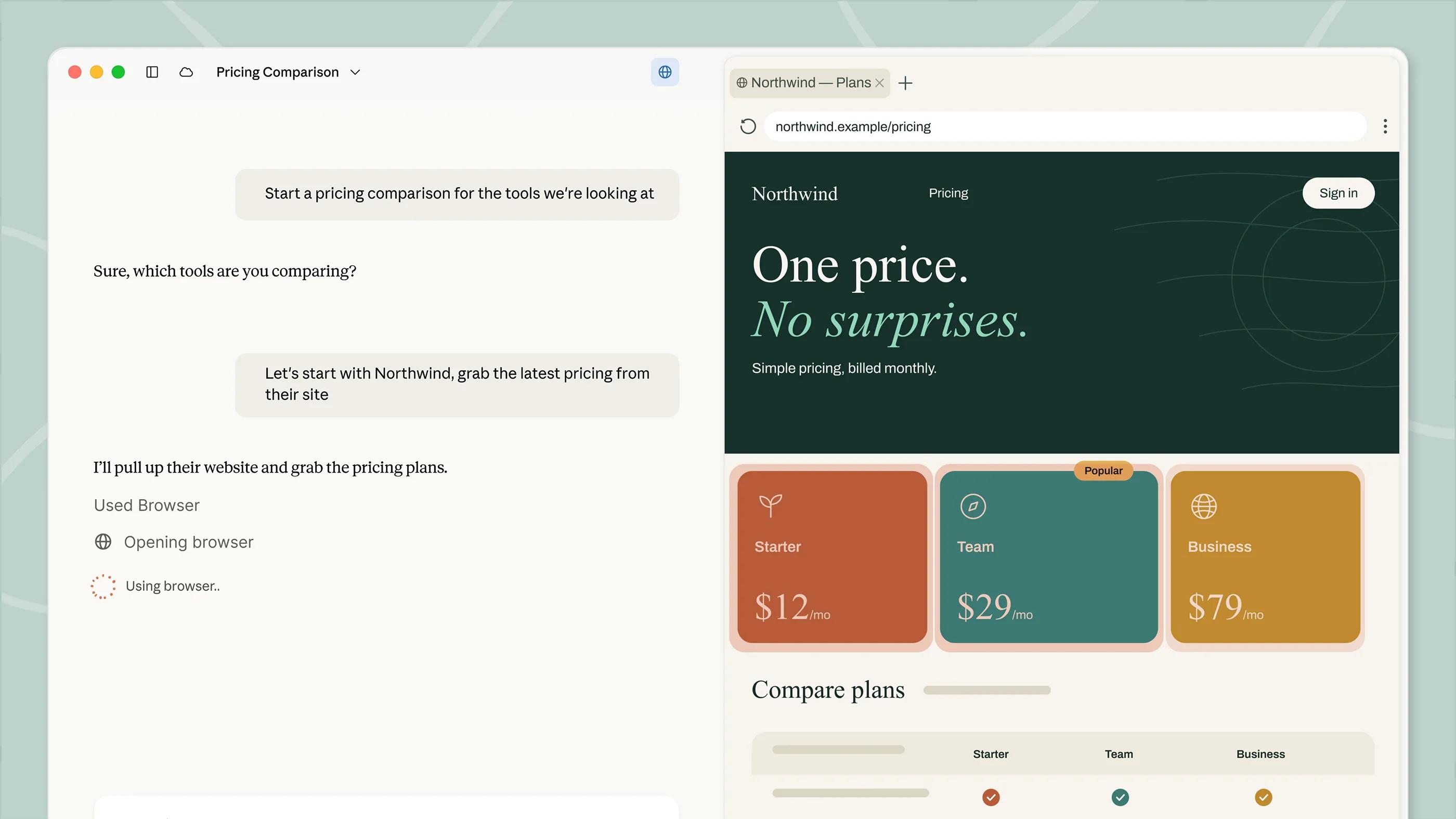
Anthropic has opened computer use to Claude's Team and Enterprise plans in beta, according to the Claude release notes dated November 20. With it, Claude can see a user's screen and work inside the desktop apps that person allows, from Claude Desktop or, with the Computer access setting on, from Claude on the web and on a phone.
This is the business version of a feature people have been searching for: an assistant that clicks through the apps a company already runs instead of waiting for an API. It also comes with a long list of warnings, because Claude acting on a real desktop can do real damage.
Off by default, and rolling out gradually
Computer use is off until an organization's Owner or Primary Owner turns it on, and Anthropic says it is reaching organizations gradually. The setup guide lists the requirements:
- The new unified Claude experience, with the "Chat and Cowork unified" capability on. Computer use doesn't work without it.
- Claude Desktop on macOS 14 or later, or on Windows. Web and mobile users need a computer with Claude Desktop open.
- It doesn't work in tasks started from the separate Cowork option or in Claude Code.
Some organizations can't use it at all: those with the HIPAA-ready configuration, Zero Data Retention for Claude Code, customer-managed encryption keys, or FERPA and K-12 settings.
On Team plans the switch applies to everyone. Enterprise admins can limit it by role. Owners can also block named apps, or allow only a list of apps, using a bundle ID on the Mac or a file name such as excel.exe on Windows. Users still approve each app themselves. IT teams can turn it off on specific machines with a computerUseEnabled device-management key.
What Anthropic warns about
The help page is blunt. There is no sandbox between Claude and the user's apps, so text on screen, such as a web page or an email, "could trigger unintended actions." That is the prompt-injection risk that comes with every agent that reads a screen.
Claude also isn't held to the folders a user connected. Through an approved app it can change or delete files elsewhere, and folder limits and read-only settings don't apply. Screenshots are saved with chats and may hold confidential information, and Anthropic says it may keep a copy of the latest screenshot as part of an automated review of Claude's actions.
Turning the feature off isn't instant either. Anthropic says it can take about an hour to reach each user's Claude Desktop.
How it fits with the competition
Computer use arrived on the Mac in the Gemini app on November 19, as covered here, and Perplexity Computer runs similar agents. Anthropic's version is aimed at companies first, with admin controls and per-app lists that consumer tools don't have. For how the idea works, see what computer use is.
The release notes don't mention Pro or Max plans, and the help article doesn't either. Watch for a wider rollout and for any change to the safety guidance as organizations start using it.
Sources
- Claude release notesAnthropic
- Set up computer use for Team and Enterprise plansAnthropic