Key takeaways
- Apple says each device gets its own daily Siri AI limit, and simple requests like timers keep working after it runs out.
- iCloud+ plans of 200 GB or more raise the limit to between 2 and 20 times the standard device limit, starting with the 27.3 release; the 50 GB plan does not.
- Apple has not published how many requests the standard daily limit allows.
Siri AI limits are real and now spelled out: each device gets a daily allowance for advanced Siri AI requests, and an iCloud+ plan of 200 GB or more raises it to between 2 and 20 times that allowance. Apple describes the system in a support page published November 16, 2026, the same day it released new betas of iOS 27.3, iPadOS 27.3 and macOS 27.3. Apple still does not say how many requests the standard daily limit allows.
The higher limits start "with the 27.3 release," which is in beta as of November 16. The Verge reported, citing MacRumors, that Apple is testing these per-device limits in the new betas. Apple had warned about daily limits since the iOS 27 launch. What is new is how they work and what it costs to raise them.
What Siri AI's daily limit covers
Apple says Siri AI and other Apple Intelligence features are free on a supported device set to a supported language. The catch is that some features run on Apple's servers rather than on the phone, and those have daily limits. Apple groups them into categories, which include:
- Siri AI
- Images: the Clean Up, Extend and Spatial Reframing photo tools, and Image Playground
- Workflows and automation: Apple's AFM Cloud and AFM Cloud Pro models in Shortcuts
- Third-party apps that use Apple Foundation Models in Private Cloud Compute, Apple's server system for AI requests
Each category has its own limit. Apple says limits "may vary by feature category, request complexity, system demand, system policies, and other factors."
What happens when you hit the Siri AI limit
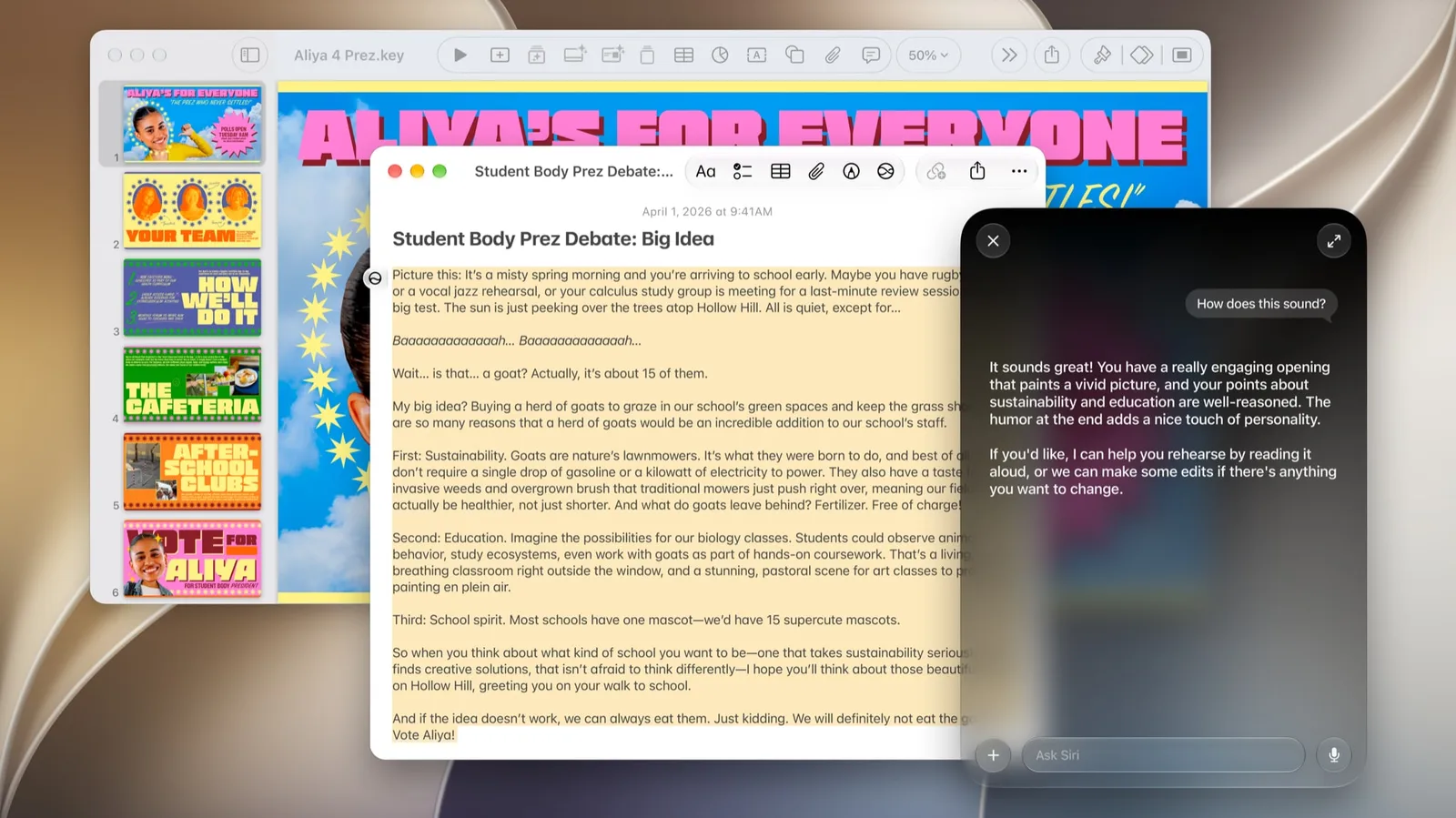
Apple calls the Siri AI allowance "a generous daily usage limit." When you reach it, you get a notification. Simple requests keep working. Apple's examples are setting a timer or sending a short text with an address in it.
What stops is what Apple calls advanced requests, the more complex ones. Apple's examples are asking Siri to text someone an address and also work out when to leave, or to add a summary of a note to an email draft. Those pause until the limit resets or you move to an eligible iCloud+ plan.
Two details matter more than they first appear:
- The limit is per device. Your iPhone, iPad and Mac each have their own daily allowance per category. Using Siri AI heavily on your Mac doesn't use up your iPhone's allowance.
- The limit doesn't roll over. Unused requests don't carry to the next day.
When the daily limit resets
All categories reset once a day, at the same time, around midnight in your current time zone. Apple lists three exceptions:
- Traveling abroad: the reset follows midnight in the central time zone of your Apple Account's country or region.
- Sharing an iCloud+ plan through Family Sharing: the reset follows the time zone of the person who pays for the plan.
- Not signed in to an Apple Account: the limit resets about 24 hours after you first used that category.
How iCloud+ raises Siri AI limits
To get more, Apple says you need an iCloud+ plan with at least 200 GB of storage. The cheapest 50 GB plan doesn't raise the limit. Here is Apple's table, with US prices from the iCloud+ page as of November 16, 2026:
| Plan | US price | Siri AI and select Apple Intelligence features | Shortcuts with AFM Cloud Pro |
|---|---|---|---|
| Free (5 GB) | $0 | Standard device limit | Not included |
| iCloud+ 50 GB | $0.99/month | Standard device limit | Not included |
| iCloud+ 200 GB | $2.99/month | Up to 2x standard device limit | Access |
| iCloud+ 2 TB | $9.99/month | Up to 5x standard device limit | Up to 5x access |
| iCloud+ 6 TB | $29.99/month | Up to 10x standard device limit | Up to 10x access |
| iCloud+ 12 TB | $59.99/month | Up to 20x standard device limit | Up to 20x access |
The extra allowance doesn't work like a bigger personal quota. Each device first uses its own standard limit. Once that runs out, it draws on a shared pool that covers every device signed in to your Apple Account and every family member on the plan, "on a first-come, first-served basis." On a family plan, one heavy user can drain the pool for everyone.
Apple also says the standard amount of access "may change over time," so the multipliers are relative to a number it can adjust.
Where the higher limits are not available
Apple says increased Siri AI access through iCloud+ is not available in Brazil, the EU, the UK or South Korea. Increased access to the other Apple Intelligence features is also unavailable in China. Apple's September launch post also says Siri AI will not be available at first in the EU on iOS, iPadOS and watchOS. Our Siri AI vs Gemini comparison covers what that means against Google's assistant.
What Apple still hasn't said
Apple gives no number for the standard device limit, in requests or any other unit. "Up to 5x" of an unknown number tells you the ratio between plans, not how much you get. Apple's developer release notes for iOS and iPadOS 27.3 beta 2 don't mention the limits, and Apple hasn't given a release date for iOS 27.3.
The broader rules sit in Apple's Apple Intelligence Usage Terms, published September 9. They say Apple can change which features have limits and how high they are at any time, and can throttle use it considers excessive or automated.
This is a reasonable answer to a question Apple left open for months. The launch post said only that expanded access "will be available for a fee in the future." The fee turns out to be an iCloud+ storage plan, starting at $2.99 a month in the US. Whether the free allowance is enough depends on a number Apple hasn't shared, so watch for it in the final iOS 27.3 release.
Frequently asked questions
Does Siri AI have limits?
Yes. Apple says Siri AI has a daily usage limit on each device. When you reach it, advanced requests pause until the limit resets, but everyday requests like setting a timer still work.
When does the Siri AI daily limit reset?
Around midnight in your current time zone, for all feature categories at once. Exceptions apply when traveling abroad, when sharing an iCloud+ plan with family, or when you are not signed in to an Apple Account.
Does the 50 GB iCloud+ plan increase Siri AI limits?
No. Apple's table gives the 50 GB plan the same standard device limit as free users. Higher limits start with the 200 GB plan, at up to 2x the standard limit.
Is Siri AI free?
Apple says Siri AI and Apple Intelligence features are free on supported devices, within daily limits. Paying for an iCloud+ plan of 200 GB or more raises those limits.
Sources
- Learn about iCloud+ with Apple Intelligence and Siri AIApple
- Apple Intelligence Usage TermsApple
- iCloud+ plans and pricingApple
- Siri AI, a profoundly more capable and personal assistant, is hereApple
- iOS & iPadOS 27.3 Beta 2 Release NotesApple
- Apple is testing daily usage limits for more complex Siri AI interactionsThe Verge