Key takeaways
- Granola's Basic plan is free, never expires and has no daily transcription limit, but the app shows only the last 30 days of notes.
- Business costs $14 per user per month and adds unlimited history, model choice in chat, and integrations such as Notion and HubSpot.
- Enterprise starts at $35 per user per month, and accepted startups and students can get 12 months of Business free.
Yes, Granola is free to start. The Basic plan costs $0, has no expiry date and takes AI meeting notes, but you only see the last 30 days of notes in the app. Unlimited history, model choice in chat and most integrations need Business at $14 per user per month, as of November 28, 2026.
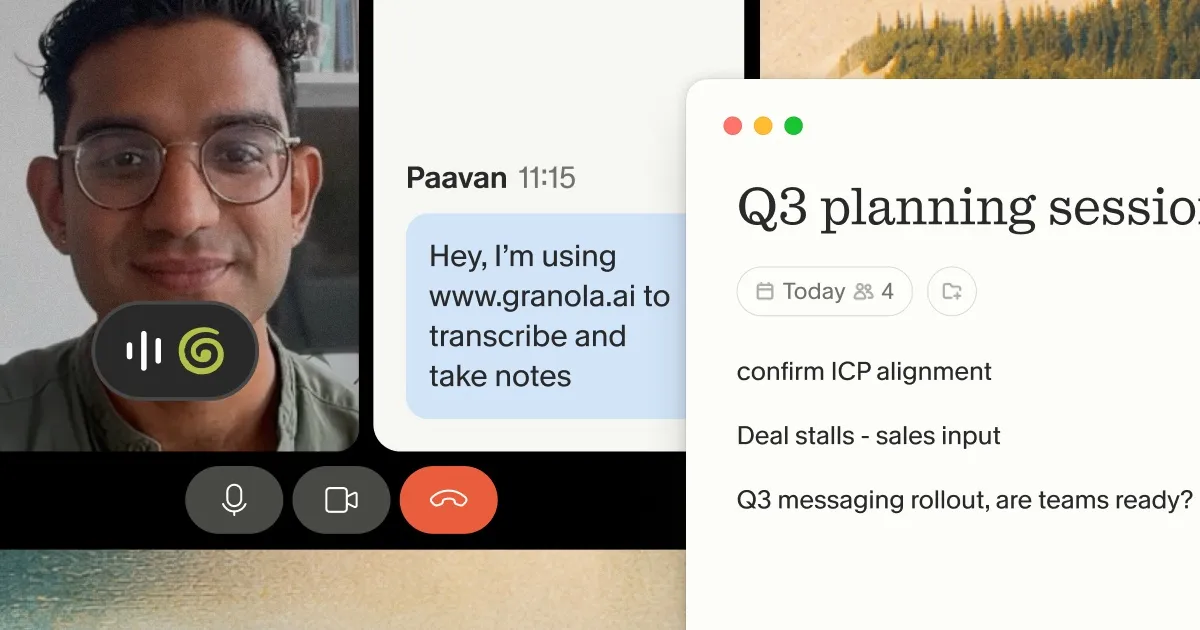
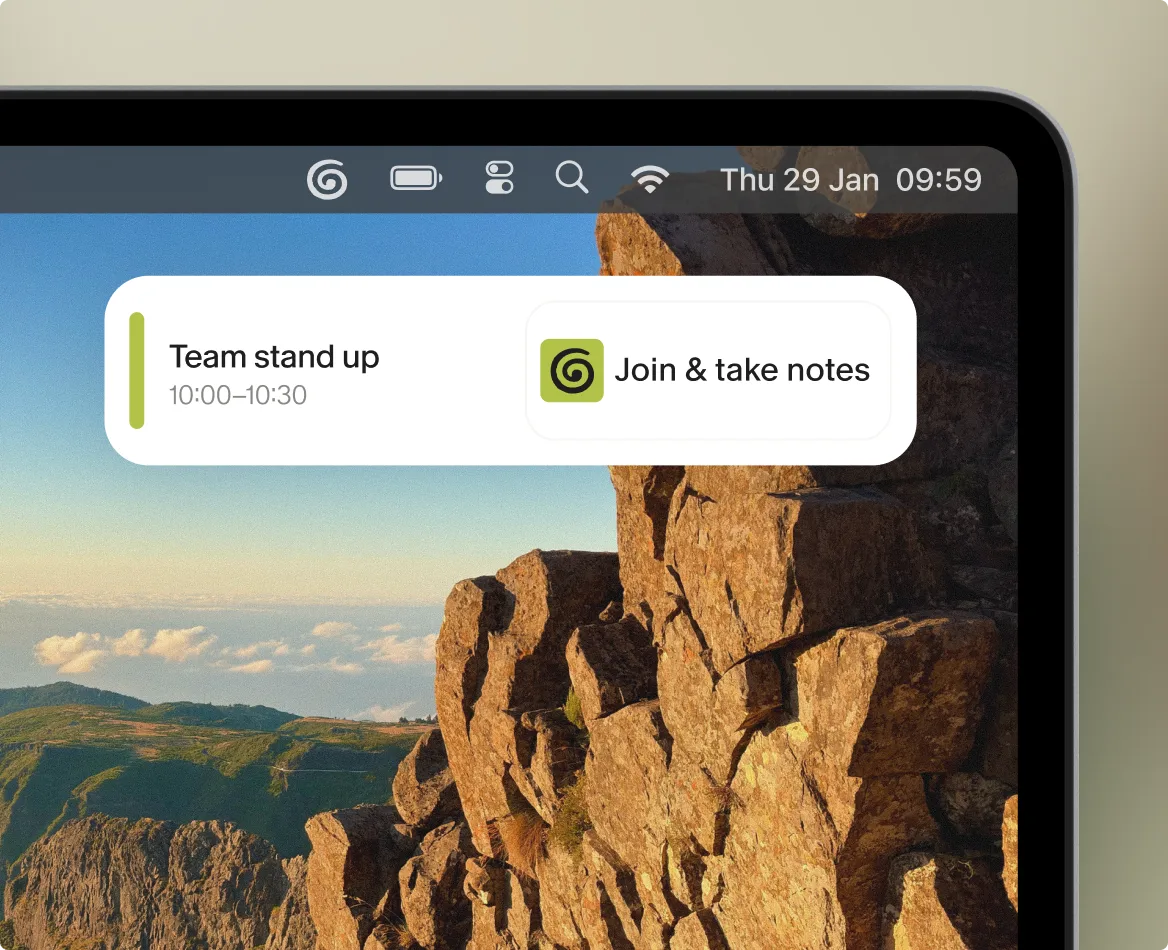
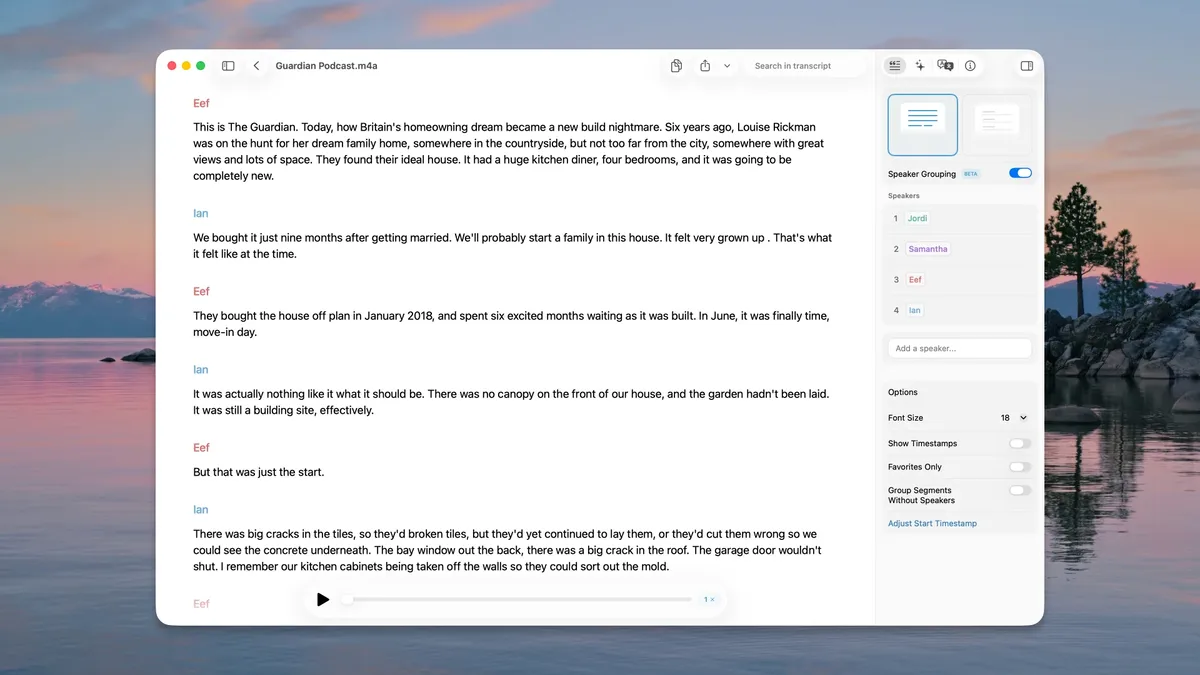
Granola is the AI notepad that transcribes meetings from your computer's audio and turns your rough notes into a summary. It has nothing to do with breakfast cereal. Below is what each plan costs, what the free plan leaves out, and the cheaper routes into a paid plan.
How much Granola costs
Granola has three plans. Prices come from Granola's pricing page and its help center page on subscriptions and billing, both checked on November 28, 2026.
| Plan | Price | Billing | Who it's for |
|---|---|---|---|
| Basic | $0 | Free | Trying Granola, light use |
| Business | $14 per user per month | Monthly | Individuals and small teams |
| Enterprise | From $35 per user per month | Monthly or annual | Larger companies with security and admin needs |
Annual billing exists only on Enterprise contracts. Basic and Business are billed monthly, so there is no annual discount on Business.
Billing is per workspace, not per person. Everyone in a workspace shares one plan, and every active member, admins included, is a paid seat. You can't put some people on Business and others on Basic in the same workspace. If only you need Business, the help center suggests creating a personal workspace and upgrading that one.
The mobile apps for iPhone, Apple Watch and Android are free. You don't need a paid plan to take notes on your phone.
What the free Basic plan includes
Basic is not a trial. It doesn't end, and Granola's help center says no plan has a daily transcription limit. On Basic you get:
- AI meeting notes, with transcription from your device's audio and no bot joining the call
- Granola Chat, within one meeting and across meetings, on the Auto model only
- Shared folders, custom note templates and recipes (saved prompts)
- Speaker tagging, multi-language support and voice typing in any app
- The Slack integration
- Granola's MCP server, so tools like Claude or ChatGPT can read your personal notes from the last 30 days
- A per-user opt-out from model training
- The desktop apps for macOS and Windows and the mobile apps
The pricing page lists the same security basics on every plan: audio deleted after transcription, SOC 2 Type II certification and a data processing agreement on request.
What the free plan leaves out
The big limit is history. On Basic, the app shows only notes from the last 30 days. Older notes are stored, not deleted, and come back if you upgrade. Granola Chat on Basic also searches only the last 30 days.
If you want your older notes without paying, the help center says you can export a CSV of titles and summaries from Settings > Profile > Generate CSV. Granola emails it to you within a few hours.
Basic also lacks:
- Model selection in Granola Chat. Basic uses Auto, where Granola picks the model. Business and Enterprise can choose any available model, including Anthropic's Fable.
- Pre-meeting briefs and drafted follow-up emails.
- A workspace-wide dictionary for company jargon.
- Integrations other than Slack: Notion, Zapier, HubSpot, Attio and Affinity need Business.
- The Granola API.
- Centralized billing and user management.
One of Granola's own blog posts from February 2026 says the free plan shows 14 days of history. The current pricing page and help center both say 30 days, so treat 30 as the number.
What Business adds for $14 a month
Business removes the history limit: every note stays visible and searchable in the app and in chat. It adds model choice in Granola Chat, pre-meeting briefs, follow-up emails, the workspace dictionary, the Notion, Zapier and HubSpot integrations, MCP access to personal and public workspace notes, and API access. Admins can add and remove members and control who joins the workspace.
To upgrade, open Settings > Billing in the app, click Upgrade on the Business card and pay through Stripe. You can also click Share checkout link to send a payment link, valid for 7 days, to someone on your finance team.
What Enterprise adds
Enterprise starts at $35 per user per month. It adds single sign-on and SCIM provisioning (SSO is for workspaces with 50 or more seats), org-wide auto-deletion periods and transcript retention rules, workspace-wide sharing settings, admin controls for MCP, the API and integrations, usage analytics, an Audit API, HIPAA-compliant workspaces, advanced integrations such as Salesforce, and dedicated support. Model training is off by default for the whole team. Talking to sales is optional; you can upgrade from Settings > Billing.
Ways to pay less for Granola
- Startups and students: Granola offers 12 months of Business free to accepted startups and students. Apply at granola.ai/startups or granola.ai/students, the latter with an academic email.
- Nonprofits: registered nonprofits can get 50% off Business, billed monthly, through the nonprofit program. It covers one shared workspace per organization and doesn't apply to Enterprise.
- Coupons: promo codes go in Settings > Billing > Use coupon and apply only to the workspace where you redeem them.
What happens when a trial or subscription ends
Granola also runs time-limited trials of Business and Enterprise. The help center doesn't give a fixed length; you get an email before the trial ends. If you don't subscribe, the workspace drops to Basic and you aren't charged.
You can cancel a paid plan at any time from Settings > Billing > Manage subscription. The plan runs to the end of the current billing month, then the workspace moves to Basic. Anything not in Basic stops working, and notes older than 30 days are hidden until you upgrade again.
Is the free plan enough
For someone with a few meetings a week who mostly needs this week's notes, Basic covers the core of the product: transcription, summaries, templates and chat. The 30-day window is the real cost. If you want to ask "what did we decide with this client in March", or push notes into Notion or a CRM, you need Business. For a step-by-step setup, see how to use Granola.
Frequently asked questions
Does Granola have a free trial?
Granola has a free Basic plan that never expires, and it also runs time-limited trials of Business and Enterprise. When a trial ends without a subscription, the workspace moves to Basic and you are not charged.
Is Granola free for students?
Accepted students get 12 months of Granola Business free. Apply at granola.ai/students with an academic email.
What happens to my notes after 30 days on the free plan?
They are stored, not deleted, but hidden in the app until you upgrade. You can export a CSV of titles and summaries from Settings > Profile > Generate CSV.
Is the Granola mobile app free?
Yes. Granola's help center says the iPhone, Apple Watch and Android apps are free and need no paid subscription.
Sources
- Pricing plansGranola
- Subscriptions and billingGranola
- Cancelling your subscriptionGranola
- Nonprofit programGranola
- Chatting with your meetingsGranola
- Granola free trial: How to get started in under 5 minutesGranola