Key takeaways
- Muse launched in the UK on November 24, 2026, for anyone 18 or over on iOS, Android, muse.ai and WhatsApp.
- Muse asks for approval before important actions such as sending an email or buying something, and you can change when it asks in Settings.
- AI training on your Muse chats is on at the start; turn it off under Settings > Data controls.
How to use Meta Muse comes down to three steps: sign in with a new account or your Meta account in the Muse app, at muse.ai or in WhatsApp, give it a goal or a task in the chat, and approve what it proposes. It works in the background and stops to ask you before anything important, such as sending an email or buying something. Meta launched Muse in the UK on November 24, 2026, for anyone aged 18 and over.
Muse is an AI agent, a program that carries out tasks for you rather than only answering questions. That means the settings matter more than they do in a chatbot. The steps below come from Meta's announcements, the Muse security and privacy page and the Muse privacy policy. For what the UK launch includes, see our report on Muse's UK launch.
How to get Meta Muse
In the UK, Muse is available on iOS, Android, the web at muse.ai and WhatsApp, according to Meta's UK announcement. You must be 18 or over. Meta says it is coming to its AI glasses "in the months ahead." In the US, Meta launched Muse in September on iOS, Android and muse.ai.
- Install the Muse app, open muse.ai in a browser, or start a chat with Muse in WhatsApp.
- Log in or create an account. The web sign-in asks for a mobile number or an email address. Meta says you can sign up with a new account or use your existing Meta account.
- Pick your Muse's name, look and personality. In the UK you can choose from hundreds of voices, including British accents.
Two things happen at sign-up that are worth knowing. If your Facebook, Instagram and Threads accounts are in the same Accounts Center as the account you use for Muse, Meta says they connect to Muse automatically. Muse can then see only what you can see on those apps. And the setting that lets Meta use your Muse conversations to improve its AI is on when you start. Both can be changed, as described below.
How to use Muse: give it a goal
Muse has one main chat, a single long conversation in which it remembers what you told it. You write or speak to it there, by message or in voice mode. Meta's design notes and announcements describe how the rest of the app works:
- Give it a goal or a task. Meta's UK examples include Christmas shopping, finding a cheaper energy deal, organising a school calendar, chasing a refund, renewing car insurance, and turning saved travel Reels into an itinerary.
- Open a side chat for a separate project. Side chats keep their own context, so a holiday plan doesn't mix with your budget.
- Check the Goals tab. It shows what Muse is tracking for you and its plan for each goal. You can act there or talk the goal through in chat.
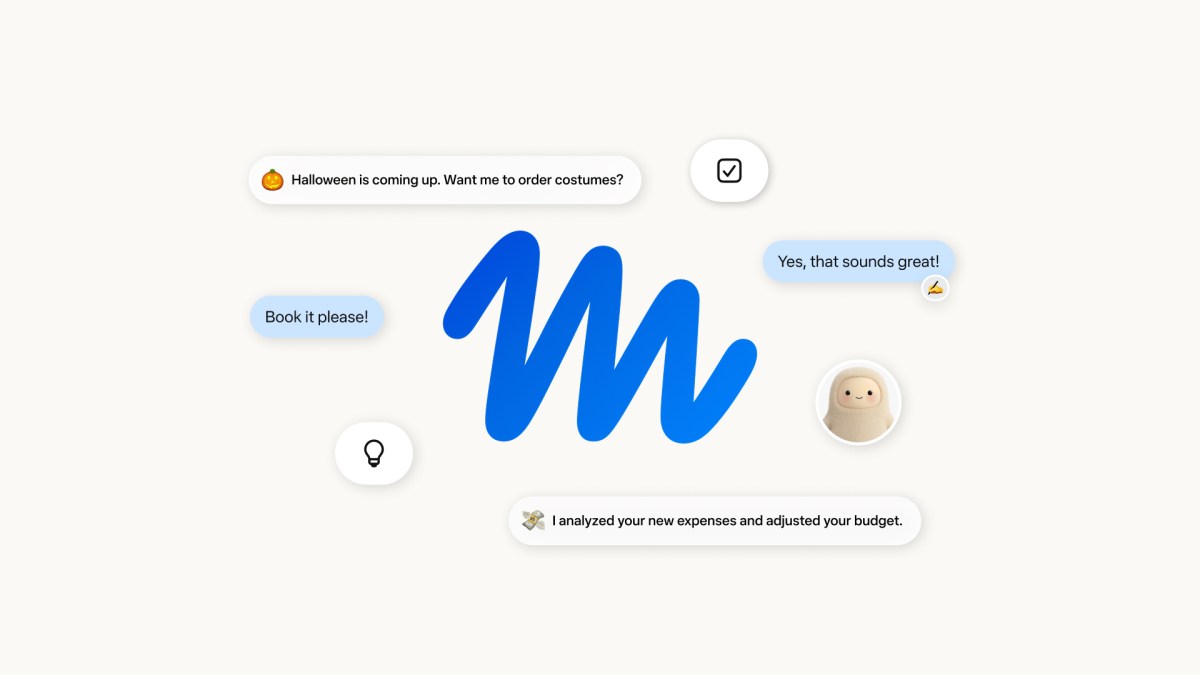
- Look at the Ideas tab. Muse suggests things it could do for you there, and it can message you with ideas without being asked.
- Let it run. Muse keeps working after you close the app and comes back when something changes or when it needs your approval.
- Tap your Muse's avatar to see its activity log and the permissions you have approved.
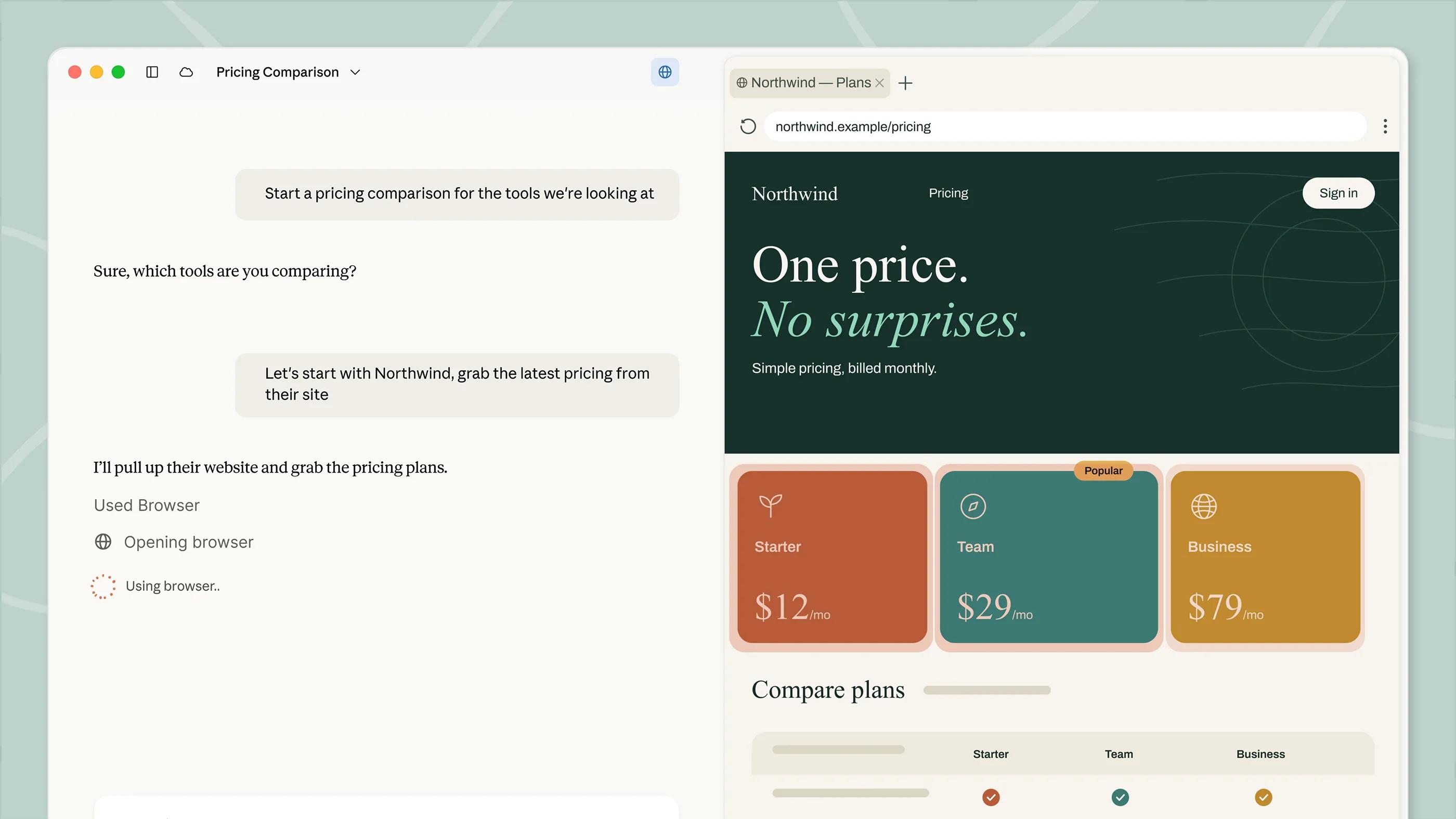
Muse works on its own cloud computer, which Meta calls Muse Secure VM. When it browses the web for you, Meta says you can watch and take over at any point. If a task needs a tool that doesn't exist, Muse can build one, such as a tracker or a dashboard.
How to connect apps to Muse
Muse only works with the apps and services you connect, which Meta calls connectors. Meta names Instagram, email, calendar, Spotify and OpenTable, plus UK retailers and travel firms including Marks & Spencer, ASOS, Currys, easyJet, Trainline, Argos and Sainsbury's. PayPal is listed as coming soon.
- To add or review connectors, go to Settings > Connectors. You set access per connector.
- For email, you can give Muse read-only access without letting it send anything. Meta says a connected inbox lets Muse look for important items, but it does not download your whole inbox unless you ask.
- Logins you share go into a secure credentials store. Meta says Muse can use them to complete an action without the AI model seeing your password, and that it ignores one-time codes and password-reset links in your email.
How to pay with Muse
Muse checks out with Link, built by Stripe, which creates a one-time card number for each purchase so your real card number stays private. At supported stores it can also use Shop Pay from Shopify. Meta says Muse never makes a purchase or moves money without your explicit approval. Check the merchant's terms on its own site before you approve.
How to control what Muse does on its own
Muse proposes actions, and a separate agent Meta calls Sentinel decides whether they need your permission. Meta's design notes say ordinary web browsing is allowed by default and irreversible actions stop for your approval.
- Change when Muse asks. Meta's privacy policy says you can change when Muse asks for your approval in Settings. Purchases always need your approval.
- Watch "Allow always". When you tap it, it covers only that site or task, not everything. You can review it later in Muse settings.
- Use the chat. Meta says you can change permissions by writing in your main Muse chat, and you can ask Muse what it is doing and what it can access.
Meta's own advice from its UK controls post is a short check-up: disconnect the connectors you don't need, choose when Muse asks for approval, ask it what it can access, set the AI training option, review its memory, and check its work.
How to turn off Muse features or opt out
Several different things can be "turned off" in Muse. Each has its own control.
| What you want to stop | How to do it |
|---|---|
| Your chats training Meta's AI | Settings > Data controls, turn the toggle off. The change also applies to past interactions. |
| Access to an app or service | Settings > Connectors, disconnect it. Muse then stops exchanging data with that service. |
| Unprompted suggestions | Tell Muse in chat to turn them off, dial them down or dial them up. |
| Actions without asking | Change when Muse asks for approval in Settings. |
| Something Muse remembered | Ask Muse to forget a topic or person. You can also read and edit its memory files, such as MEMORY.md. |
| Everything | Reset Muse. It deletes all your Muse data. |
A few details from Meta's pages. With AI training left on, Meta says it removes details such as names, email addresses and phone numbers, and it does not use interactions that contain private messages, such as emails or Instagram direct messages, to train models. Your Muse conversations and the data on its cloud computer are not shared with Meta's ad systems, Meta says. You can also delete any message you send to Muse, whole side chats, and files on its cloud computer.
Forgetting has a limit. Meta says Muse looks through its memories and files for the person or topic and removes it "to the best of its ability."
The pages Meta has published so far describe resetting Muse but not closing an account. For that, and for questions not covered here, the Muse Help Centre is Meta's official reference.
How much Muse costs
Meta says Muse is free for most uses, with optional subscription plans for heavier use. The UK announcement does not list prices. For the plans and limits, see our guide to whether Meta Muse is free.
Common problems
- Muse is asking too often, or not enough. Change when it asks for approval in Settings, or tell it in the main chat.
- Muse can see your Instagram or Facebook. Those accounts connect on their own when they share an Accounts Center with your Muse account. Disconnect them in Settings > Connectors.
- A site or message asks for your Muse login. Meta says Muse will never ask for your password through a link in a post or direct message. Use Muse only from Meta's own apps, muse.ai and WhatsApp.
- Muse on Mac can't reach something. It needs permission in both macOS System Settings > Privacy & Security and Muse's own settings. These are separate controls.
Frequently asked questions
How do I opt out of Meta Muse using my data for AI training?
Open Settings, go to Data controls and turn off the AI training toggle. Meta says the change also applies to your earlier interactions.
How do I turn off Meta Muse?
Disconnect apps in Settings > Connectors, tell Muse in chat to stop unprompted suggestions, or reset Muse, which deletes all your Muse data.
How do I get Meta Muse in the UK?
Download the Muse app on iOS or Android, go to muse.ai, or use it in WhatsApp. You need to be 18 or over, and you can sign in with a new account or your Meta account.
How much does Meta Muse cost?
Meta says Muse is free for most uses, with optional subscription plans for heavier use.