Key takeaways
- Google started removing Assistant from Android phones, tablets, Wear OS watches and Android Auto on September 3, 2026, and Gemini replaced it.
- Gemini for Home replaces Google Assistant on speakers and smart displays on August 2, 2027, and the basic upgrade is free.
- Gemini Live on speakers needs Google Home Premium, which costs $10 a month for Standard and $20 a month for Advanced as of November 20, 2026.
In the Google Assistant vs Gemini choice, Gemini is winning by default: by the end of 2027 it will be the only one left on most devices. Gemini already replaced Google Assistant on Android phones, tablets, Wear OS watches and Android Auto starting September 3, 2026, and Google said on November 20 that Gemini for Home will fully replace Assistant on speakers and smart displays on August 2, 2027. The comparison that matters now is what Gemini does better, what it still can't do, and what it costs.
Gemini is better at open-ended questions and natural conversation. Google itself now calls Assistant's commands "rigid, static and highly specific." The gaps are a few phone features Gemini still lacks, and the paid plan Gemini Live needs at home. This comparison is based on Google's own help pages, announcements and pricing pages, read on November 20, 2026, not on hands-on testing.
Google Assistant vs Gemini at a glance
| Google Assistant | Gemini | |
|---|---|---|
| Android phones and tablets | Removed starting September 3, 2026; you can't switch back | The default assistant (long-press power button, "Hey Google") |
| Wear OS watches | Removed with the phone, starting September 3, 2026 | Needs Wear OS 4 or later and Gemini set as the phone's assistant |
| Android Auto (projected from a phone) | Removed with the phone, starting September 3, 2026 | Calls, texts, navigation, music, and Live chat |
| Cars with Google built-in | Keeps working beyond September 3, 2026 | Can be turned on in the car's settings |
| Speakers and smart displays | Works until August 2, 2027 | Gemini for Home, a free upgrade on supported devices |
| Smart home control | Yes | Yes, by voice on phones and free on Gemini for Home |
| Natural conversation | Fixed commands | Follow-up questions, pauses and changes mid-sentence |
| Gemini Live on speakers | No | Needs Google Home Premium, from $10 a month |
| Price | Free | Free; paid plans for Live at home and higher app limits |
| Voice recordings | Not saved unless you turn on "Include voice and audio activity" | Gemini app chats kept 18 months by default; some reviewed by people |
Prices and dates as of November 20, 2026.
Is Google Assistant going away
Yes, in two steps.
First, in a post on the Google Assistant community, Google said it would start removing Assistant from mobile devices on September 3, 2026, and that the process could take a few weeks. Once it is gone, you can't use it or switch back on your phone, tablet or paired devices. That covers Wear OS watches, Gemini-compatible headphones and Android Auto.
Second, on November 20, 2026, the Google Home and Nest team announced that Assistant will be retired on speakers and smart displays on August 2, 2027, and replaced by Gemini for Home. The same post retires the Nest app on January 25, 2027, as our news article on the shutdown explains.
One exception is cars. Google said that in cars with Google built-in, as opposed to Android Auto running from your phone, Google Assistant keeps working beyond September 3, 2026. It has not given an end date for those cars.
Is Google Assistant the same as Gemini
No. They are different products that answer to the same "Hey Google" wake phrase.
Google Assistant was built to match spoken commands to actions: set a timer, turn on the lights, play a song. Gemini runs on Google's Gemini AI models (the free tier uses Gemini 4 Hydrogen, according to Google's subscriptions page), so it can answer longer questions, keep track of a conversation and handle requests phrased in everyday language. Google's November 20 post says Gemini "handles pauses and mid-sentence pivots" and remembers the context of a conversation so you can chain requests together.
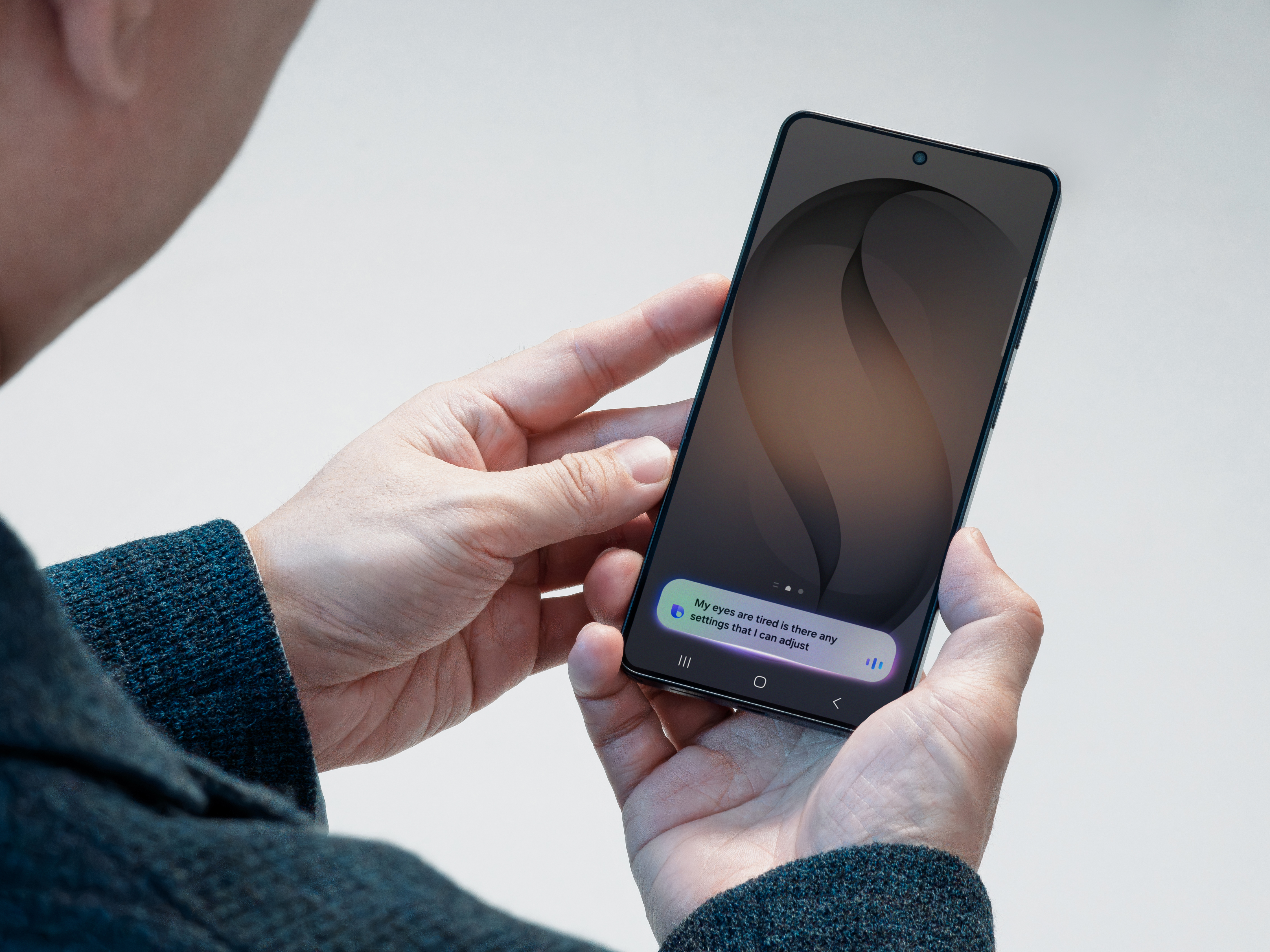
On phones, Gemini took over most of the quick actions people used Assistant for. Its Android help page lists sending messages, turning on lights, setting alarms and timers, and running Google Home routines by voice. The same page is clear that the move is not complete: "Some familiar features from Google Assistant may not be supported in Gemini, which is still evolving."
What Gemini still can't do that Assistant could
Google's Gemini help page for Android lists these gaps as of November 20, 2026:
- Podcasts, news and radio. "Podcasts, news and radio stations, and some third-party music providers aren't currently supported in Gemini."
- Some routines. Some routine starters and actions aren't supported, and actions that need back-and-forth chat don't work in a routine.
- Visual answer cards. Gemini answers routine actions by voice and text only and no longer shows cards such as maps or detailed weather graphs.
- Interpreter mode. The page still points people to Google Assistant for it.
- Supervised and work accounts. "Hey Google" and Voice Match with Gemini aren't available for supervised accounts, and some features aren't available with work or school accounts.
Google Assistant vs Gemini for Home
At home, the swap is free. Google's Gemini for Home help page says the basic features cost nothing: smart home control, media search and playback, alarms and timers, calendars, notes, lists, reminders and general questions.
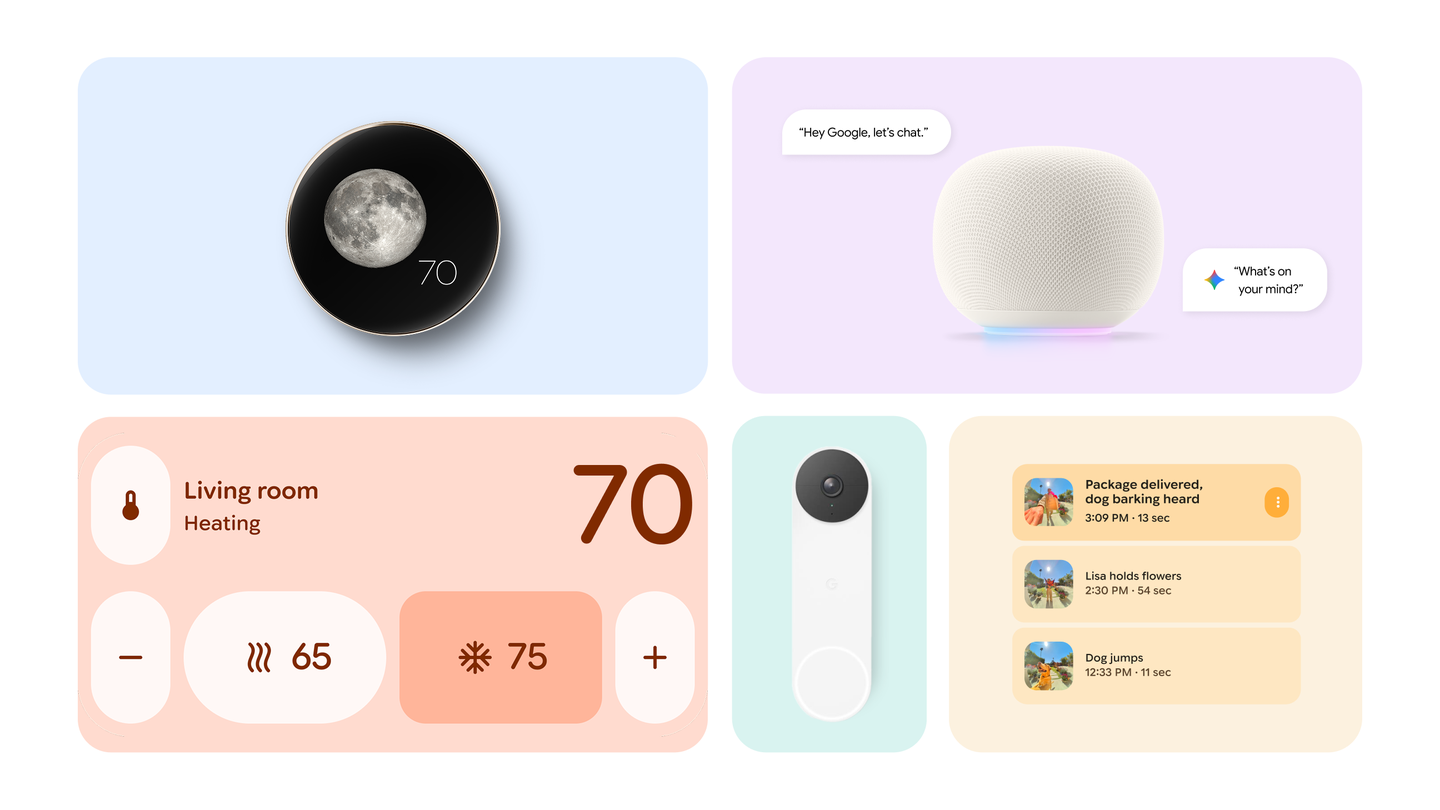
What costs money is Gemini Live, the open-ended voice chat mode you start by saying "Hey Google, let's chat." It needs a Google Home Premium plan. Camera search and the Home Brief daily summary need the more expensive Advanced plan and a Nest camera.
Google lists the Google Home Speaker (2026), Nest Hub (both generations), Nest Hub Max, Nest Audio, Nest Mini (2nd gen) and Google Home Mini (1st gen) as supporting all of Gemini for Home, including Live. The original Google Home, Google Home Max, Nest Wifi points and third-party speakers get most features but not Live.
Two catches: a home that switches can't go back to Assistant, and Gemini for Home needs a personal Google Account, not Workspace. Early access covers 20 countries, including the US, Canada, the UK, Australia, Japan and much of Western Europe. Google lists Brazil, Colombia, India, Singapore, South Korea and Taiwan as coming in December.
To upgrade, open Home Settings from your profile icon in the Google Home app and tap "Get Started" on the "Set up Gemini for Home" banner.
Gemini on Android Auto and in cars
If you use Android Auto from your phone, you already have Gemini. Google's help page for cars says it needs an Android phone with at least 2 GB of RAM on Android 11 or newer, with Gemini set as the phone's assistant.
In the car, Gemini can place calls, send texts, find places, start navigation and control music. It can also hold a back-and-forth conversation: tap the microphone and say "Let's talk Live." Google warns that Gemini can get things wrong and "should not be relied on for critical information or safety-related matters while operating the vehicle."
Cars with Google built-in are the one place where you still choose. Assistant keeps working there, and Gemini can be turned on in the car's settings if the car's software is up to date and you are signed in with a Google Account.
Gemini on watches
On a watch, Gemini needs Wear OS 4 or later and an Android phone with Gemini as its assistant. Google's watch help page says it can send messages, answer questions, recall details and control music.
How much each one costs
Google Assistant has always been free. Gemini has a free tier on phones and at home, and paid plans on top. US list prices as of November 20, 2026:
| Plan | Price | What it adds for the assistant |
|---|---|---|
| Gemini (free) | $0 | The Gemini app, and Gemini for Home basics on speakers |
| Google AI Plus | $4.99 a month | Twice the free usage in the Gemini app |
| Google AI Pro | $19.99 a month | Four times the free usage, plus Google Home Premium Standard |
| Google AI Ultra | From $99.99 a month ($199.99 for the highest tier) | Highest limits, plus Google Home Premium Advanced |
| Google Home Premium Standard | $10 a month or $100 a year | Gemini Live on speakers and displays, 30 days of camera event history |
| Google Home Premium Advanced | $20 a month or $200 a year | Adds 24/7 video history, camera search, event descriptions and daily summaries |
The Gemini plan prices come from Google's subscriptions page, and the Home Premium prices from the Google Store. Both pages showed Black Friday offers on November 20.
Timers, music and lights stay free after the switch. Long conversations with your speaker need Home Premium Standard, or a Google AI Pro plan that includes it.
Privacy: what each one keeps
The two assistants sit under different settings.
For Google Assistant, audio is controlled by the "Include voice and audio activity" setting in Web & App Activity. Google's help page says it is off unless you turn it on, and that it covers Search, Assistant and Maps, including Google Home speakers. With it off, Google still processes your voice to answer you but doesn't save the recording to your account.
For the Gemini app, Google's privacy hub says chats are kept for 18 months by default, and you can change that to 3 months, 36 months or indefinitely. Some chats are read by human reviewers after being disconnected from your account, and reviewed chats are kept for up to three years even if you delete them. Audio and Gemini Live recordings are not used to improve Google's services unless you turn that setting on.
For Gemini for Home, Google points you to Home History in the Google Home app and does not say how long recordings are kept.
Which one should you use
For most people the choice is already made. On Android phones, watches and Android Auto, Gemini is the only option. On speakers and displays, you can keep Google Assistant until August 2, 2027.
Stay on Assistant a while longer if you rely on podcasts, news or radio by voice, or on routines Gemini doesn't run yet, because the switch can't be undone. If you mostly control lights, timers and music on a supported speaker, upgrading now costs nothing. Google says it will share more updates ahead of the August 2027 cutoff.
Frequently asked questions
Is Google Assistant going away?
Yes. Google began removing it from Android phones, tablets and paired devices on September 3, 2026, and will retire it on speakers and smart displays on August 2, 2027. Cars with Google built-in keep Assistant for now, with no end date announced.
Is Google Assistant the same as Gemini?
No. Both answer to "Hey Google," but Assistant is built around fixed voice commands, while Gemini runs on Google's Gemini AI models and handles natural conversation and follow-up questions. Gemini still lacks some Assistant features on phones, such as podcasts, news and radio playback.
Is Google Assistant being replaced by Gemini?
Yes. Gemini is already the assistant on Android phones, Wear OS watches and Android Auto, and Gemini for Home fully replaces Assistant on Google speakers and displays on August 2, 2027.
Does Gemini replace Google Assistant on Android Auto?
Yes, when Android Auto runs from your phone. Gemini can make calls, send texts, give directions, control music and hold a Live conversation, and needs an Android 11 or newer phone with at least 2 GB of RAM. Cars with Google built-in can still use Assistant.
Sources
- A Modern Foundation for Your Smart Home: Changes Coming to Google Assistant and Nest AppGoogle
- Important Update: Transitioning from Google Assistant to Gemini on MobileGoogle
- Learn about Gemini for Home voice assistantGoogle
- What you can do with your Gemini mobile appGoogle
- Chat with Gemini in your carGoogle
- Use Gemini on your smartwatchGoogle
- Google AI plans and subscriptionsGoogle
- Google Home Premium subscriptionGoogle
- Gemini Apps Privacy HubGoogle
- Manage audio recordings in your Web & App ActivityGoogle
- Google retiring Nest app and Google Assistant on speakers in 20279to5Google
- Gemini fully replaces Google Assistant on Android9to5Google