Key takeaways
- Figma is built for product design and developer handoff, while Framer is a website builder with hosting, a CMS and SEO tools built in.
- As of November 24, 2026, Figma Professional costs $16 a month per Full seat, and Framer costs $10 (Basic) or $30 (Pro) a month per site plus $20 per extra editor.
- Figma Sites, Figma's website builder, is still in beta and needs a Full seat on a paid plan, while publishing is Framer's core feature on every plan.
Figma vs Framer comes down to what you want at the end. Figma is where teams design products and hand them to developers, with a website builder (Figma Sites, still in beta) added on. Framer is a website builder first, with a design canvas, a CMS and hosting built in. If the goal is a live marketing site or portfolio that you keep editing, Framer is the more complete tool. If the goal is app screens, design systems and developer handoff, Figma is.
Price follows the same split. Figma charges per person: $16 a month for a Professional Full seat. Framer charges per site: $10 a month for Basic and $30 for Pro, plus $20 a month for each extra editor. All prices below are in US dollars, as listed on November 24, 2026.
This comparison is based on the products' docs, help centers and published pricing, not on hands-on testing.
What each tool is for
Figma is a set of products that share one account and one bill. They include Figma Design, FigJam (a whiteboard), Figma Slides, Dev Mode (specs and code for developers), Figma Make (prompt-to-app) and, in beta, Figma Sites. Most teams use it to decide what a product should look like, then build it in code.
Framer starts from the other end. You design on a canvas, and what you design is the website. Framer hosts it and adds a CMS, SEO settings and analytics. The two overlap in one place: building and publishing a website. For Figma that is a beta add-on. For Framer it is the whole product.
Figma vs Framer at a glance
| Figma | Framer | |
|---|---|---|
| Main job | Product and UI design, prototyping, developer handoff | Designing, publishing and hosting websites |
| How you pay | Per seat (person) | Per site, plus paid editor seats |
| Free plan | Starter: unlimited drafts, 150 AI credits a day (up to 500 a month) | Free: Framer domain, 5 GB bandwidth, 500 AI credits a month |
| Cheapest paid option | Professional Full seat, $16/month | Basic site plan, $10/month |
| Team plans | Organization $55, Enterprise $90 per Full seat a month, billed annually | Pro $30/month per site; Enterprise custom |
| Website publishing | Figma Sites (beta, Full seats on paid plans) and Figma Make | Core feature on every plan |
| Custom domain | Paid plans; up to 10 on Professional, no set limit on Organization and Enterprise | Paid plans; free domain included with yearly billing |
| CMS | In Figma Sites (beta) | 2 collections on Basic, 10 on Pro |
| AI | Figma agent, Figma Make, AI image tools | Framer Agents, AI translation, MCP server |
Prices as of November 24, 2026, from Figma's pricing page and Framer's pricing page.
Figma pricing and plans
Figma has four plans. Each paid plan sells three kinds of seat, and the seat decides what a person can do.
| Plan | Full seat | Dev seat | Collab seat | AI credits per Full seat |
|---|---|---|---|---|
| Starter | Free | n/a | n/a | 150 a day, up to 500 a month |
| Professional | $16/mo | $12/mo | $3/mo | 3,000 a month |
| Organization | $55/mo | $25/mo | $5/mo | 3,500 a month |
| Enterprise | $90/mo | $35/mo | $5/mo | 4,250 a month |
Dev and Collab seats get 500 AI credits a month on every paid plan. Professional can be billed monthly or annually; Organization and Enterprise are billed annually. Prices as of November 24, 2026.
Per Figma's seat guide, only a Full seat can edit design files and use Make fully, and Sites and Motion (both beta) are Full-seat only. A Dev seat adds Dev Mode and FigJam; a Collab seat covers FigJam and Slides.
On a paid plan, anyone can view and comment without a seat.
Framer pricing and plans
Framer sells a plan for each site. Its pricing page shows these prices with yearly billing selected and says all prices are monthly, billed by the cycle you pick at checkout.
| Free | Basic | Pro | Enterprise | |
|---|---|---|---|---|
| Price | $0 | $10/month | $30/month | Custom |
| Domain | Framer domain | Custom domain | Custom domain | Custom domain |
| Site pages | 1,000 | 30 | 150, then $20 per 100 (700 max) | Custom |
| CMS collections | 10 | 2 | 10, then $40 per 10 (40 max) | Custom |
| CMS items | n/a | 1,000 | 2,500, then $20 per 10,000 (40,000 max) | Custom |
| Bandwidth | 5 GB | 50 GB | 100 GB | Custom |
| Hosting locations | n/a | 20 | 300+ | All available |
| Analytics history | n/a | 30 days | 90 days | Unlimited |
| AI credits | 500 a month | 1,000 a month | 3,000 a month | Volume discounts |
| Editors (max) | 3 | 10 | 10 | Unlimited |
Free-plan limits are from Framer's FAQ, which calls that plan ideal for non-commercial use. Prices as of November 24, 2026.
Extra bandwidth costs $50 per 100 GB, up to 2 TB. Pro adds site redirects, a staging environment and branching with previews. Add-ons include translation locales at $20 each (up to 20), the Convert add-on for A/B tests and funnels at $50 per 500,000 events, and Advanced hosting at $200, which Enterprise includes.
People cost extra. The workspace owner and viewers are free, an extra editor costs $20 a month, and a content editor, who only updates the CMS and page text, costs $10. Framer's site plans help article, updated November 18, 2026, says paid plans publish without Framer branding.
What the same job costs on each
Two examples, using list prices on November 24, 2026:
- One person, one portfolio site. Figma Professional with one Full seat is $16 a month and includes Figma Sites and custom domains. Framer Basic is $10 a month for the site, with 30 pages and 2 CMS collections. Framer is cheaper and its site tools are out of beta.
- Three people editing one company site. Figma Professional with three Full seats is $48 a month. Framer Pro is $30 for the site plus two extra editors at $20 each, $70 a month, since the owner is free. If two of those people only update blog posts, they can be $10 content editors instead, which brings Framer to $50.
Framer's price grows with each site. Figma's grows with each editor.
AI features: Figma agent vs Framer Agents
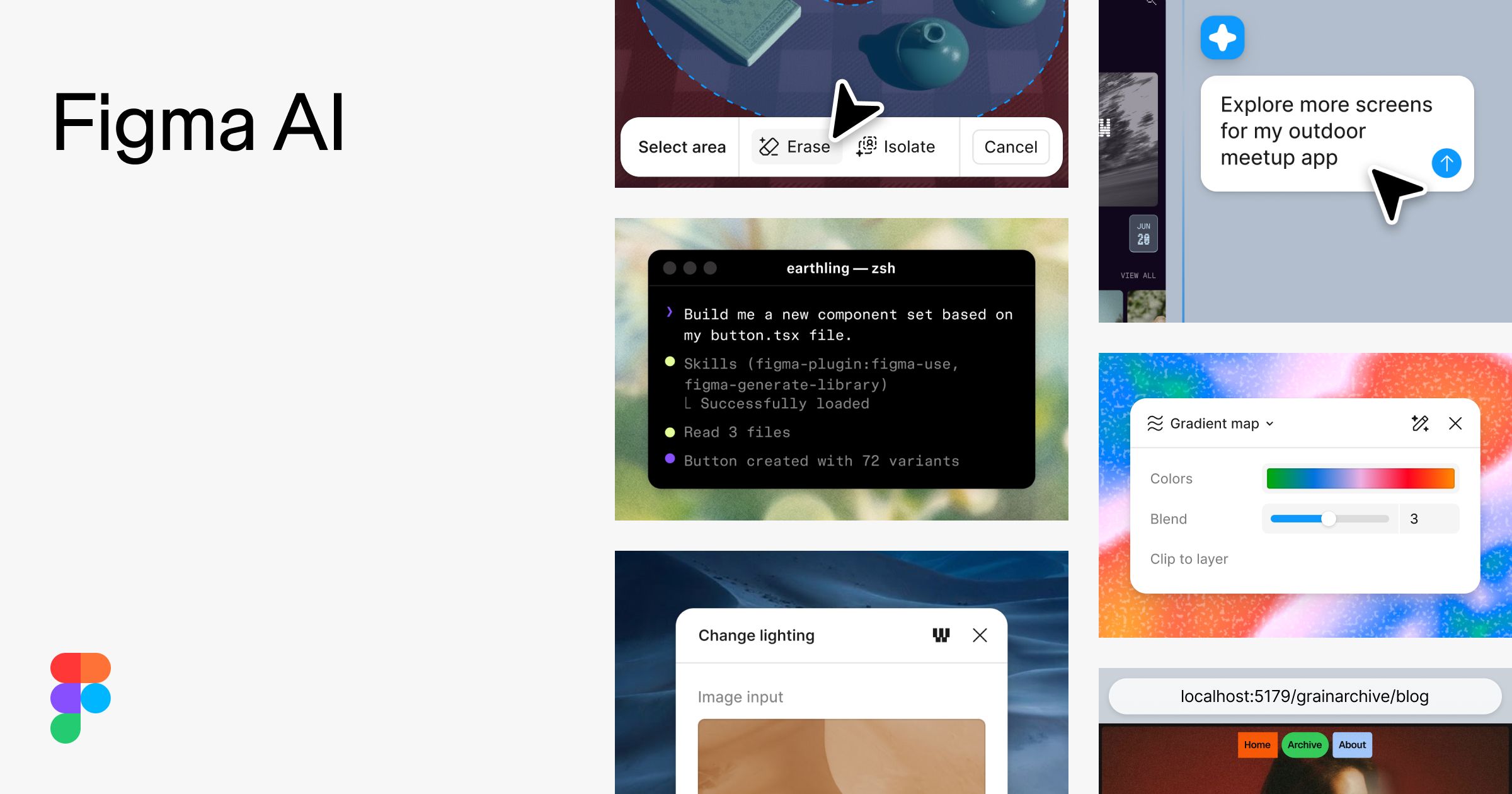
Figma. The Figma agent works on the canvas in Figma Design. It generates and edits layouts, components, styles and images, renames layers and reviews comments. It left beta on October 6, 2026, and from that date it uses credits, per Figma's AI credit FAQ. It is available on every plan including Starter, but Full seats are needed to make edits outside drafts, and Dev Mode is not on Starter. Our Figma agent explainer covers credits in detail.
Figma Make is the other half: a prompt-to-app tool that builds working prototypes and web apps in code, from a prompt or from existing Figma designs. The pricing page lists backends through Supabase and Payload. Make and the agent draw on the same credit pool.
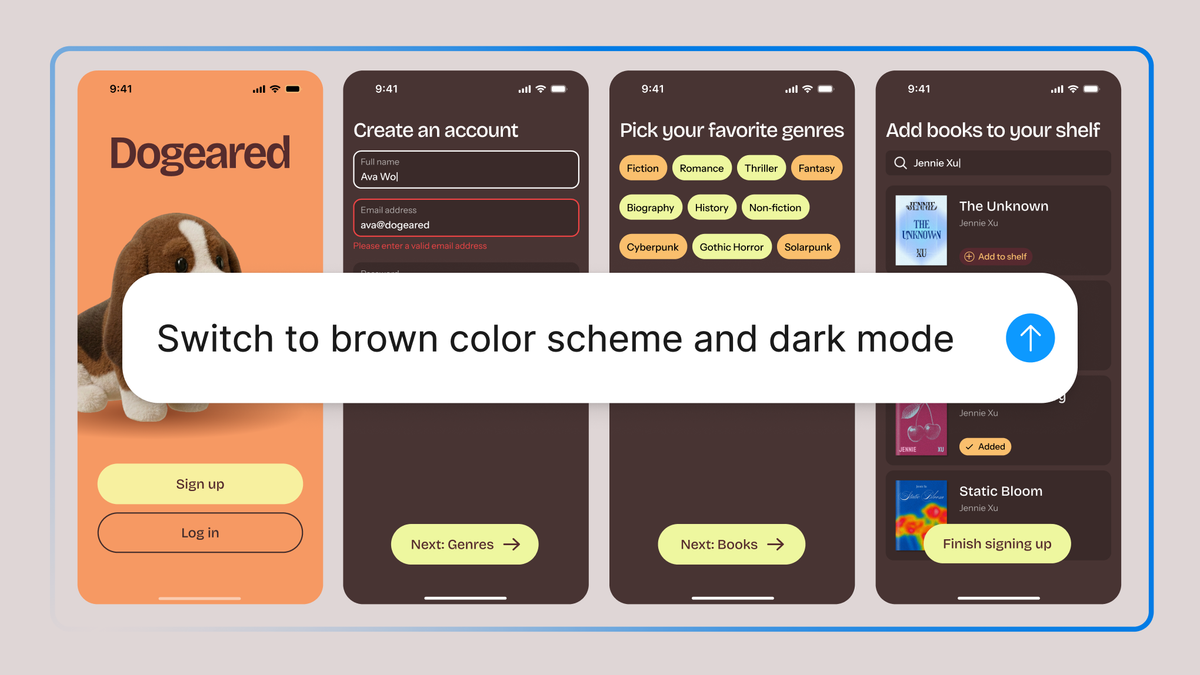
Framer. Framer Agents work on the whole site. Framer says the agent edits copy and layout, sets up mobile breakpoints, builds components, fills in SEO titles and alt text, and manages CMS content. You can pick the model: the page lists GPT, Sonnet, Opus and Fable.
Framer's post on AI credits gives rough costs on the default model: about 300 credits for a landing page, 150 to make a page responsive, 100 for a large edit and 50 for a small one. On Basic's 1,000 monthly credits, that is about three landing pages. Framer's MCP server, free during its preview, lets Claude Code, Cursor or Codex edit a site on your own AI subscription instead of Framer credits.
The difference: Figma's agent edits design files someone will later build. Framer's edits the site visitors see.
Publishing and hosting
Framer hosts every site on its own content delivery network: 20 locations on Basic, more than 300 on Pro, with SEO settings, password protection, site search and analytics. Going over the bandwidth limit is allowed for one month before Framer asks you to upgrade.
Figma has two ways to publish. Figma Sites turns designs into responsive websites with a CMS. It opened in beta at Config 2025 and is still marked beta on the pricing page. Publishing needs a Professional, Education, Organization or Enterprise plan and a Full seat. Sites go live on a figma.site subdomain, and you can connect a custom domain: up to 10 on Professional, with no set limit on Organization and Enterprise, shared with Make. Figma's custom domain article still says these were free through 2025.
Figma Make can also publish an app to its own URL. Starter users can publish to the web only if they also publish the file to the Figma Community.
Collaboration
Both let several people edit at once, with free viewers. Figma's team features are for product teams: Organization and Enterprise add shared libraries and fonts and central admin tools. Framer's are for running a site: roles for who can design, edit content and publish, and $10 content-editor seats for people who only update text and the CMS.
Which should you pick
Pick Framer if:
- You want a website live and kept up to date, not a design to hand off.
- You are a freelancer, studio or startup marketing team building portfolio or landing pages.
- People who don't design need to update a blog or case studies through a CMS.
Pick Figma if:
- You design apps or software interfaces that developers will build.
- You need a design system, Dev Mode handoff, FigJam whiteboards or Slides in one plan.
- The website is a side job and Figma Sites in beta is enough.
Many teams use both: Figma for the product, Framer for the marketing site. If you're also weighing AI-first design tools, see our Claude Design vs Figma comparison.
Frequently asked questions
Is Figma or Framer better for a website?
Framer, for most people who want a live site they keep editing. It includes hosting, a CMS, SEO settings, redirects and staging, while Figma Sites is still in beta and needs a Full seat on a paid Figma plan.
Figma vs Framer for a portfolio: which is cheaper?
Framer Basic costs $10 a month for one site with a custom domain, 30 pages and 2 CMS collections. A Figma Professional Full seat costs $16 a month and includes Figma Sites, as of November 24, 2026.
Should I use Figma Sites or Framer?
Figma Sites makes sense if you already pay for a Figma Full seat and need a simple site. Framer has more hosting features, such as 300+ CDN locations on Pro, staging, redirects, analytics and A/B testing, and none of them is in beta.
Which is better, Figma or Framer?
They do different jobs. Figma is better for designing apps, design systems and handing work to developers, and Framer is better for building and running websites. Many teams use Figma for the product and Framer for the marketing site.
Sources
- Plans and pricingFigma
- PricingFramer
- Framer site plans overviewFramer
- AI credits, simpler plans, and lower pricesFramer
- Framer AgentsFramer
- Compare and manage seats in FigmaFigma
- Work with the Figma agent in design filesFigma
- AI credit updates FAQFigma
- Figma Make FAQsFigma
- Publish, update, or unpublish a siteFigma
- Manage a custom domain for your siteFigma
- Manage billing on the Professional planFigma