Key takeaways
- Anthropic launched Claude Sheets in beta on November 10, 2026, and as of November 15, 2026 it is available on the Pro, Max, Ultra, Team and Enterprise plans.
- You start a sheet by asking Claude for one in any chat or from the Sheets tile in the Artifacts tab, then edit it with Claude and anyone you share it with.
- Sheets hold up to 100,000 cells, import CSV, Excel and Google Sheets data, export to .xlsx or CSV, and lack pivot tables, macros and live data for now.
To use Claude Sheets, ask Claude for a sheet in any chat, or open the Artifacts tab and pick the Sheets tile, then describe what you want to track. Anthropic launched Claude Sheets in beta on November 10, 2026, and as of November 15, 2026 it is available on the Pro, Max, Ultra, Team and Enterprise plans.
Claude Sheets is a spreadsheet that lives inside Claude. You ask for a tracker, a budget or a forecast, Claude builds it with tabs, formulas and formatting, and then you, your teammates and Claude edit the same cells. It is not the older "Claude for Sheets" add-on for Google Sheets. That difference trips up a lot of searches, so it gets its own section below.
This guide covers who gets it, how to start a sheet, how to work in it, how to get data in and out, how sharing works, and what the beta can't do yet. Everything here comes from Anthropic's help center article on Claude Sheets, its launch post, and its other help pages.
Who can use Claude Sheets
Here is where Sheets is switched on, as of November 15, 2026:
| Plan | Available | Default setting |
|---|---|---|
| Free | Not listed | Anthropic names only paid plans |
| Pro, Max, Ultra | Yes, in beta | Available |
| Team | Yes, in beta | On by default |
| Enterprise | Yes, in beta | Off until an admin turns it on |
The launch post puts it as "available on all paid plans". The help center names the five plans above.
Sheets counts toward your plan's usage limits, like everything else you do in Claude. There is no separate Sheets price.
Turning it on for a team
On Team and Enterprise plans, Owners and Primary Owners control Sheets in Organization settings > Artifacts, in the Artifact templates section. Artifacts must also be on for the organization. Admins can use custom roles to turn Sheets on for only part of the company, which is a reasonable way to pilot a beta before rolling it out.
Web, desktop and mobile
The launch post says Sheets works on web, desktop and mobile. The help center is more precise: web and desktop are supported, and mobile gets basic read-only access. Plan to build and edit sheets on a computer.
How to start a Claude sheet
There are two ways in.
- From a chat. Ask Claude for a sheet in any conversation. The help center's examples include "Build a campaign tracker with owners, dates, and status" and a hiring budget by team and quarter.
- From the Artifacts tab. Open the Artifacts tab, select the Sheets tile, then describe the sheet you want or start with a blank one.
Either way, the sheet is saved in the Artifacts tab, so you can come back to it later.
Anthropic's one tip for better results: say what the sheet is for and what you want to track, and if you already have the numbers, give them to Claude. A sheet built from your own data beats one built from placeholder rows.
What Claude builds in a sheet
Claude can add tabs, write formulas that work across tabs, apply formatting and conditional formatting, and add dropdowns, checkboxes and charts.
The formulas stay in the cells. That matters more than it sounds. When Claude gives you a total, you can click the cell and see how it was calculated, instead of trusting a number in a chat reply. If a spreadsheet is going to drive a budget decision, being able to check the math is the point.
Charts at launch are bar, line and pie, plus what the help center calls "a wide range of other chart types Claude can generate".
How to work in your sheet with Claude
Once a sheet exists, you have four ways to change it.
- Ask Claude. Type a change, like "Add a column for budget remaining" or "Highlight anything that's overdue."
- Ask about a range. Select some cells and ask a question about them, such as why a total is higher than last month.
- Edit it yourself. Type in cells, write formulas and format data by hand. Claude Sheets includes 144 functions.
- Comment. Leave comments on cells for your team.
When Claude edits the sheet, each change is outlined as it lands, so you can see which cells it touched.
How to undo what Claude did
Open version history. It lists earlier versions of the sheet and can restore one. Restoring a version also removes every edit made after it, including your teammates' edits, so check the timeline before you roll back.
How to import data into Claude Sheets
You can bring data in four ways:
- Import a CSV file
- Import from Google Sheets
- Import from Excel
- Start from a blank sheet
You can also paste cells from Excel or Google Sheets.
What you can't do yet is connect a sheet to live data. The help center says sheets can't pull live data from connected apps. If you need numbers that update from a warehouse or CRM, that is the job of Claude Data, which Anthropic made generally available on the same day and which needs a data connector.
How to export a Claude sheet
To download a sheet, export it as an .xlsx or CSV file. PDF export isn't available yet.
To keep working in another tool, use Send to. The launch post names Airtable, Asana, monday.com and Smartsheet as partner tools for sheets, and suggests exporting to .xlsx or using Claude for Excel when you need Excel's full feature set.
How to share a Claude sheet
Sheets start private. To share one, open it and click Share. The people you share it with can work on the sheet alongside you and Claude, and everyone edits the same cells at the same time.
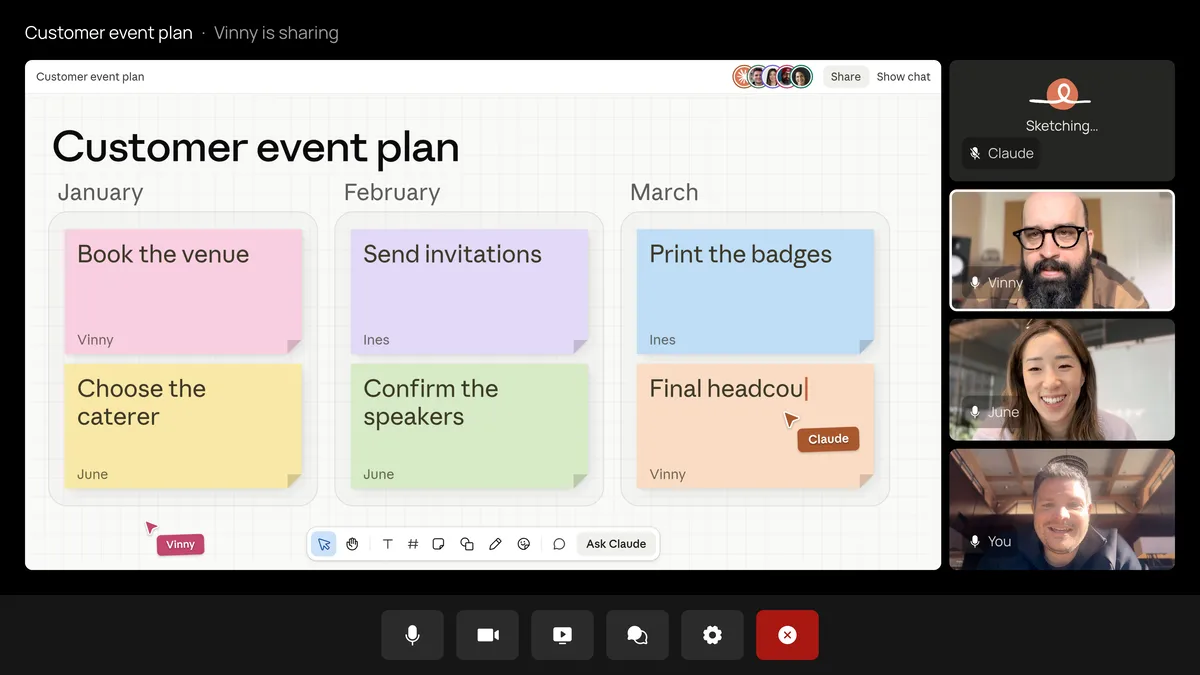
Anthropic's guide to working with Sheets, Whiteboards and interactive connectors adds that Claude keeps the same context as work moves from a whiteboard to a spreadsheet to a dashboard. A team can sketch a plan on a board, ask Claude to turn it into a tracker, and skip re-explaining the project. The Claude Whiteboards guide covers the board side, and the Claude Meetings guide covers bringing Claude into a video call.
Claude Sheets limits in the beta
Anthropic says Sheets covers common spreadsheet work at launch and that more is coming. As of November 15, 2026, the help center lists these limits:
| Area | Limit at launch |
|---|---|
| Size | Up to 100,000 cells per sheet |
| Not available yet | Pivot tables, protected ranges, find and replace, multi-column sort, filter views, multi-select dropdowns, PDF export |
| Excel features not supported | Macros, VBA, Power Query, DAX, print layout |
| Live data | Can't pull from connected apps; docs, decks and dashboards can't use a sheet as a data source |
| Mobile | Basic read-only access |
| Data controls | HIPAA, CMEK and ZDR not yet supported |
The 100,000-cell cap is the one to watch. That's 1,000 rows by 100 columns, or 10,000 rows by 10 columns. Plenty for a tracker or a quarterly budget, but too small for a large raw data export.
The data-controls line rules out Sheets for some companies for now. Organizations that need a HIPAA-ready setup, customer-managed encryption keys (CMEK) or zero data retention (ZDR) can't use it yet.
In short, Claude Sheets is a light, shared spreadsheet. Anthropic's own help page says to use it for that, and to move to Excel or Google Sheets when you need their full feature set.
Claude Sheets vs Claude for Sheets and the Google Sheets add-ons
Three different things show up when people search "claude sheets".
Claude Sheets is the new one in this guide: a spreadsheet inside Claude, launched November 10, 2026. You use it at claude.ai or in the desktop app, and you start it by asking Claude for a sheet.
Claude for Google Workspace is Anthropic's current way to use Claude inside Google Sheets itself. Its help center article says it adds a Claude sidebar to Google Docs, Sheets and Slides. You install it from the Google Workspace Marketplace, open it under Extensions > Claude, and sign in with your Claude account. It is in beta on the Pro, Max, Ultra, Team and Enterprise plans, as of November 15, 2026. In Sheets it can build models, write and fix formulas and clean up data in the file you have open. The sidebar has a model picker, so you choose the Claude model for each conversation.
Claude for Sheets is the older Google Sheets add-on that people search with "api key". As of November 15, 2026, Anthropic's help center page for that add-on returns a "not found" error, and the old developer docs links redirect to that missing page. Anthropic hasn't published a current setup guide for it that could be checked for this article, so for using Claude in Google Sheets, the Workspace sidebar above is the option Anthropic documents today.
Anthropic's Sheets help article draws the line simply: Claude Sheets puts a spreadsheet inside Claude, while Claude for Excel and Claude for Google Workspace bring Claude to the files you already keep in those apps. If your file already lives in Google Sheets or Excel, use the add-in. If you're starting from nothing and want to build it with your team and Claude, use Claude Sheets. If Claude isn't behaving inside Excel, the Claude in Excel troubleshooting guide covers the common fixes.
Where to go next
Start small. Ask Claude for a tracker you already keep somewhere else, give it your real numbers, and check a few formulas by clicking into the cells. If it holds up, share it with one teammate before moving a whole team's workflow over. Anthropic calls the current feature set "simple spreadsheet functionality", and the limits table above is the list to check before you commit.
Frequently asked questions
Is Claude Sheets free?
Anthropic lists it only for paid plans. As of November 15, 2026 it is in beta on Pro, Max, Ultra, Team and Enterprise, and it counts toward each plan's usage limits; the Free plan is not listed.
Is Claude Sheets the same as Claude for Sheets?
No. Claude Sheets is a spreadsheet inside Claude, launched on November 10, 2026. Claude for Sheets is the older Google Sheets add-on, and Anthropic now documents Claude for Google Workspace as the way to use Claude inside Google Sheets.
Does Claude Sheets need an API key?
Anthropic's help center doesn't mention one. You start a sheet by asking Claude for it in a chat or from the Artifacts tab, and the Claude for Google Workspace sidebar signs in with your Claude account.
What is the best Claude model for Google Sheets?
Anthropic doesn't name one. The Claude for Google Workspace sidebar has a model picker, so you choose the Claude model for each conversation in the file you have open.