Key takeaways
- Google added computer use to the Gemini app for Mac on November 19, 2026.
- Gemini clicks, types and fills in forms in a background window, and you approve key actions before they happen.
- It is for Google AI Plus, Pro and Ultra subscribers in the US, in English, on Apple silicon Macs with macOS Sequoia 15.0 or later.
Google added computer use to the Gemini app for Mac on Thursday, November 19. You describe a chore, and Gemini clicks, types, opens menus and fills in forms across your files, desktop apps and the web to finish it. It is rolling out starting today to Google AI Plus, Pro and Ultra subscribers in the US, in English.
This puts Gemini on the same footing as the desktop agents from OpenAI, Anthropic and Meta, which TechCrunch notes have offered similar features for some time. What Google adds is a different way of working: the agent runs in its own window in the background, so you keep your screen and cursor while it works.
What Gemini computer use does on a Mac
Computer use means the model operates software the way a person does, by looking at the screen and using the mouse and keyboard, instead of calling an app's API. Google's examples are the kind of repetitive work that eats an afternoon:
- Batch color-grading photos in design software, or setting up a 3D scene.
- Pulling weights, dimensions and addresses out of local PDFs to fill in a multi-box shipping quote.
- Collecting metrics and screenshots from dashboards for several regions and building a Google Slides deck from them.
- Looking at photos of clothes in a folder, researching prices and staging listings on resale sites.
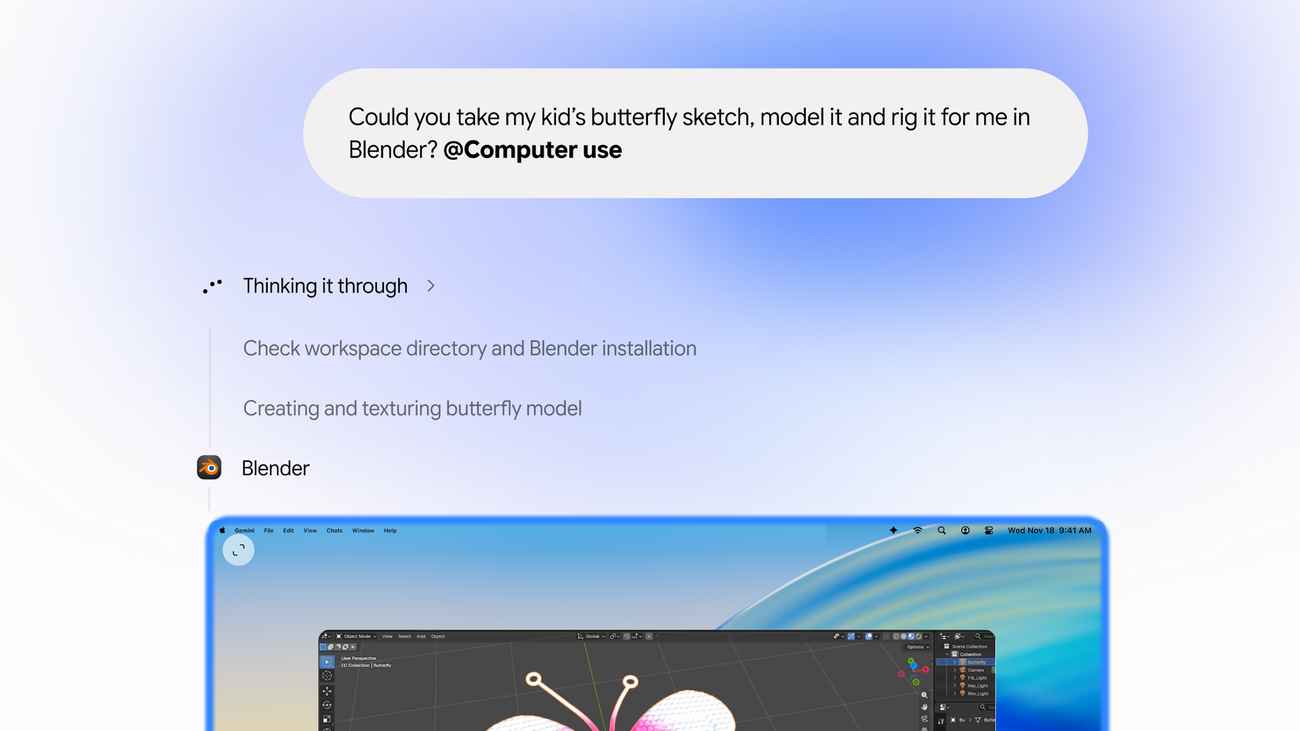
Google's own demo asks Gemini to take a child's butterfly sketch, model it and rig it in Blender.
How it stays under your control
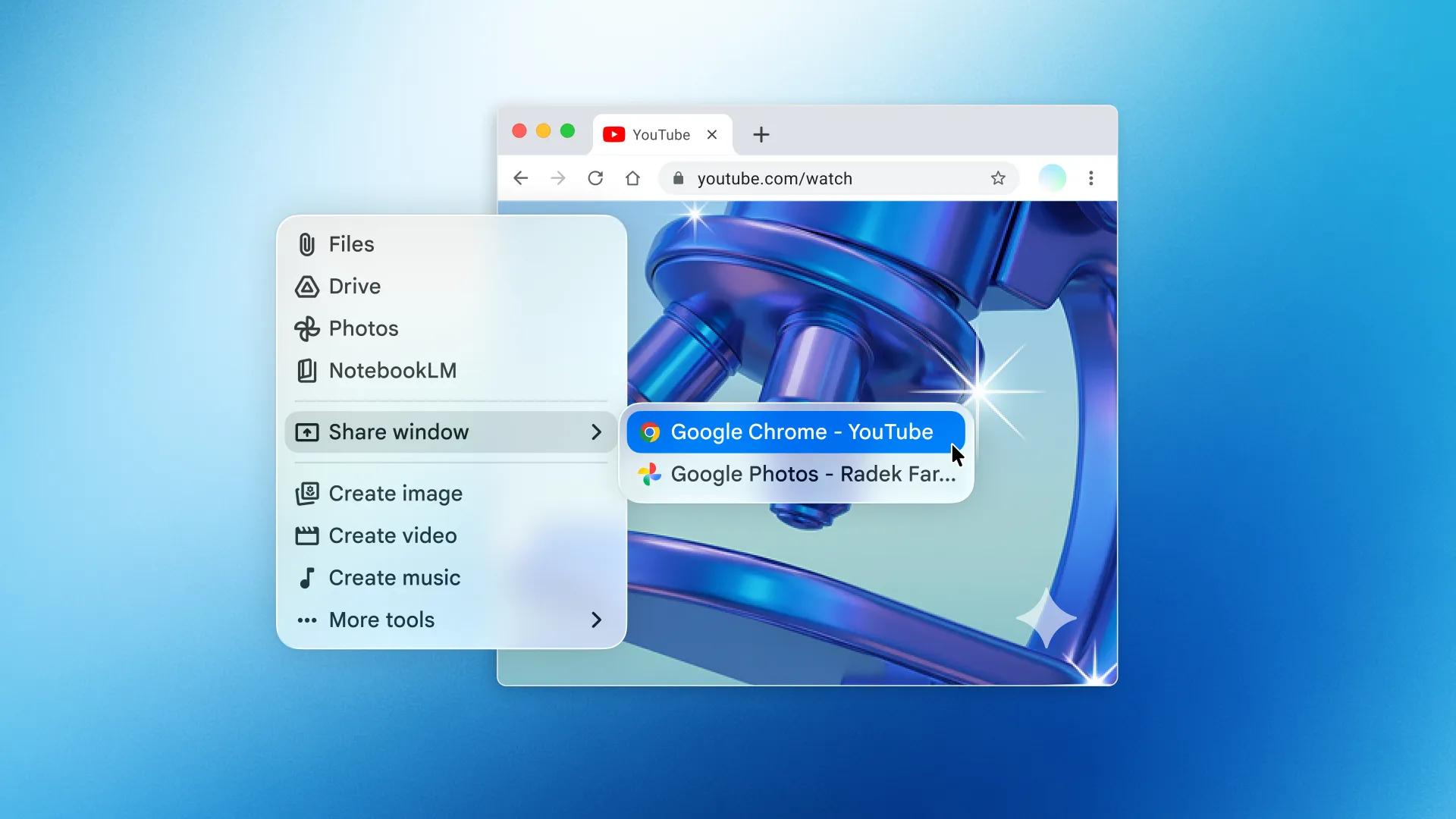
Gemini works in an isolated background window, and a live preview in the chat shows each step. You choose which apps it can use, you can pause or stop it at any time, and you approve key actions before they happen, according to Google's announcement. Google does not say which Gemini model runs the feature.
That approval step matters more than it sounds. An agent that reads web pages and documents can be steered by text hidden in them, a risk called prompt injection, and a human check before a purchase or a form submission is the main defence today.
Who can use it
| Requirement | Detail |
|---|---|
| Plan | Google AI Plus, Pro or Ultra |
| Account | Personal Google account, 18 or older |
| Country and language | US only, English only at launch |
| Mac | Apple silicon, macOS Sequoia 15.0 or later |
| App | Gemini for Mac, from gemini.google/mac |
The Gemini release notes list the feature under November 19 with the same plan and language limits. Google has not said when it will reach other countries, other languages or Windows.
What to watch
The feature joins Gemini Tasks, the web agent Google opened to free users in six countries the week before; our guide to Gemini Tasks covers how that one works. The open questions are how reliable computer use is on long jobs, and whether Google brings it to Windows and to free accounts.