Key takeaways
- Mistral Vibe is Mistral's coding agent: an Apache-2.0 command-line tool you start with `vibe` in a project folder.
- As of November 8, 2026, Mistral lists a Free plan with limited coding sessions, Pro at $14.99 a month and Team at $24.99 per user a month.
- Install with the one-line script, `uv tool install mistral-vibe` or `pip install mistral-vibe`, then sign in with a Mistral account or an API key.
Mistral Vibe is Mistral's coding agent. You run vibe in a terminal, inside a project folder, and it reads files, edits code and runs shell commands for you, asking before it does anything sensitive. The command-line tool is open source under Apache-2.0, and you can use it free with limits, on a paid Mistral plan from $14.99 a month, or with your own API key. This is Mistral's own description as of November 8, 2026.
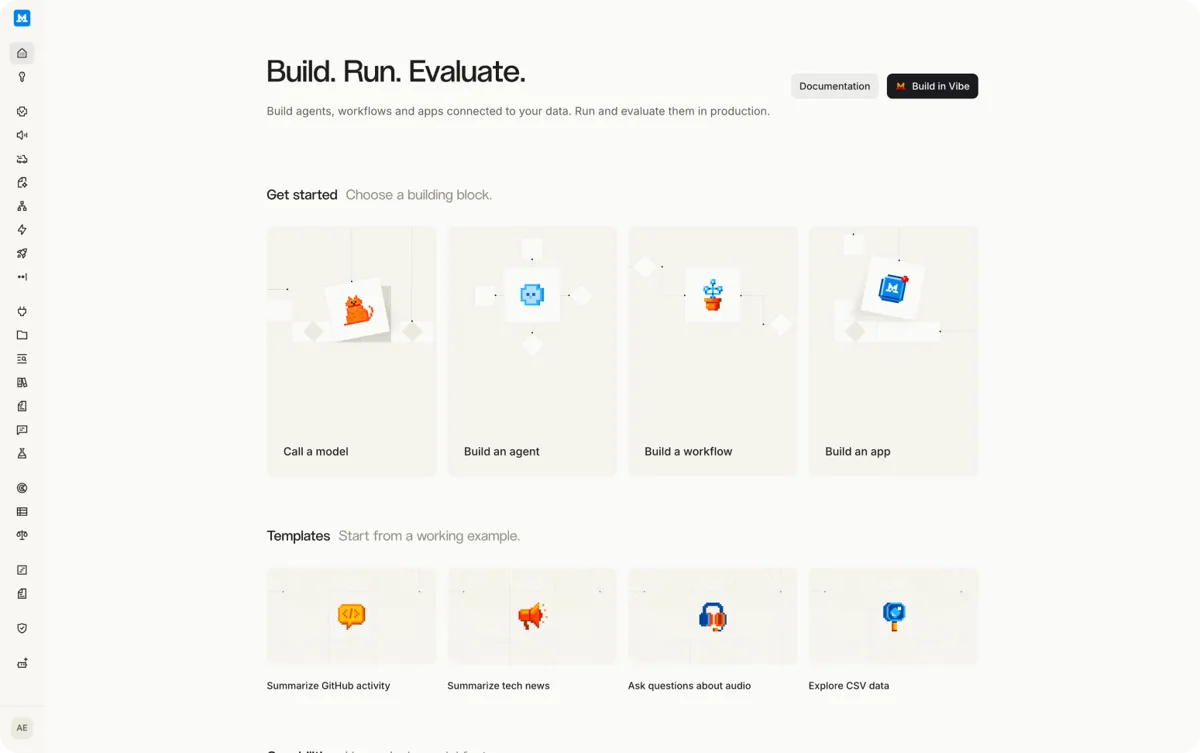
The name now covers more than the CLI. Mistral's Vibe product page describes Vibe as its assistant for work and coding, "formerly called Le Chat". The coding half is called Vibe Code, and it runs in three places: the CLI and a VS Code extension, both on a local checkout, and Vibe Code Web, on a GitHub repository in a remote sandbox. This article is mostly about the CLI, because that is what most people searching for "mistral vibe cli" want.
What Mistral Vibe does
Vibe is the same kind of tool as Claude Code, OpenAI's Codex CLI and Gemini CLI. You describe a task in plain English and it breaks the task into steps. According to the repository README, it has tools to read, write and edit files, run shell commands, and search code with grep. It also knows the project's location, Git branch and recent commits.
Other things the README lists:
- Approval modes.
accept-editsis the default and approves file edits on its own.askasks before every tool run.auto-approveapproves everything. - Subagents. A
tasktool hands work to subagents. A read-onlyexploresubagent ships built in, and you can define your own in TOML files. - Skills and slash commands. Skills follow the Agent Skills format, a
SKILL.mdfile with YAML frontmatter. Commands include/config,/model,/compact,/mcpand/loop, which schedules a recurring prompt. - MCP servers. You add them in
config.tomlor withvibe mcp add. They use the same permission settings as the built-in tools. - Project instructions. An
AGENTS.mdfile adds instructions, but only for folders you trust. - Scripting.
vibe -p "<prompt>"runs without the interface, with limits such as--max-turnsand--max-price, and output as text, JSON or a stream.
Mistral released the CLI on December 9, 2025, alongside two coding models, Devstral 2 and Devstral Small 2 (announcement). Vibe 2.0 followed on January 27, 2026, adding custom subagents, slash-command skills, multi-choice clarifying questions and automatic updates (Vibe 2.0 post).
How to install Mistral Vibe
You need Python 3.12 or later for a manual install. The README says UNIX-like systems are officially supported, and that it also runs on Windows.
| System | Command |
|---|---|
| macOS or Linux (recommended) | The install script below |
| Any system with uv | uv tool install mistral-vibe |
| Any system with pip | pip install mistral-vibe |
| Windows | Install uv with PowerShell first, then uv tool install mistral-vibe |
On macOS or Linux, run:
curl -LsSf https://mistral.ai/vibe/install.sh | bash
The script sets up uv if you don't have it and makes the vibe and vibe-acp commands available. If vibe isn't found afterwards, add the directory the installer prints to your shell profile. Check the install with vibe --version.
How to use Mistral Vibe
- Open a terminal in your project root and run
vibe. - A setup wizard asks how you want to sign in. "Launch browser" signs you in with your Mistral account and uses your plan. "Use an API key" takes a key from console.mistral.ai. Keys are stored in your operating system's keyring or in
~/.vibe/.env, or you can set theMISTRAL_API_KEYenvironment variable. - Type a task, for example asking it to find the TODO comments in the project. Approve or reject what it wants to run.
- To run the wizard again, use
vibe --setup. To update, usevibe update. Vibe also checks for updates daily.
If your configuration breaks, the docs say to move ~/.vibe/config.toml aside and restart. Vibe reads config.toml from ./.vibe/ first, then from ~/.vibe/.
How much Mistral Vibe costs
The CLI itself costs nothing. What you pay for is the model behind it. Mistral's pricing page lists these plans as of November 8, 2026, in US dollars before tax:
| Plan | Price | What it says about coding |
|---|---|---|
| Free | $0 | Limited messages, web searches and coding sessions |
| Pro | $14.99 a month | All-day coding in the CLI, IDE and web, plus $15 a month in API credits |
| Team | $24.99 per user a month | Higher limits, up to 30 GB of storage per user, admin features |
| Enterprise | Contact sales | Private deployments, custom models, audit logs, SAML SSO |
The pricing page gives no exact number of messages or coding sessions for any plan. It describes Pro and Team limits only as multiples of Free, so you can't work out a daily cap from it. Mistral's docs say usage and rate limits in Vibe depend on your plan and your pay-as-you-go settings.
The pricing page also lists an Education version of Pro for verified students. It shows $14.99 a month in the table, while the page's FAQ says $5.99 a month, so check the page before you sign up.
Two other ways to pay:
- Your own API key. Per the Vibe 2.0 post, subscribers can also continue past their limits at API rates. The same post lists Devstral 2 at $0.40 per million input tokens and $2.00 per million output tokens, and Devstral Small 2 at $0.10 and $0.30. Those were the prices in January 2026. Check the console for current rates.
- Local models. Vibe works with any model served behind an OpenAI-compatible API. Its docs recommend Devstral Small 2 (24B) or Mistral Small 4 (119B, mixture of experts) served with vLLM. Vibe does not ship a model of its own, so you have to serve one. For a fully offline setup, set
enable_telemetry = falseandenable_update_checks = false, and turn off any MCP servers and connectors that reach the internet.
Which models Vibe uses
The docs don't name a default model. The README sets the model with active_model in the config and uses mistral-medium-3.5 in its examples. The /model command switches between hosted and local models in a session.
Mistral built Vibe around Devstral. At launch it said Devstral 2, a 123B model with a 256K context window, scored 72.2% on SWE-bench Verified, and the 24B Devstral Small 2 scored 68.0%. Those are Mistral's numbers. In the same post, Mistral said human raters still preferred Claude Sonnet 4.5 to Devstral 2 by a clear margin.
How it compares
Vibe does the same job as Claude Code, OpenAI's Codex CLI and Gemini CLI, with two differences that come from its docs. The CLI is open source under Apache-2.0, and it is not tied to Mistral's models: it takes local models and other providers' keys. Whether its models match the best closed ones on your codebase is something the docs can't tell you, and Mistral's own launch numbers show a gap to Claude Sonnet 4.5. For more on Mistral's other models, see how to try Mistral Large 4.
What we don't know
- The exact limits of the free plan and of Pro and Team.
- Which plans include each Vibe Code surface, such as the web sessions. The docs don't say.
- The current default model for the CLI.
Frequently asked questions
Is Mistral Vibe free?
The CLI is open source and free to install. Mistral's pricing page lists a Free plan with limited coding sessions, and Pro starts at $14.99 a month. The page gives no exact limits for the Free plan.
Can Mistral Vibe run offline?
Yes, with a local model. Vibe works with any model behind an OpenAI-compatible API, but it ships none, so you serve one yourself, for example Devstral Small 2 with vLLM. The docs also say to turn off telemetry, update checks and any MCP servers that reach the internet.
Does Mistral Vibe work on Windows?
The README says it is officially supported on UNIX-like systems and also runs on Windows. Install uv with PowerShell first, then run `uv tool install mistral-vibe`.
How do I log in to Mistral Vibe?
Run `vibe` and choose "Launch browser" to sign in with your Mistral account, or "Use an API key" to enter a key from console.mistral.ai. Run `vibe --setup` to change it later.
Sources
- Install and setup (Mistral Vibe docs)Mistral AI
- Mistral Vibe READMEMistral AI (GitHub)
- Mistral pricingMistral AI
- VibeMistral AI
- Introducing Mistral Vibe 2.0Mistral AI
- Devstral 2 and Mistral Vibe CLIMistral AI
- Offline models (Vibe docs)Mistral AI
- Vibe Code overviewMistral AI