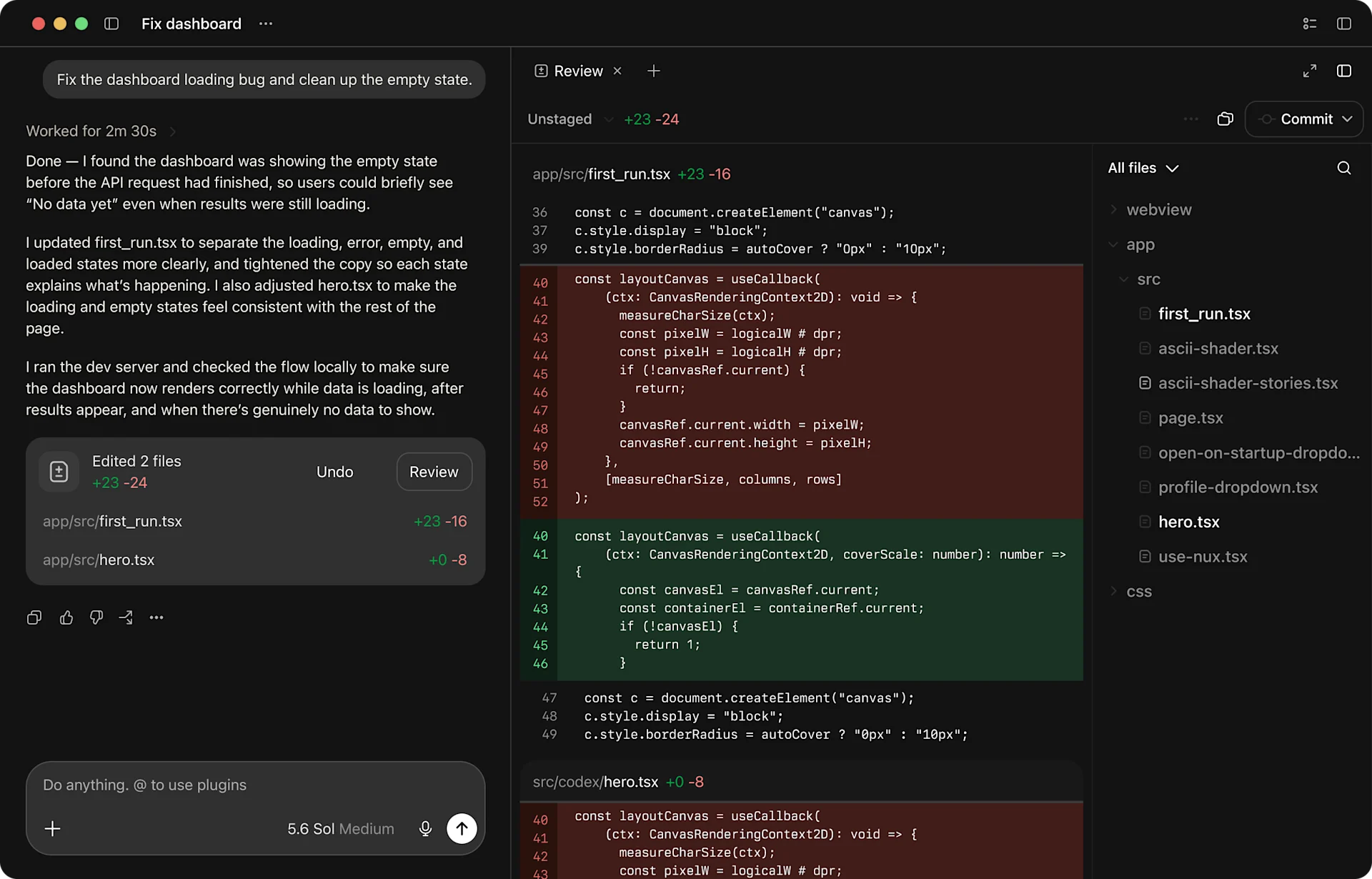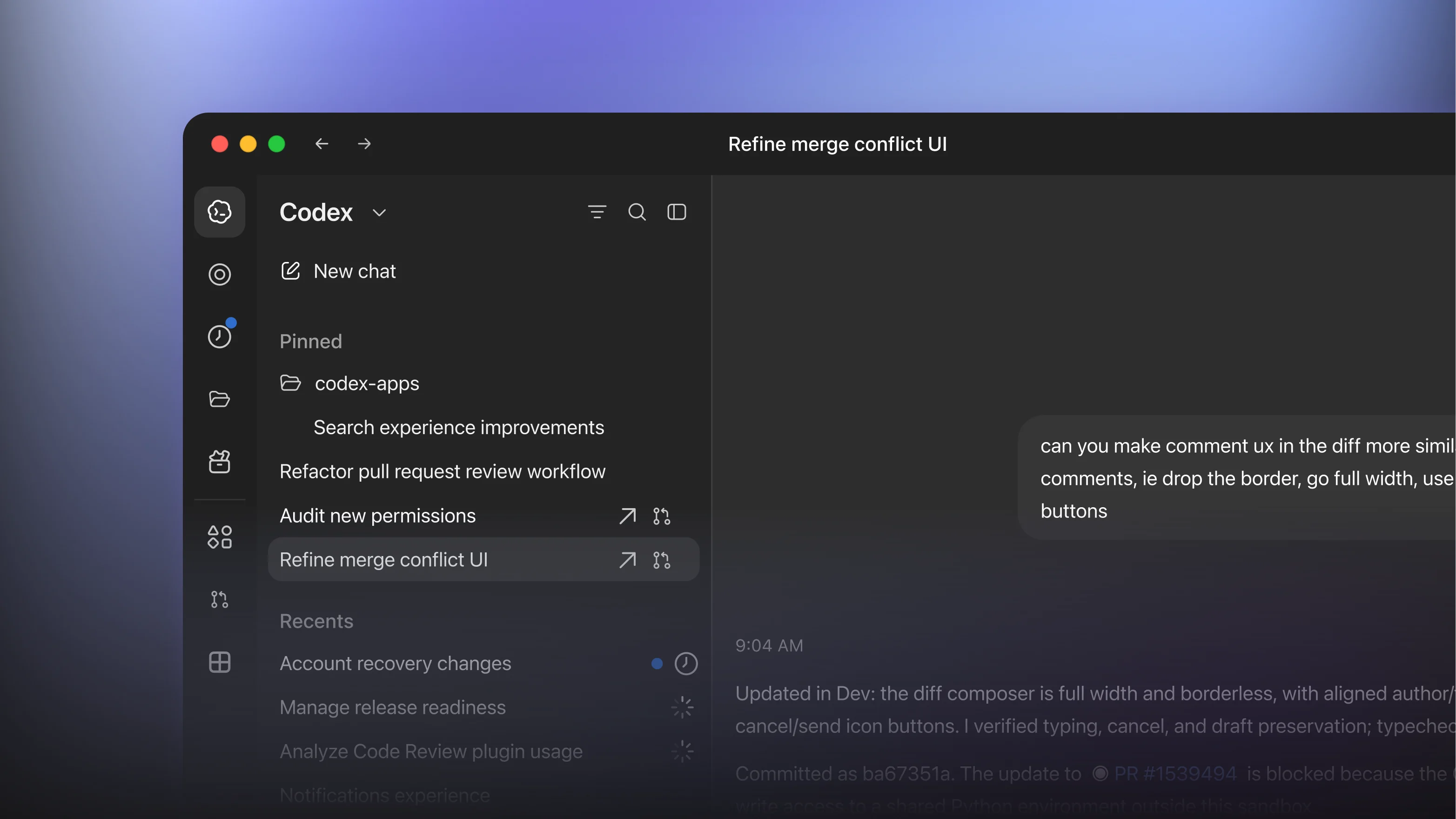
Key takeaways
- In the ChatGPT app, a Codex chat must be archived before it can be deleted from Settings > Archived chats.
- In the CLI, /delete removes the current session and codex delete <SESSION> removes any saved one, including the sessions it spawned.
- OpenAI says deleted app chats are removed from your history at once and from its systems within 30 days, with some exceptions.
To delete a chat in Codex, archive it first, then delete it from Settings > Archived chats in the ChatGPT app. In the Codex CLI, type /delete inside the session, or run codex delete <SESSION> from your shell. Both remove the transcript for good, and neither can be undone.
This guide covers each Codex surface as OpenAI's docs describe them on November 23, 2026: the app, the CLI, the IDE extension and Codex Cloud. It also covers where the CLI keeps files on disk, how to clear context without deleting anything, and what deleting leaves behind. OpenAI's Codex docs used to live at developers.openai.com/codex; those links now redirect to learn.chatgpt.com, which is where the pages cited here sit.
Archive vs. delete in Codex
Codex has two ways to get rid of a chat, and they do different things.
| Action | What it does | Can you undo it |
|---|---|---|
| Archive | Hides the chat from your active lists. The transcript stays. | Yes. Restore it from Settings > Archived chats, or with codex unarchive in the CLI. |
| Delete | Removes the transcript permanently. | No. |
If you only want a tidier sidebar, archive. If you want the conversation gone, delete.
How to delete a chat in the Codex app
OpenAI's help center article, Archiving and deleting Codex chats in the ChatGPT app, says you must archive a chat before you can delete it. So it takes two steps.
Step 1: archive the chat
- Open the Codex chat history sidebar.
- Hover over the chat and select the more options menu (•••).
- Select Archive.
If a confirmation appears, read it. The help article says archiving stops a running chat and removes any scheduled task attached to it.
To archive every chat in a project at once, OpenAI's Projects and chats page says to open the project's menu and select Archive chats.
Step 2: delete it
- Open Settings > Archived chats.
- Hover over the chat.
- Select the trash icon.
- Confirm Delete.
To clear them all, Settings > Archived chats also has an option to delete every archived chat at once, including chats inside projects.
How to delete a Codex chat in the CLI
The CLI has slash commands for the session you are in and subcommands for any saved session. All of them are listed in OpenAI's developer commands reference.
Delete the current session with /delete
- Type
/deleteand press Enter. - Confirm that you want to delete the session.
The docs say Codex then permanently deletes the transcript, its saved side chats and the sessions it spawned. If you are connected to a local background server or a remote server, Codex returns to the command center. Otherwise it exits.
/delete doesn't work while a chat is running or while you are in a side chat. Wait for the turn to finish, or leave the side chat first.
Delete any saved session with codex delete
From your shell:
codex delete <SESSION>
SESSION is a session ID or a session name. If an ID and a name match, the ID wins. Codex asks for confirmation. To skip the prompt in a script, pass --force:
codex delete <SESSION_UUID> --force
--force only works with a UUID. A session name still asks you to confirm, so Codex doesn't delete the wrong chat when two have similar names. To give a chat a name you can use later, type /rename <name> inside it.
If you don't remember the session, codex resume opens a picker of saved sessions. By default it shows sessions from the current directory. Add --all for sessions started elsewhere and --include-non-interactive for runs of codex exec.
Archive instead of deleting
/archive archives the current session, and codex archive <SESSION> archives any saved one. OpenAI says these commands clean up the session picker without deleting the transcript. Codex also tries to archive the subagent sessions the chat spawned. Bring a session back with:
codex unarchive <SESSION>
If a turn is running, confirming /archive stops it first.
All three subcommands, archive, unarchive and delete, accept --remote to act on a session held by a remote app server, with --remote-auth-token-env naming the variable that holds its token.
Where Codex CLI sessions are stored on disk
OpenAI's config basics page says Codex keeps its local state under CODEX_HOME, which defaults to ~/.codex. The files it names there:
config.toml, your settings.auth.json, if you use file-based credential storage.history.jsonl, if history persistence is on.- Logs, caches and other per-user state.
The same page says Codex saves local session transcripts under CODEX_HOME by default, giving ~/.codex/history.jsonl as the example. The configuration reference adds a SQLite state database for agent jobs and resumable state, which you can move with sqlite_home. The docs don't give the folder layout for each session's transcript file.
That matters for how you remove them. Use /delete or codex delete, which are documented to remove a session and the sessions it spawned. Don't delete ~/.codex as a whole: it also holds your config and possibly your login.
To stop saving transcripts in the first place, add this to ~/.codex/config.toml:
[history]
persistence = "none"
To keep history but cap its size, set history.max_bytes. When the file passes the cap, Codex drops the oldest entries. For one-off scripted runs, codex exec --ephemeral runs without saving session rollout files to disk.
Deleting chats in the IDE extension and Codex Cloud
The IDE extension's command list for VS Code and its forks has no archive or delete command. Its slash commands include /compact, /fork, /side and /status, which shows the chat ID. The docs don't say whether codex delete accepts an IDE chat's ID, so this is a gap. If you try it, the CLI will ask for confirmation before it deletes anything.
Codex Cloud tasks start as chats: on the web or in the desktop app you choose Work in > Cloud, and you review the results from the web, mobile or desktop app. The Cloud page doesn't describe a separate way to delete a task. The archive-then-delete steps above are the ones OpenAI documents for Codex chats in the ChatGPT app.
How to clear chat context in Codex without deleting
Often you don't need to delete anything. You want Codex to stop carrying an old conversation. The CLI has three commands for that:
| Command | What it does |
|---|---|
/clear |
Clears the terminal and starts a fresh chat. /clear release prep names the new chat. |
/new |
Starts a new chat in the same CLI session without clearing the terminal view. |
/compact |
Replaces earlier turns with a summary to free context, keeping the key details. |
Ctrl+L only clears the screen and keeps the current chat. Codex disables both /clear and Ctrl+L while a task is running. None of these commands is described as deleting a transcript. /resume reloads a saved chat from your session list, so to remove one for good, use /delete or codex delete.
In the IDE extension, Cmd+N on macOS or Ctrl+N on Windows and Linux starts a new chat, and /compact compacts the current one. In the app, start with New chat. Our guide to checking the Codex context window shows how to see how full a chat is before you decide.
What deleting a Codex chat removes, and what it doesn't
For chats in the app, the help center article says:
- A deleted chat disappears from your Codex history immediately.
- It is scheduled for permanent deletion from OpenAI's systems within 30 days. The exceptions are chats OpenAI must keep for security, safety or legal reasons, and chats that were de-identified and separated from your account after you allowed your content to be used for model improvement.
- Deleted chats can't be recovered through the app, the API or support. That includes chats removed with "Delete all chats".
- Signed-in chats, active or archived, stay in your account until you delete them. Archiving alone keeps them.
- Archiving doesn't remove connected app data referenced in a chat. Deleting the chat removes the conversation and its retained app data.
- Disconnecting an app stops future access but doesn't delete past chats that used it.
Three things the docs don't tie to deleting a chat:
- Memories. OpenAI's memories page says local Codex memories live under the Codex home directory and are reset with Delete Codex memories. It doesn't say deleting a chat removes memories made from it. ChatGPT memory is managed separately, under Settings > Personalization.
- Your code. Deleting a chat deletes the conversation. The docs don't say it reverts edits Codex made or touches commits and pull requests it created.
- Other Codex surfaces. The help article covers the ChatGPT app. The CLI commands cover local and remote CLI sessions. No page says that deleting in one place deletes in the other.
If a Codex chat seems to have vanished
Before assuming it was deleted, the help article suggests checking that you are signed in to the right account or workspace, looking in Archived chats, and refreshing or signing out and back in. Our guide on how to see archived chats in Codex covers restoring them, and Codex context limit vs. usage window explains the two limits people often confuse.
Frequently asked questions
How do I delete Codex chat history?
In the ChatGPT app, archive the chats, then open Settings > Archived chats, which has an option to delete all archived chats at once. In the CLI, delete sessions one at a time with codex delete <SESSION>, or turn off history saving with history.persistence = "none" in config.toml.
Can I recover a deleted Codex chat?
No. OpenAI's help center says deleted Codex chats can't be recovered through the app, the API or support. Archived chats can be restored.
Does /clear delete my Codex chat?
No. In the CLI, /clear clears the terminal and starts a fresh chat, and /new starts a new chat without clearing the screen. To remove a transcript, use /delete or codex delete.
Can I delete a Codex chat in VS Code?
OpenAI's IDE extension command list has no archive or delete command as of November 23, 2026. Its /status command shows the chat ID, but the docs don't say whether codex delete accepts it.
Sources
- Archiving and deleting Codex chats in the ChatGPT appOpenAI
- Developer commands (CLI)OpenAI
- Developer commands (IDE extension)OpenAI
- Projects and chatsOpenAI
- Config basicsOpenAI
- Configuration referenceOpenAI
- MemoriesOpenAI
- Codex CloudOpenAI
- Codex appOpenAI