Key takeaways
- On the website, cancel under profile menu > Subscription > Billing > Modify Plan > Cancel Plan; app store plans are cancelled in Apple's or Google's subscription settings.
- The plan stays active until the end of the billing cycle, then the account moves to the free plan and unused credits are lost.
- ElevenLabs refunds only requests made within 14 days of payment when no credits were used in that period.
To cancel an ElevenLabs subscription you bought on the website, open your profile menu, go to Subscription, then Billing, and choose Cancel Plan under Modify Plan. If you subscribed in the ElevenLabs iOS or Android app, you cancel ElevenLabs through Apple's or Google's subscription settings instead. Either way, the plan runs until the end of the period you paid for, and then the account drops to the free plan.
The steps below come from the ElevenLabs help center, checked on November 25, 2026. After them: what happens to your credits, cloned voices and audio, when you can get a refund, and how to downgrade or delete the account instead.
How to cancel your ElevenLabs subscription on the website
This is for plans paid on elevenlabs.io with a card.
- Log in at elevenlabs.io.
- Click your profile icon in the top right corner to open the account menu, then select Subscription.
- Click Billing.
- In the Modify Plan section, select Cancel Plan, then Proceed.
- Select Cancel Subscription to confirm.
- Check for the confirmation that your cancellation is scheduled for the end of the current billing cycle.
The cancellation doesn't take effect right away. Until the cycle ends you keep your paid plan, and you can undo the cancellation by clicking Resume subscription on the same page.
If a button does nothing or a popup never appears, ElevenLabs says the browser is usually blocking it. It recommends Chrome, Edge or Firefox. If that fails too, email support@elevenlabs.io from the address your ElevenLabs account uses.
How to cancel ElevenLabs on iPhone or Android
A subscription bought inside the ElevenLabs mobile app is billed by Apple or Google, so the website's Billing page can't stop it. ElevenLabs' help center says to open the Account page in the app and cancel through the Apple or Google Manage subscriptions settings.
You can also go straight to the store's settings. ElevenLabs lists these paths in its help page for the ElevenReader app:
- iPhone or iPad: Settings > [your name] > Subscriptions, then pick ElevenLabs and cancel.
- Android: open the Play Store, tap your profile icon, then Payments & subscriptions > Subscriptions.
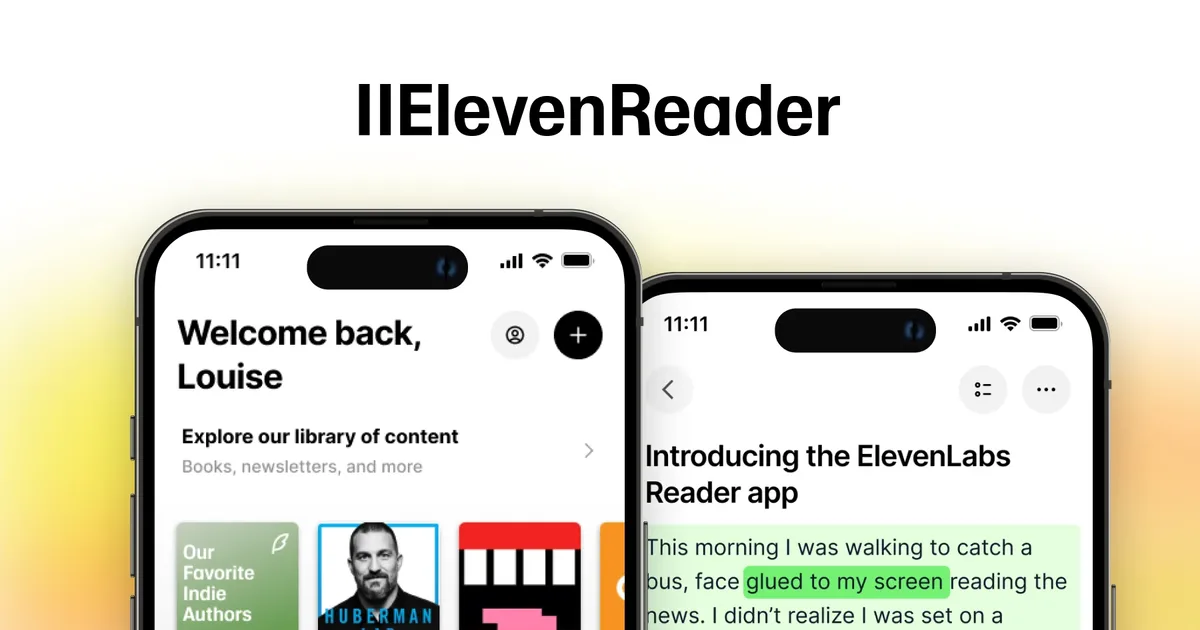
Cancelling ElevenReader
ElevenReader, the company's audiobook and reading app, has its own subscription. You cancel it where you bought it: in the App Store or Play Store as above, or on the web by signing in at ElevenReader.io, clicking your avatar, then Account details > Manage billing. ElevenLabs says you keep access until the end of the current billing period. Unused listening hours stay in the account for up to 12 months, but you can't use them on the free plan. You need to resubscribe within that window to get them back.
What happens to your credits after you cancel
You lose them. When the cancellation takes effect at the end of the cycle, ElevenLabs says any unused credits on your account are gone. Credits from a monthly plan don't carry over to the free plan.
So if you have a lot of credits left, it makes sense to use them before the cycle ends. Cancelling early doesn't cost you anything, because the plan keeps running until the date you already paid for.
Pay As You Go credits work differently. ElevenLabs stores them as a dollar value and converts them at your current plan's rate, so changing plans changes how many credits that balance is worth. They expire 12 months after purchase.
What happens to your cloned voices and projects
Nothing is deleted, but some of it stops working until you pay again.
- Cloned voices. Each plan has a set number of voice slots. When you move to a smaller plan, ElevenLabs keeps every voice but only lets you use as many as the new plan allows. Its example: 30 cloned voices on a downgrade to Starter, which allows 10, leaves 20 locked until you upgrade.
- Professional Voice Clones. The free and Starter plans can't use Professional Voice Cloning. A PVC stays on the account but can't generate audio until you move to Creator or above.
- Voice cloning in general. On the free plan you can't generate audio with your Instant or Professional Voice Clones, and some Voice Library voices, including those with custom rates, are off limits.
- Studio projects. Studio stays available on the free plan, which allows 500 projects. If you have more, you keep them but can't create new ones until you are under the limit.
- Dubs and other data. ElevenLabs says it does not delete your data when you downgrade or cancel, and that it will be there if you upgrade again.
One caveat. ElevenLabs also says content you generated stays accessible "for an unspecified amount of time," with no guarantee it will always be available on the free tier. Download audio you need before you cancel.
Can you still use audio you made while subscribed
Yes. ElevenLabs says you keep a commercial license, forever, for anything you generated during a paid subscription. Audio generated on the free plan, outside a subscription, always requires attribution.
Can you get a refund from ElevenLabs
Only in a narrow case. The refund policy says you are eligible if both are true:
- You ask within 14 days of the payment.
- You used no credits in the period the refund covers.
If you generated even a short clip after paying, you don't qualify under that policy. To ask, email support@elevenlabs.io from your account's email address and say why you want the refund.
App store purchases follow Apple's and Google's rules. ElevenLabs sends those requests to Apple's App Store support or Google Play support.
Why you were charged after cancelling
Usually because the cancellation came after a new billing cycle had already started. ElevenLabs says that in that case the subscription still renews for the new cycle, even if the invoice is unpaid, and the cancellation applies at the end of that cycle. Cancel a few days before your renewal date to avoid it.
Downgrade instead of cancelling
If you still want a paid plan but a cheaper one, downgrade. The steps start the same way:
- Log in, open the profile menu and select Subscription.
- Click Billing.
- In Modify Plan, pick the new plan from the Downgrade dropdown and confirm.
The downgrade also takes effect at the end of the cycle, and unused credits are lost then too. Until that date, Cancel downgrade keeps you on your current plan. Moving to the free plan is a cancellation, not a downgrade, so use the steps at the top.
ElevenLabs doesn't let you pause a paid plan. Its suggestion is to cancel, sit on the free plan, and resubscribe later from the Subscription page, which restores the features of the new plan and the content saved on the account.
To compare what each plan costs and includes before you pick one, see ElevenLabs plans and pricing.
How to delete your ElevenLabs account
Deleting the account is a separate step from cancelling, and it is permanent.
- Log in at elevenlabs.io.
- Click your profile icon and select Settings.
- Scroll down and click the red Delete Account button.
- Enter your account's email address and click Delete Account to confirm.
ElevenLabs won't delete an account with an outstanding payment, and you may not be able to sign up again with the same email address. The help page doesn't say what happens to an active subscription when you delete, so cancel it first and let it lapse. Data is then deleted under the company's Terms of Service and Privacy Policy. To ask for your personal data to be removed, ElevenLabs has a separate data subject request form.
Frequently asked questions
Do I lose my ElevenLabs credits if I cancel?
Yes. The cancellation takes effect at the end of your billing cycle, and any unused subscription credits are lost at that point. Pay As You Go credits are stored as a dollar value and expire 12 months after purchase.
Does ElevenLabs give refunds?
Only if you ask within 14 days of payment and used no credits in the period you want refunded. Email support@elevenlabs.io from your account's address; app store purchases are refunded through Apple or Google.
Can I pause my ElevenLabs subscription?
No. ElevenLabs doesn't offer pausing. You can cancel, stay on the free plan without anything being deleted, and resubscribe later from the Subscription page.
What happens to my cloned voices if I cancel ElevenLabs?
They stay on your account, but you can't generate audio with Instant or Professional Voice Clones on the free plan. They work again when you upgrade to a plan with enough voice slots.
Sources
- How do I cancel my subscription?ElevenLabs
- How do I request a refund or cancel my subscription in the ElevenLabs iOS or Android app?ElevenLabs
- How do I cancel my ElevenReader subscription?ElevenLabs
- What happens to my credits when I upgrade or downgrade my subscription?ElevenLabs
- What happens to my cloned voices when I downgrade the tier?ElevenLabs
- What happens to my content after my subscription ends?ElevenLabs
- What happens to my Studio projects if I downgrade my subscription?ElevenLabs
- What happens to my dubs if I downgrade my subscription?ElevenLabs
- What is your refund policy?ElevenLabs
- How can I request a refund?ElevenLabs
- Why am I getting a payment attempt after cancelling my subscription?ElevenLabs
- How can I downgrade my subscription?ElevenLabs
- Can I pause my subscription?ElevenLabs
- How can I delete my account?ElevenLabs
- How can I delete my account or request to have my data deleted?ElevenLabs