Key takeaways
- Apple Passwords has no separate charge and runs on iPhone, iPad, Mac and Windows through iCloud for Windows, but Apple's docs describe no Android app.
- 1Password costs $3.99 a month for one person or $5.99 a month for five family members, billed yearly, and runs on Android and Linux as well.
- Both encrypt logins end to end; 1Password adds a 128-bit Secret Key, while Apple keeps Passwords and Keychain keys on your trusted devices.
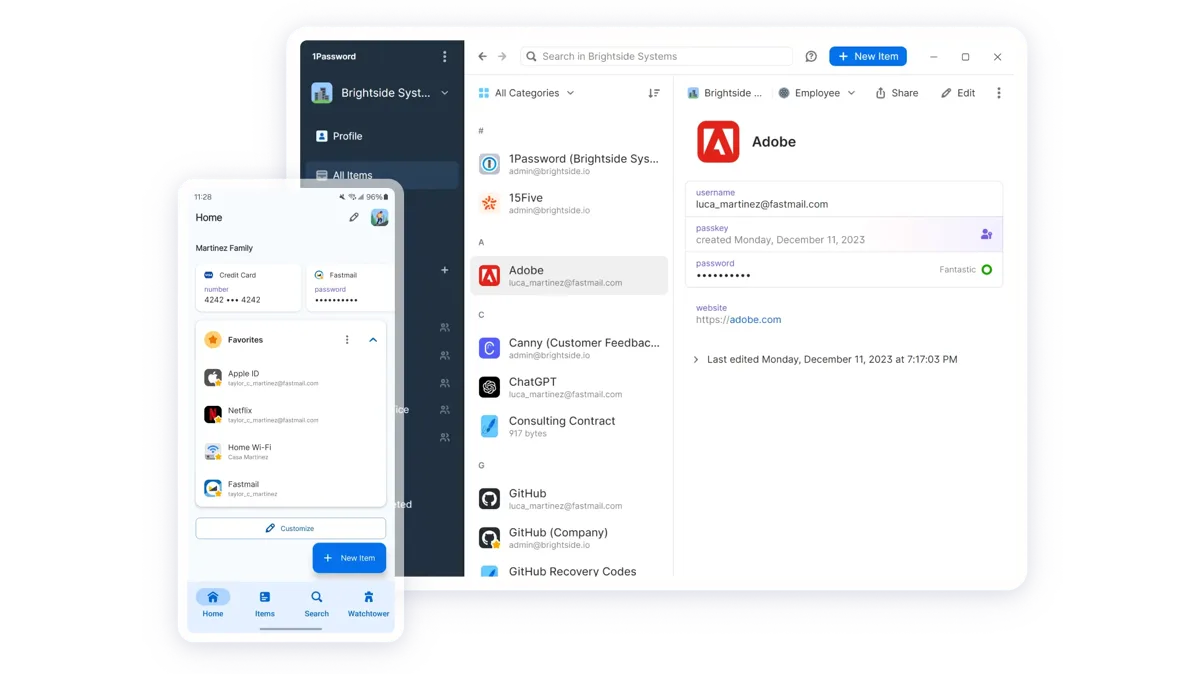
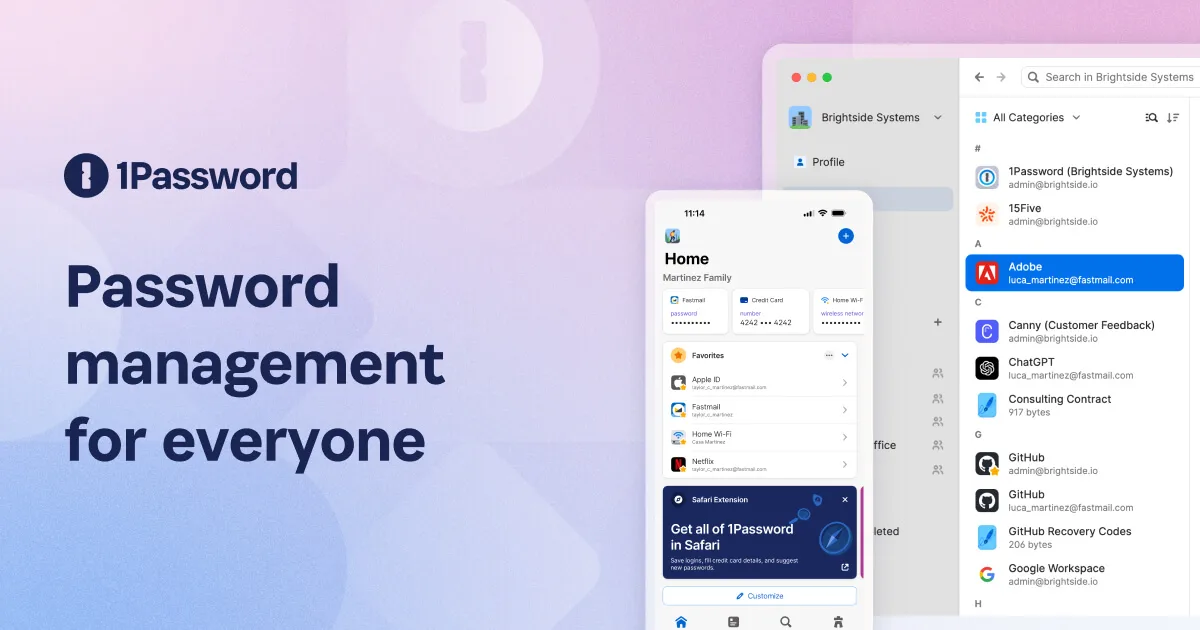
1Password vs Apple Passwords comes down to price and platforms. Apple Passwords is built into iPhone, iPad and Mac and also runs on Windows through iCloud for Windows, with no separate subscription. 1Password costs $3.99 a month for one person or $5.99 a month for a family of five, billed yearly, and runs on Android and Linux too.
If everyone you share logins with uses Apple devices, Apple Passwords covers the basics: passwords, passkeys, verification codes, shared groups and end-to-end encrypted sync. If anyone in the house uses Android, or you need to share logins with people outside your contacts, 1Password does more. This comparison is based on the products' own documentation and pricing pages, read on November 25, 2026.
1Password vs Apple Passwords at a glance
| 1Password | Apple Passwords | |
|---|---|---|
| Price | Individual $3.99/month, Families $5.99/month, billed yearly (regular prices as of November 25, 2026) | No separate charge; part of iOS, iPadOS and macOS |
| Free trial | 14 days, no credit card | Not applicable |
| iPhone and iPad | Yes, iOS and iPadOS 18 or later | Yes, built in |
| Mac | Yes, macOS Monterey 12 or later | Yes, built in |
| Windows | Yes, 64-bit Windows 10 or later | Yes, through iCloud for Windows |
| Android | Yes, from Google Play | No app in Apple's documentation |
| Linux | Yes, several distributions | No |
| Browser extensions | Chrome, Firefox, Edge, Brave, Safari | Safari built in; Chrome, Edge and Firefox on Windows; third-party browsers on Mac |
| Passkeys | Saved, synced and shareable like any item | Stored in iCloud Keychain, shareable in groups |
| Sharing | Shared vaults on Families, plus share links to anyone | Shared groups with people in your contacts |
| Encryption | Account password plus a 128-bit Secret Key | End-to-end encrypted, keys on your trusted devices |
| Storage for files | 1GB per user | Not offered |
| Import | Browsers, other managers, Apple Passwords on iOS 26 | CSV file |
| Export | Yes; passkeys only from the iOS and Android apps | CSV file, with exclusions |
How much 1Password and Apple Passwords cost
Apple Passwords has no price of its own. Apple's macOS Sequoia announcement introduced it in June 2024 as an app that ships with the operating system, replacing the passwords section of Settings.
1Password lists two consumer plans on its pricing page, as of November 25, 2026:
- Individual: $3.99 a month billed yearly, for one person, with 1GB of storage. It can't invite family members or guests.
- Families: $5.99 a month billed yearly, for up to five family members plus five guest accounts, with unlimited shared vaults and admin controls. Each person gets 1GB of storage.
A holiday promotion takes 25% off the first 12 months for new customers who buy yearly on 1Password.com, which brings the plans to $2.99 and $4.49 a month. The discount doesn't apply in the App Store, Google Play or other app stores. Both plans have a 14-day free trial with no credit card. The pricing page says yearly billing saves up to 40% but doesn't list the monthly-billed price.
For a family on Apple devices, the gap is about $72 a year at the regular price. That is the main thing 1Password has to justify.
Which devices each one works on
Apple Passwords runs on iPhone, iPad and Mac. On Windows, Apple's iCloud for Windows guide says you can manage passwords in the iCloud Passwords app and fill them in Chrome, Edge or Firefox with a browser extension. There are conditions: your Apple Account needs two-factor authentication, and either Advanced Data Protection must be on or an Apple device must be within Bluetooth range of the PC. Turning on the extension switches off the browser's own password saving. On a Mac, the Passwords app has a Get Browser Extension menu item for third-party browsers.
Apple's documentation describes no Android app and no Linux support. If you switch to an Android phone, your Apple passwords don't come with you unless you export them.
1Password's system requirements cover Mac (macOS 12 or later), 64-bit Windows 10 or later, iOS and iPadOS 18 or later, Android through Google Play, and Linux on Debian, Ubuntu, Fedora, CentOS and RHEL. Its browser extension supports Chrome, Firefox, Edge and Brave version 140 or later, and Safari 18.6 or later on macOS Ventura.
How sharing works
Apple's shared groups let you share passwords and passkeys with anyone in your contacts. Everyone needs iOS 17, iPadOS 17, macOS 14 or later. Only the person who made the group can add or remove people, but every member can edit the shared logins and add their own. One limit to know: a password or passkey can be in only one group at a time.
1Password shares in two ways. On the Families plan, shared vaults hold logins for the whole household, and you can make as many as you want. And any plan can share a copy of an item through a link that works even for people without 1Password. You pick when the link expires and whether it opens for anyone or only for certain email addresses. Changes you make later aren't sent until you share again.
1Password's model is more flexible. You can share a login with a babysitter or a contractor without adding them to anything permanent.
Passkeys in both apps
A passkey is a login that replaces the password with a key pair stored on your device, unlocked with Face ID, Touch ID or a PIN. Both apps support them.
Apple stores each passkey in iCloud Keychain, so it shows up on every device signed in to your Apple Account. On a Mac, you can also sign in by scanning a QR code with your iPhone or iPad and confirming with Face ID. Passkeys can go into shared groups like passwords.
1Password saves passkeys through its browser extension on Mac, Windows and Linux, and in Safari on iPhone and iPad. They are stored like any other item, so you can move them between vaults and share them. Exporting passkeys works only from the iOS and Android apps for now.
Security: Secret Key vs iCloud end-to-end encryption
Both encrypt your logins so the company can't read them. They get there differently.
1Password combines your account password with a Secret Key, a 128-bit random key created on your device. 1Password says it has no copy. The point is that a stolen copy of 1Password's servers is useless without that key, even if your password is weak. The cost is one more thing to keep safe: 1Password can't recover a lost Secret Key, which is why it gives you an Emergency Kit.
Apple lists "Passwords and Keychain" among the 15 categories that are end-to-end encrypted under standard data protection, with the keys kept on your trusted devices. You don't need to turn on Advanced Data Protection for this. Apple notes that because it doesn't hold these keys, it can't help you recover the data if you lose access to your account.
On November 25, 2026, 1Password disclosed that an attacker used an employee's GitHub account to take names, email addresses and other account records for some users. The company says vault contents and keys were not accessed and that it doesn't store Secret Keys. The full story is here. The main risk for affected users is phishing emails that use those details.
Moving between them: import and export
Leaving Apple Passwords is easiest on an iPhone or iPad with iOS or iPadOS 26 or later. 1Password's import guide says you can open Passwords, tap the menu and choose Export Data to Another App, which uses the Credential Exchange standard to hand your data straight to 1Password. 1Password also imports from Chrome, Firefox, Edge, Brave and Safari, and from Bitwarden, Dashlane, Keeper, LastPass, RoboForm and KeePass.
Going the other way means a CSV file. On a Mac, Apple's Passwords app imports a CSV exported from another app and keeps the passwords you already have. Apple's export also produces a CSV, which is not encrypted, so delete it once you're done. Wi-Fi passwords, Sign in with Apple accounts and passwords in groups you didn't create are left out.
Which one to pick
Pick Apple Passwords if every device you and your family use is made by Apple, and you share logins only with people in your contacts. It is free, encrypted end to end, and handles passkeys and verification codes.
Pick 1Password if anyone uses Android or Linux, if you want to share a login with someone who doesn't use your password manager, or if you want 1GB per person for files alongside your logins. For a household, that convenience costs $5.99 a month at the regular price.
If you're weighing 1Password against another paid option, see 1Password vs Bitwarden, which compares prices and security audits.
Frequently asked questions
Is Apple Passwords free?
Yes. The Passwords app ships with iOS 18, iPadOS 18, macOS Sequoia and later, and works on Windows through iCloud for Windows, with no separate subscription.
Does Apple Passwords work on Android?
Apple's documentation describes no Android app. Outside Apple devices, it supports Windows through iCloud for Windows, with extensions for Chrome, Edge and Firefox.
Can I move my passwords from Apple Passwords to 1Password?
Yes. On iOS or iPadOS 26 or later, open Passwords and choose Export Data to Another App to send your data straight to 1Password. On a Mac you can export a CSV file and import it.
Is Apple Passwords end-to-end encrypted?
Yes. Apple lists Passwords and Keychain as end-to-end encrypted under standard data protection, with keys stored on your trusted devices, so Advanced Data Protection isn't required.
Sources
- 1Password pricing: Individual and Families1Password
- About your Secret Key1Password
- 1Password system requirements1Password
- Share 1Password items securely with anyone1Password
- Save and sign in with passkeys1Password
- Import data into 1Password1Password
- Passwords User Guide for MacApple
- Share passwords with a groupApple
- Passkeys in Passwords on MacApple
- Import passwords on MacApple
- Export passwords on MacApple
- Set up iCloud Passwords on your Windows computerApple
- iCloud data security overviewApple
- macOS Sequoia takes productivity and intelligence on Mac to new heightsApple
- Update on the November 2026 security incident1Password